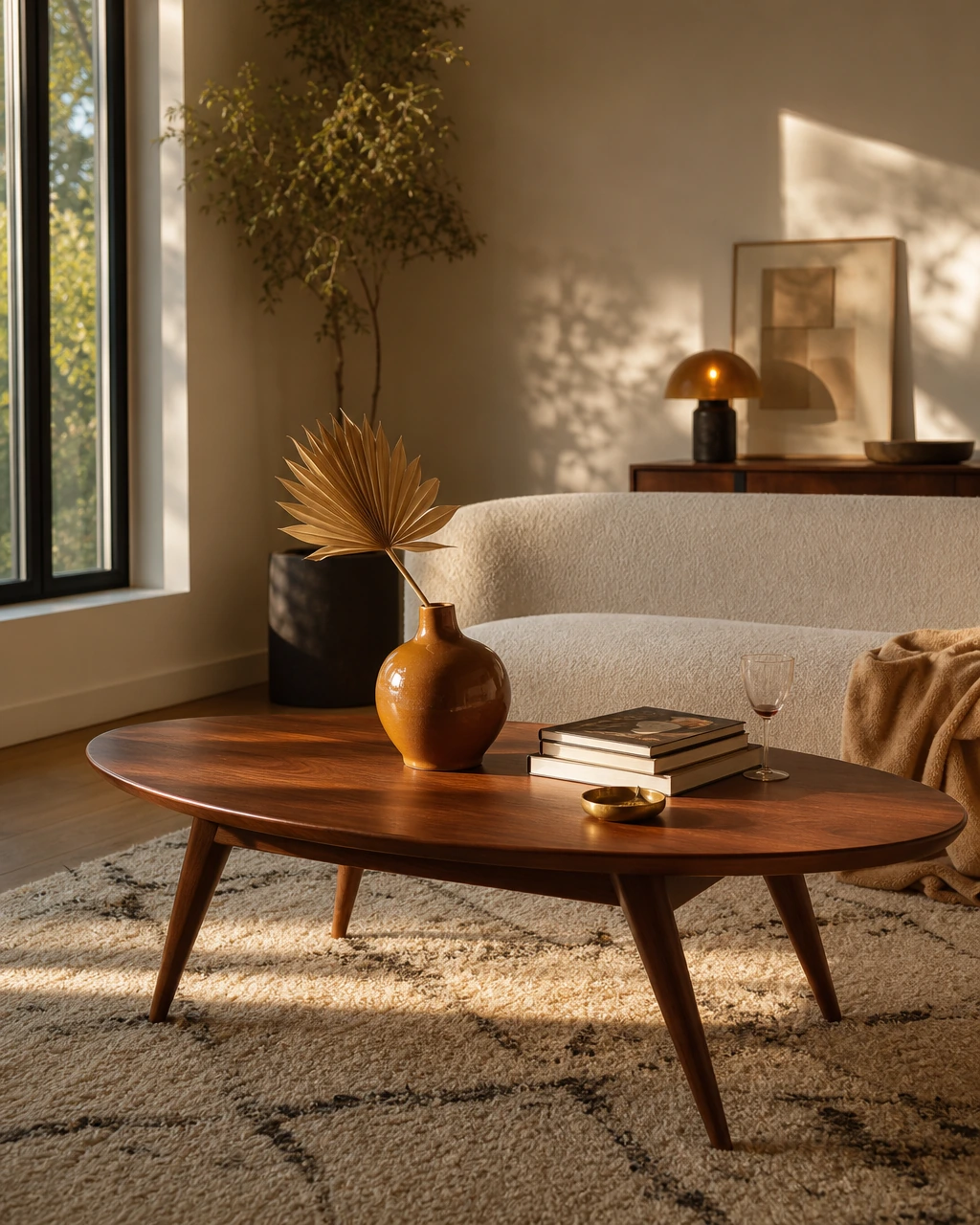
You just bought your first place in Seattle, and suddenly every decision feels permanent. The walls are still builder white. The dining area has become a holding zone for unopened boxes. You've saved the same warm, collected living room on Pinterest for eight months, but your actual space still has folding chairs, a rug that's too small, and 23 open tabs of sofas that all started to blur together.
The gap between inspiration and a finished room is where most apartment dwellers get stuck. Design apps can help you visualize furniture arrangements, test layouts before buying, and finally close those tabs. But most generate fantasy renders with furniture that doesn't exist or lock you into a single retailer's catalog. First Chair takes a different approach, helping you turn saved inspiration into cohesive, shoppable rooms with real pieces from brands like West Elm, CB2, and Crate & Barrel.
We analyzed 15+ design tools, reviewed hands-on testing from Apartment Therapy and Architectural Digest, and identified the 10 best apps for apartment design in 2025.
Key Takeaways
- Free tiers vary widely. Some apps offer robust free versions, while others put 80% to 90% of pieces behind paywalls.
- AR scanning eliminates measuring. Apps like MagicPlan use your phone's camera to capture room dimensions automatically.
- Shoppable designs save time. Homestyler and similar apps include real products from retailers you can actually purchase.
- 3D visualization helps prevent mistakes. Seeing furniture to scale in your space before buying reduces costly returns.
1) Planner 5D: For Beginners
Platform: iOS, Android, Web, Windows, Mac
Planner 5D is good at getting people unstuck. That’s different from helping them actually furnish a room.
The reason 120+ million people have tried it is simple: it removes the intimidation factor. You can drag pieces around, generate layouts quickly, and play with a space the same way you’d play The Sims. If you just signed a lease in Brooklyn and need to figure out whether a sectional blocks the walkway to the kitchen, that’s genuinely useful.
But here’s the tradeoff: Planner 5D is strongest at visualization, not decision-making.
The furniture is mostly generic. The room might look good in the render, but you still end up opening 14 tabs trying to figure out what sofa actually gives you that look. That’s where a lot of these tools quietly hand the work back to the user.
Key Features
- AI-powered room generation from photos or scratch
- 8,400+ piece catalog with furniture and decor
- AR home scanner for capturing room dimensions
- Offline mode with cloud sync across devices
The Limitations
The free version limits access to most catalog pieces, so you'll hit a wall quickly if you're trying to test real furniture options. The catalog skews generic, which works for visualizing layout but doesn't help if you're trying to decide between specific sofas from West Elm and Article.
How it Differs From First Chair: AI-generated rooms with generic furniture vs. curated designs with real, shoppable pieces.
2) RoomSketcher: For Accurate Measurements
Platform: All major platforms with offline support
RoomSketcher is for people who’ve already been burned by bad measurements.
If you’re furnishing a tight Chicago walk-up where the hallway turns twice before the living room, precision stops being a “nice to have.” It becomes the whole job. RoomSketcher is built for that moment. The app is excellent at spatial accuracy, clearance testing, and helping you avoid the very expensive mistake of ordering a sectional that physically cannot make the corner.
The live 3D walkthroughs are especially good because they expose problems floor plans miss. A room can technically fit a dining table and still feel terrible once you realize the chairs block the path to the kitchen.
But RoomSketcher leans more architectural than editorial. It helps you verify a room works. It doesn’t really help you decide what makes the room feel finished, cohesive, or personal.
Key Features
- Live 3D walkthroughs with interactive navigation
- Professional-grade measurement tools and annotations
- Custom branding options for professional use
- Next-business-day redraw services
The Limitations
The tool's strength (precision) is also its learning curve. If you just want to see how a room feels, the level of detail here might slow you down. The interface favors accuracy over speed.
How it Differs From First Chair: Floor plan precision without the shopping integration or design direction.
3) Homestyler: For Shoppable Products

Platform: Web and mobile
Homestyler is one of the few tools in this category that understands a render becomes much more useful once you can actually buy what’s inside it.
That alone puts it ahead of a lot of AI room apps that still generate fantasy furniture with no path to purchase. If you’re furnishing a first apartment in Austin and need a fast way to test layouts using real-world products, Homestyler does a solid job connecting inspiration to checkout.
But the experience starts to feel more like browsing a giant online marketplace than getting strong design direction.
The catalog leans heavily toward mass-market retail. That works if your goal is convenience and broad affordability. It’s less compelling if you’re trying to build a room that feels layered, collected, and a little more considered than what everyone else has in their cart.
Key Features
- AI designer generates layouts from text or image prompts
- Room scanner converts photos to 3D floor plans
- Direct links to purchase featured products
- Social community with design challenges
The Limitations
The product selection skews toward mass-market retailers. If you're looking for design-forward brands like Article, Lulu & Georgia, or Interior Define, you won't find much. Advanced rendering features require a paid subscription, and the coin-based credit system for unlocking features can feel gamified in a way that slows you down.
How it Differs From First Chair: Mass-market catalog with gamified features vs. curated, design-forward brands with straightforward shopping.
4) Roomstyler: Free Option
Platform: Web browser only
A lot of design apps gate the useful parts behind paywalls almost immediately. Roomstyler doesn’t. You can build layouts, test furniture, and move through the core workflow without constantly running into upgrade prompts, which makes it feel refreshingly low-pressure compared to newer apps built around credits and feature unlocks.
The real-brand catalog also matters more than it sounds. Being able to test with actual Design Within Reach or Arhaus pieces gives the room a more believable sense of scale than generic placeholder furniture.
But Roomstyler is very much a DIY tool. It gives you the parts. You still have to be the designer.
Key Features
- 120,000+ pieces including Design Within Reach and Arhaus products
- No download required, works in any browser
- Instant 3D preview while designing in 2D
- Design contests and community sharing
The Limitations
It's browser-only, so if you prefer working on your phone while standing in your apartment, you're out of luck. The interface feels dated compared to newer apps, and while the catalog includes real brands, you're still manually searching and assembling pieces without design guidance.
How it Differs From First Chair: DIY assembly of branded furniture vs. styled, cohesive room concepts designed for you.
5) Floorplanner: Quick Floor Plans
Platform: Web browser
Floorplanner is fast in the way most people actually need. You can sketch the room, drop in your existing furniture, and figure out whether the apartment works before spending the next year annoyed at a layout mistake you could’ve caught in 20 minutes.
The 2D-to-3D switch is especially useful because overhead floor plans can be misleading. A living room might technically fit a sofa and dining table, then immediately feel cramped once you see the sightlines and walking paths at eye level.
But Floorplanner is fundamentally a planning tool, not a taste tool.
Key Features
- 150,000+ pieces including Crate & Barrel and Design Within Reach
- Instant 2D to 3D conversion
- Generous free tier for personal use
- Browser-based, no installation needed
The Limitations
The speed comes at the expense of detail. The renders are functional but not photorealistic, which makes it harder to evaluate how a room will actually feel. Like most layout apps, it helps you visualize but doesn't offer design direction or cohesive styling.
How it Differs From First Chair: Fast layout testing without the styling, curation, or shopping integration.
6) HomeByMe: Photorealistic Renders
Platform: Web and mobile
HomeByMe is for people who need to see the room before they believe in it.
Some apps give you functional layouts. HomeByMe gives you atmosphere. The renders are polished enough that you can actually evaluate how light hits the room, whether the materials feel cold or warm, and whether the space has the mood you were picturing in your head.
The 360-degree walkthroughs are especially useful when you’re designing with another person. If you’re moving in with a partner and trying to get aligned on a living room before spending five grand on furniture, seeing the room from eye level changes the conversation fast.
But HomeByMe still leaves the execution layer mostly up to you.
Key Features
- Photorealistic 3D visualization
- 360-degree virtual tours
- 20,000+ branded products with pricing
- HD image generation for sharing
The Limitations
The catalog is smaller than competitors at 20,000+ products, and like most rendering-focused apps, it emphasizes visualization over shopping workflow. The renders look amazing, but turning that into a real room still requires manually tracking down and purchasing each piece.
How it Differs From First Chair: Beautiful renders of spaces you then have to recreate yourself vs. styled rooms with direct shopping links.
7) MagicPlan: For AR Scanning
Platform: Mobile (iOS and Android)
MagicPlan is the app for people who are tired of pretending they know how to measure a room correctly.
If you’ve ever written dimensions on a crumpled note app sketch, forgotten to account for baseboards, or realized too late that the “11-foot wall” was actually 9'8" once the radiator entered the conversation, MagicPlan solves a very real problem fast.
The AR scanning is the standout feature because it removes friction at the exact moment most people give up. You point your phone around the room, and the app captures dimensions automatically, including the weird architectural quirks older apartments love to hide. Alcoves. Angled ceilings. Tiny offset walls that suddenly matter when you’re trying to fit a media console.
Key Features
- AR-powered room scanning with automatic measurements
- 2D and 3D floor plans from photos
- Project management hub for organizing files
- Professional tool accessible to homeowners
The Limitations
MagicPlan focuses on measurement and floor plans, not furniture selection or styling. It's a solid first step in the design process but doesn't help you decide what to actually put in those accurately measured rooms.
How it Differs From First Chair: Accurate room capture without the design, styling, or shopping components.
8) Morpholio Board: For Mood Boarding
Platform: iOS and iPadOS
Morpholio Board is excellent at feeding the inspiration phase. The problem is that many people are already stuck there.
If your apartment still looks unfinished after eight months because you keep saving references instead of making decisions, another mood board can quietly become procrastination disguised as progress.
That’s the real tradeoff with Morpholio.
The app absolutely understands how design-minded people think. The Pinterest integration is smart. The ability to organize visual references into a clearer aesthetic direction is genuinely useful. And for architects, stylists, or people deep into the creative side of interiors, it’s a beautifully built tool.
But most people furnishing a real apartment in Brooklyn, Chicago, or LA do not actually need more inspiration. They need help committing.
Key Features
- Pinterest integration for seamless inspiration import
- Apple Lidar scanner support for iPhone Pro models
- Custom board creation from any website
- Professional-grade design tools
The Limitations
It's iOS-only, so Android users are excluded. More importantly, it's a mood board tool, not a room design or shopping tool. It helps you collect and organize inspiration but doesn't translate that into furniture layouts or shoppable products.
How it Differs From First Chair: Inspiration organization without the translation to shoppable, styled rooms.
9) Spoak: Best for Learning While Designing
Platform: Web
Spoak is one of the few platforms in this category that treats decorating as a skill you can actually learn.
That’s either the appeal or the friction, depending on why you opened the app in the first place.
If you’re the kind of person who wants to understand why one room feels calm and expensive while another feels cluttered and slightly off, Spoak does a thoughtful job teaching the principles underneath good interiors. Scale, spacing, visual weight, layering, contrast. The platform gives you vocabulary for instincts you probably already had but couldn’t articulate yet.
Key Features
- Floor plan and Viz rendering tools
- Built-in Design School with courses
- Community-powered product directory
- Mood boards and mock-up creation
The Limitations
The educational focus is great if you want to build design skills, but if you just want your apartment to look good without becoming a designer yourself, the learning curve adds friction. The product directory is community-powered, which means it's less comprehensive and less reliable than retailer-integrated catalogs.
How it Differs From First Chair: DIY design education. First Chair is a professional design service that handles the hard parts for you.
10) SketchUp Free: Best Professional Capabilities
Platform: Web and desktop
There’s a reason architects and interior designers still use it professionally. The control is incredibly deep. If you want to model custom built-ins, test exact ceiling heights, or figure out whether a dining pendant hangs too low over the table, SketchUp can handle it.
The problem is that most people furnishing a real apartment do not actually want another skill to master. They want a room that feels finished before their lease renewal.
Key Features
- 3D Warehouse with premade furniture models
- Photorealistic rendering with V-Ray integration
- Professional precision with relatively intuitive interface
- Extensive tutorials and learning resources
The Limitations
The learning curve is real. This is professional software with professional complexity. If you're decorating one apartment and don't have time to learn 3D modeling basics, SketchUp is overkill. The free version also limits functionality compared to the paid tier.
How it Differs From First Chair: Professional design software requiring skill vs. a service that designs rooms for you using real products.
What These Apps Miss
Most design apps excel at visualization but fall short on execution. They help you see what a room could look like, then leave you to figure out how to actually buy and assemble it. The gap between "this render looks great" and "this room is finished" remains wide.
Catalogs skew toward mass-market retailers or include pieces that don't exist. AI renders create beautiful rooms filled with furniture you can't purchase. And even apps with shoppable products rarely curate across the brands design-minded people actually want: West Elm, CB2, Pottery Barn, Lulu & Georgia, Article.
Why First Chair
First Chair handles the part most apps skip: turning inspiration into a cohesive room you can actually buy. Upload a photo of a space you love, describe the direction ("Scandinavian with walnut warmth" or "minimal but not cold"), and First Chair generates room concepts using real, in-stock pieces from retailers you'd actually shop.
No fake renders. No single-retailer lock-in. Just considered recommendations with insider pricing built in.
The difference is execution. These apps help you visualize. First Chair helps you finish.
Frequently Asked Questions
Can design apps help me visualize furniture in my actual apartment?
Yes. Apps like Planner 5D and MagicPlan include AR features that let you see furniture placed in your real room through your phone's camera. MagicPlan's AR scanning also captures room dimensions automatically, eliminating manual measurement.
Are there apartment design apps that help with purchasing furniture?
Homestyler includes 300,000+ shoppable pieces with direct links to retailers. HomeByMe and Roomstyler also feature real products with pricing. For curated, multi-retailer shopping with design guidance, First Chair specializes in connecting inspiration to purchasable room concepts.
How can design apps help me decorate a small apartment?
Floor plan tools show exactly how furniture fits before you buy. Apps like RoomSketcher and Floorplanner let you test arrangements and identify pieces scaled for smaller spaces. The measurement precision helps avoid the common mistake of ordering furniture that overwhelms a room.
What's the difference between a 3D room design app and a room planner app?
Room planners focus on floor plans and furniture arrangement from an overhead view. 3D design apps add realistic visualization so you can see how a room feels from eye level. Most modern apps include both capabilities, with varying levels of render quality.