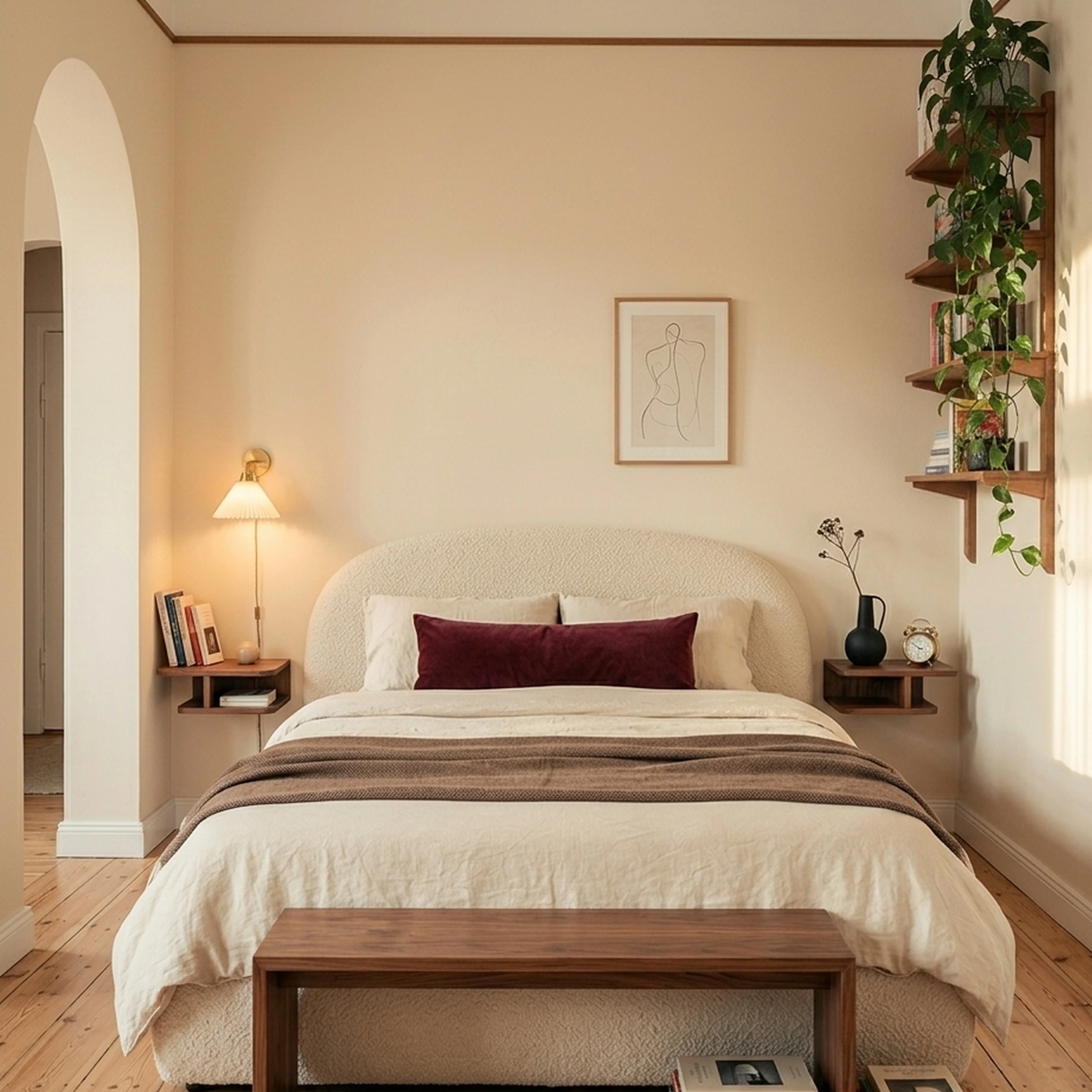
You just signed a lease on a sun-soaked apartment in Austin. The living room has a weird diagonal wall, ceilings tall enough to echo, and exactly one spot where the sectional fits without blocking the balcony door. You've been saving rooms on Pinterest for six months, but your actual place still looks half-unpacked. HomeByMe seemed promising until the renders dragged and the free plan locked you into two projects.
There's a better way to go from inspiration to a room that actually feels finished. First Chair and these six alternatives take different approaches depending on what's slowing you down. Some are stronger for floor plans. Some are better for quick visualization. Others help you source real, shoppable pieces from brands like CB2, West Elm, Lulu & Georgia, and Article instead of leaving you with a render you still have to reverse-engineer into purchases.
Key Takeaways
- First Chair turns inspiration into shoppable rooms. Upload a photo of a space you love, describe your style, and get curated concepts featuring real furniture from retailers like CB2, and Crate & Barrel with insider pricing built in.
- HomeByMe's biggest pain points are speed and restrictions. Renders take significant time, the free tier caps your projects, and stability issues pop up frequently.
- Planner 5D offers a generous free tier with unlimited projects and AI-assisted layout tools.
- RoomSketcher wins for professional floor plans with measured accuracy that real estate agents and contractors prefer.
- Most alternatives focus on visualization, not shopping. First Chair generates room concepts where every piece is real, purchasable, and sourced across multiple retailers.
1. First Chair: Shoppable Room Concepts From Your Inspiration
First Chair exists to solve the gap between saving inspiration and actually furnishing a room. You upload a photo of a space you love, whether it's a hotel lobby in Austin, a friend's living room, or a cafe you photographed in Chicago. Describe the direction you want: Scandinavian with walnut warmth and deeper seats, mid-century modern with aged brass and rounded arms, minimalism with weight and lived-in materials. First Chair interprets it and generates curated room concepts featuring real furniture you can purchase.
Key Features
- Upload inspiration photos and describe nuanced style preferences
- Receive curated room concepts with cohesive furniture and decor
- Every piece is real and purchasable from retailers including West Elm, CB2, Crate & Barrel, Pottery Barn, and Lulu & Georgia
- Insider pricing on most pieces
- Multi-retailer sourcing means you're not locked into one brand's catalog
How It Works
First Chair is currently in early access with waitlist sign-ups. Early users receive furniture credit as an onboarding incentive.
What It Does Well
First Chair closes the loop between inspiration and execution. Instead of generating fantasy rooms with furniture that doesn't exist, every recommendation connects to something you can add to your cart. The curation feels considered, like working with a friend who happens to know every furniture retailer worth shopping. For someone furnishing a 650-square-foot apartment in San Francisco and trying to make a deep-seat performance velvet sofa work with a walnut coffee table and a vintage rug, First Chair handles the coordination.
Why First Chair Stands Apart
Traditional design software generates renders. First Chair generates rooms you can actually buy. The difference matters when you've wasted weekends scrolling through 47 open tabs trying to match a sofa to a rug to a lamp. First Chair pulls across brands you already know and brands you haven't met yet, with insider pricing that shows up at checkout.
2. Planner 5D: Best Free Tier for DIY Floor Planning
Skip Planner 5D if you already have your floorplans figured out. This tool is best for people still working through the physical puzzle of the room: where the sectional goes, whether the dining table crowds the walkway, or if the bed placement kills the natural light.
Key Features
- Unlimited free projects with access to half the furniture catalog
- AI Design Generator creates layouts from room dimensions
- Available on web, iOS, and Android
- 4K renders and CAD export on professional plans
- VR walkthroughs on higher tiers
What It Does Well
Planner 5D excels at letting you experiment without commitment. The free tier is generous enough to plan multiple rooms, test furniture arrangements, and visualize layouts before buying anything. The AI assistant speeds up the tedious work of placing walls and doors. For renters trying to figure out if a 72-inch sofa will fit through a 30-inch doorway, the measurement tools help.
How it differs from First Chair: Planner 5D helps you map the room. First Chair helps you finish it with real, shoppable pieces you can actually buy.
3. RoomSketcher: Professional Floor Plans for Real Estate and Contractors
Skip RoomSketcher if what you need is design direction. This is a technical planning tool first. It’s built for people who care more about exact wall measurements and print-ready layouts than whether the room actually feels pulled together afterward.
Real estate agents use it to prep listings. Contractors use it to communicate layouts to clients. If your priority is accuracy, RoomSketcher is dependable.
Key Features
- 2D and 3D floor plans with precise measurements
- Team collaboration with multiple users on professional plans
- Branding options for real estate marketing
- Import floor plan images to trace over
- Dedicated account manager on enterprise plans
What It Does Well
RoomSketcher is strongest when the room needs to be documented clearly. The floor plans look polished enough for listing decks, contractor walkthroughs, and renovation planning. Measurements are reliable. The platform is stable. If you need to communicate dimensions without confusion, it gets the job done.
How it differs from First Chair: RoomSketcher tells you where the walls go. First Chair helps you turn the room into somewhere you actually want to live.
4. Homestyler: Community-Driven Design With AR Preview

Homestyler is not your best choice if endless inspiration already overwhelms you. The platform is strongest for people who like browsing ideas, remixing templates, and experimenting visually before making decisions.
Homestyler combines 3D room planning with a large design community where users share layouts, concepts, and completed spaces. The AR preview tool also helps answer practical questions fast, like whether a chunky boucle accent chair completely takes over a narrow apartment living room.
Key Features
- Strong community with shared templates and design inspiration
- AR preview for visualizing furniture in your space
- 4K and 8K rendering on paid plans
- Brand catalog including real furniture pieces
- Free tier with full features but limited renders
What It Does Well
Homestyler's community aspect helps if you're stuck for ideas. Browsing completed projects from other users can spark direction when you're facing a blank room. The AR preview is useful for checking scale before ordering, which matters when a 36-inch round coffee table might overwhelm your 8x10 rug.
How it differs from First Chair: Homestyler gives you more inspiration to sort through. First Chair narrows the field and helps you commit to a room that actually works together.
5. Coohom: Enterprise-Grade Rendering for Furniture Brands
Coohom makes more sense for furniture companies than for people furnishing their own homes. This platform is built for brands, retailers, and professional teams that need polished renders at scale, not for someone trying to decide whether a deep-seat sectional will overwhelm a 10-foot living room.
Coohom focuses on photorealistic rendering, VR showrooms, and product visualization workflows. The speed is the real selling point. Compared to slower rendering tools, Coohom processes high-resolution images fast enough to actually work for e-commerce teams managing large catalogs.
Key Features
- Fast cloud rendering with photorealistic output
- Product configurators for customizable furniture
- VR showroom creation for immersive shopping
- E-commerce integration via API
- DWG import for professional workflows
What It Does Well
Coohom solves the "I need beautiful product shots" problem for furniture brands and retailers. The rendering quality and speed make it practical for e-commerce catalogs where waiting hours for a single image isn't viable. Interior designers working with furniture manufacturers appreciate the technical integration options.
How it differs from First Chair: Coohom helps furniture brands market products. First Chair helps you build a room around the right ones.
6. Floorplanner: Simple Browser-Based Layout Planning
Floorplanner keeps things straightforward with browser-based floor planning that doesn't require downloads or steep learning curves. Small businesses and real estate professionals use it for quick layouts.
Floorplanner works best when you want something fast, simple, and low-commitment. You can open the browser, sketch a room, test a layout, and move on without downloading software or learning complicated tools first.
That simplicity is exactly why small businesses, renters, and real estate professionals keep using it.
Key Features
- Browser-based with no download required
- Simple drag-and-drop interface
- Export to 2D and 3D formats
- White-label options for real estate
- Basic furniture library for arrangement testing
What It Does Well
Floorplanner gets you from a blank page to basic floor plan faster than most alternatives. The interface is approachable enough that you don't need tutorials to start. For sketching quick layouts to test if a dining table fits, it works.
How it differs from First Chair: Floorplanner helps you see if the furniture fits. First Chair helps you figure out which furniture is actually worth bringing into the room.
7. Sweet Home 3D: Free Open-Source Software for Desktop
Sweet Home 3D still makes sense for people who want a completely free design tool and don’t mind doing the work themselves. It’s old-school desktop software, but that’s also part of the appeal. No subscriptions, no locked features, no pressure to upgrade halfway through a project.
The platform has been around since 2005 and still has an active community building furniture libraries and custom assets around it.
Key Features
- Completely free with no usage limits
- Desktop application with local file storage
- Import custom 3D models
- Create floor plans and virtual walkthroughs
- Active community with free furniture libraries
What It Does Well
Sweet Home 3D removes cost as a barrier entirely. Students, hobbyists, and anyone testing whether they enjoy space planning can experiment without financial commitment. The open-source model means the software stays available regardless of company decisions.
How it differs from First Chair: Sweet Home 3D gives you a blank room and asks you to figure it out yourself. First Chair gives you direction, curation, and real pieces that actually work together.
Between Rendering a Room and Finishing One
HomeByMe offers a huge catalog of over 300 brands including names like Crate & Barrel and Wayfair. The photorealistic renders look impressive when they finally appear. But the pain points are consistent.
Rendering takes too long
Low-res images take ages to render. When you're trying to iterate on design concepts, waiting extended periods for each render kills momentum.
The free tier feels restrictive
Limited projects and images per month means you hit walls quickly if you're furnishing multiple rooms or testing different directions.
Stability issues persist
The application crashes more than it should, even after following support instructions.
It doesn't help you buy
You get nice renders but no clear path to purchase. You're still on your own finding and buying the actual pieces.
These friction points explain why people search for HomeByMe alternatives. The question becomes whether you need a different visualization tool or a different approach entirely.
Why First Chair Feels Different
Most HomeByMe alternatives solve one piece of the process. Planner 5D helps with layouts. RoomSketcher handles technical floor plans. Homestyler gives you inspiration to browse. Coohom creates polished renders for brands. Floorplanner keeps spatial planning simple.
First Chair starts from a different assumption: the hard part usually isn’t drawing the room. It’s making confident decisions inside it. Instead of generic furniture libraries and placeholder pieces, First Chair builds concepts around real products from brands people already shop and save, like CB2, West Elm, Crate & Barrel, Lulu & Georgia, Pottery Barn, and Article. This is more “this is the move” than “here are 47 possibilities.”
Frequently Asked Questions
What are the best free alternatives to HomeByMe for 3D home design?
Planner 5D offers the most capable free tier with unlimited projects and access to half the furniture catalog. Sweet Home 3D is completely free with no restrictions. Floorplanner provides basic free functionality for simple layouts. HomeByMe's free tier caps your projects, making these alternatives more practical for ongoing use.
Can I use these platforms to buy real furniture, or are they just for visualization?
Most alternatives focus on visualization rather than shopping. First Chair is the exception, generating room concepts where every piece is real, purchasable, and sourced across retailers like West Elm, CB2, and Pottery Barn. HomeByMe and Homestyler include brand catalogs you can browse, but the shopping integration is secondary to the design tools.
How does First Chair compare to HomeByMe for purchasable furniture?
HomeByMe shows a large catalog but focuses on visualization first. First Chair starts with the furniture purchase as the goal. Every concept First Chair generates features pieces you can add to your cart immediately, with insider pricing across multiple retailers. HomeByMe helps you visualize. First Chair helps you buy.
What features should I prioritize in a home design or room planner app?
It depends on your goal. For layout testing, prioritize measurement accuracy and unlimited projects. For professional documentation, prioritize print-ready output. For actually furnishing a room with cohesive furniture you can buy, prioritize shopping integration and style curation. Rendering speed matters if you plan to iterate frequently.
Are there any tools that help with both floor planning and interior decoration?
Several platforms combine floor planning with decoration features. Planner 5D, Homestyler, and HomeByMe all offer floor plan creation alongside furniture placement. However, the "decoration" in these tools means arranging generic 3D models. For curated decoration guidance with actual purchasable pieces from brands like Rejuvenation, Article, or Anthropologie Home, First Chair takes a different approach by focusing on the finished room rather than the technical layout.