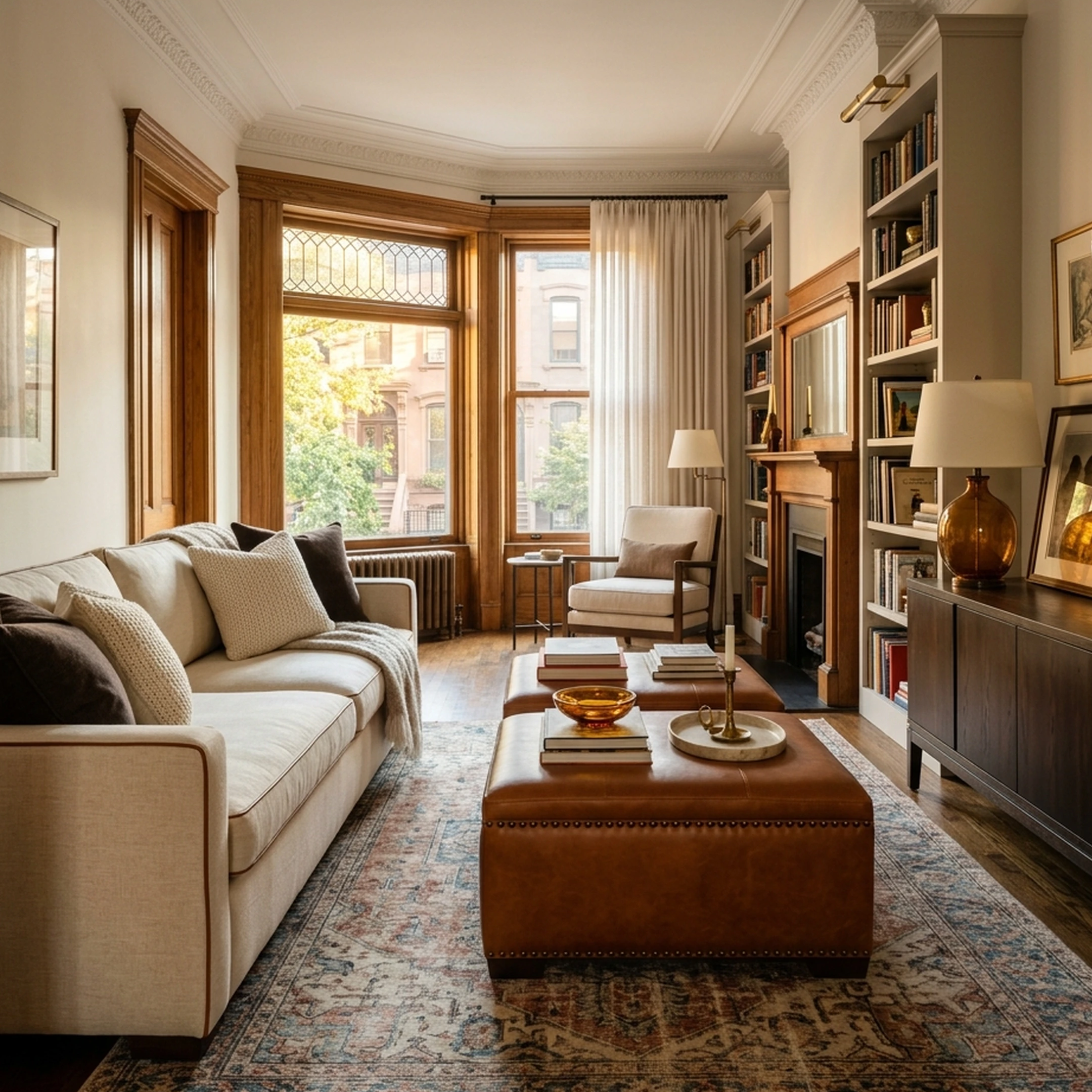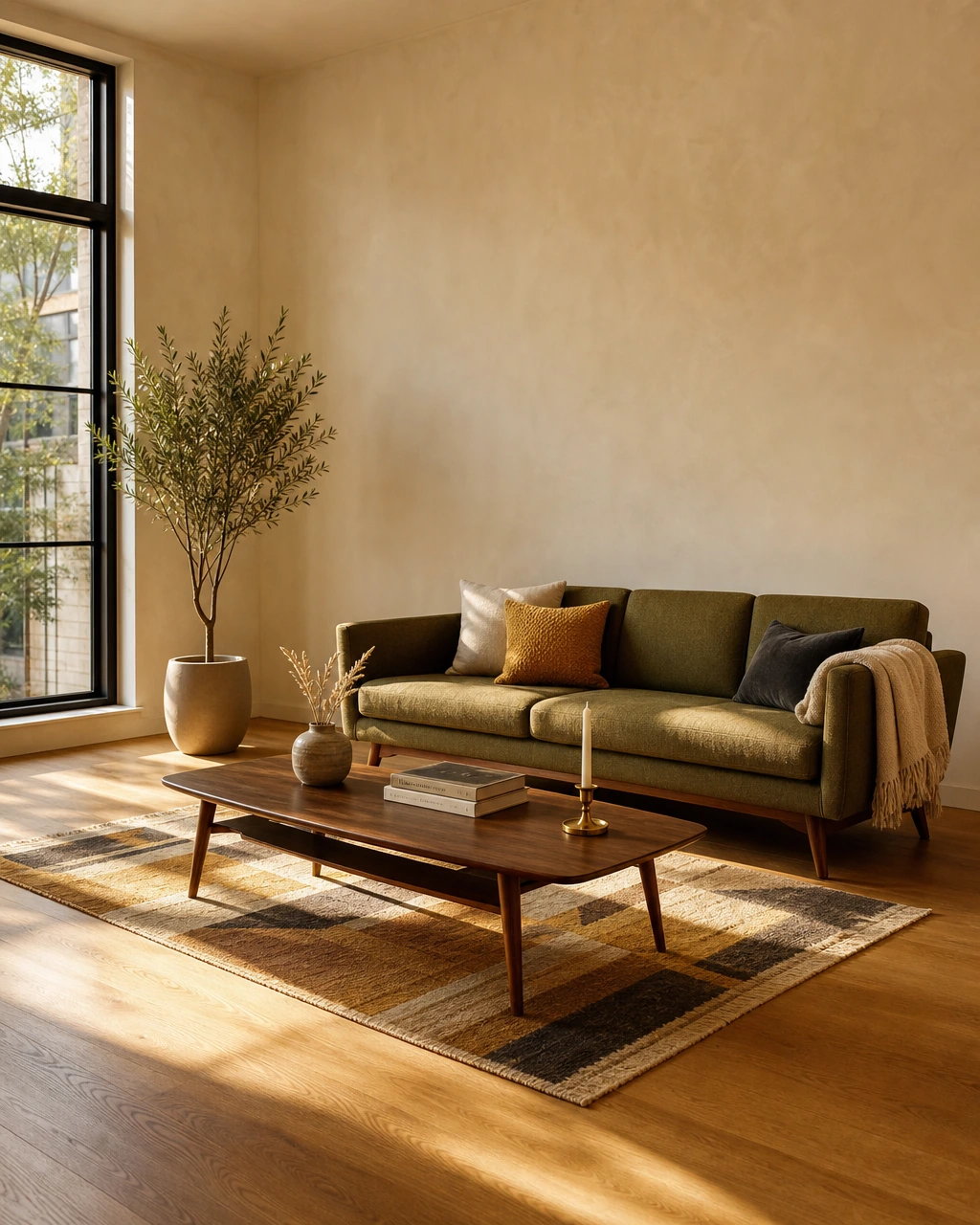
You’ve just bought your first condo in Chicago. The hardwood floors are beautiful, the windows bring in more light than you expected, and for the first time, you can make the space entirely your own. The only problem is figuring out where to start. Your saved interiors are full of sculptural sofas, warm wood, and layered lighting, but none of them came with your living room’s measurements.
Before you commit to a sofa from West Elm or a dining table from CB2, you want to know how everything will fit together. The best interior design apps for beginners help you turn a clear point of view into a room that actually works. We’ve picked ten worth exploring in 2026.
Key Takeaways
- The job determines the app. Floor plans, AI photo redesigns, human-guided shopping, and packaged furnishing plans solve different problems, and no single feature list covers all four.
- Free tiers have real limits. Most apps here cap free users at one active project, a handful of exports, or a watermark, long before a room is finished.
- Market growth is accelerating. The U.S. interior design software market is projected to grow from $1,450.1 million in 2024 to $2,483.9 million by 2030, so more tools are arriving, not fewer.
- AR and LiDAR scanning need the right hardware. Room-measurement features that sound automatic often require a specific phone sensor or a manual workaround.
- Rendered rooms and shoppable rooms aren't the same thing. A photorealistic redesign is a preview; it doesn't always mean the pieces in it exist in a store.
- First Chair's starting point is the room itself. It designs around an uploaded photo and an actual budget, using a catalog of real, buyable pieces rather than a generic style preset.
What Makes an Interior Design App Good for Beginners?

A beginner-friendly app explains what it's for in the first screen, works without a design background, and doesn't require buying anything to see a result.
That's a higher bar than it sounds. Apartment Therapy tested seven room-design apps and recommends three of them, which says something about how many miss the mark on usability alone. The apps that work for a first-timer tend to share three traits: a free tier that's actually usable, not just a locked demo; a workflow that maps to a real room rather than an abstract template; and an output that moves the decision forward instead of adding more choices to sort through.
That last point matters more than it sounds. A beginner doesn't need forty rug options. They need the one that fits the room and the budget. Floor-plan tools, AI render tools, and shopping-focused tools all define "good" differently, which is why this list is organized by job, not by feature count.
The 10 Best Interior Design Apps for Beginners, Ranked
Each entry covers what the app actually does, where it's genuinely useful, and the tradeoff worth knowing before choosing it.
1. First Chair
Start with First Chair if the goal is a finished, buyable room rather than a floor plan or a styled render. Upload a photo of the space, or an inspiration image of a look worth copying. Describe the direction in plain language, something like "Scandi but Japandi" or "rustic but elegant," and First Chair returns a concept built from furniture that exists and ships. Its Architectural Designs furnishing plan includes estimated prices and vendor suggestions attached to each piece.
That's the kind of outcome the rest of this list gets measured against, not just a pretty render, but a room that got bought and fit.
What sets First Chair apart
- Real, buyable pieces. Recommendations pull from real products across more than 100 brands, including West Elm, CB2, Crate & Barrel, Pottery Barn, and Lulu & Georgia.
- Insider pricing shown side by side. Most pieces show the standard retail price next to a member price, so the savings are visible before checkout.
- A packaged furnishing plan for $49.99. Through its Architectural Designs partnership, First Chair turns a specific house plan into a complete furnishing plan, delivered in 3 days, with estimated prices, vendor suggestions, room visuals, and an interactive chat for fine-tuning.
- A design concierge team for buyers who want help coordinating the actual purchase with retailers.
Use First Chair when the job is furnishing a real room this week: a renter who wants a finished space without forty open tabs, a first-time homeowner on an Architectural Designs plan who needs it furnished, or anyone with a strong Pinterest folder and no plan for turning it into a cart.
How to Try First Chair
First Chair is in early access; join to get started.
2. DecorMatters
Use DecorMatters when a room already has its main furniture and the task left is choosing the rug, the lamp, or the art that pulls it together, not when starting the whole room from an empty apartment. Dwell describes DecorMatters as using AI and augmented reality to generate product recommendations and virtual depictions of furniture and decor inside a photo of a real room. Point its AR tool at a bare wall and it overlays a shoppable version at real scale, with a ruler feature for measuring before buying.
Key Features
- AR ruler for measuring room dimensions
- AI recommendations based on space and budget
- Drag-and-drop furniture placement on real-room photos
- Design challenges, layout sharing, and voting
- Saved products and retailer browsing
How it differs from First Chair: DecorMatters prices recommendations inside a recurring membership; First Chair's furnishing plan is a single $49.99 purchase covering the full room.
3. Planner 5D
Use Planner 5D to draft a floor plan and see it in 3D across almost any device before furniture even enters the picture. Skip it if the goal this week is picking real pieces to buy. Planner 5D runs on Web, iOS, Android, Windows, macOS, and VisionOS, with an AI Studio that generates images and video from a prompt, photo, or sketch. Upload a floor plan or sketch and its AI recognition turns it into an editable layout that can be furnished and rendered in 3D.
Architectural Digest lists Planner 5D and Spoak among beginner-accessible options, contrasting them with professional CAD software.
Key Features
- AI floor plan recognition
- Standard and unlimited 4K renders (plan-dependent)
- Import of outside 3D models
- 360° walkthroughs and panoramas
- Export to CAD
- Built-in shopping list
How it differs from First Chair: Planner 5D models the floor plan and renders it; First Chair starts from a photo of the room as it exists and returns pieces already for sale.
4. HomeByMe
Use HomeByMe for a free, to-scale floor plan with real wall measurements. Skip it once the question becomes which specific sofa to buy. HomeByMe is a free 3D space-planning service built by Dassault Systèmes for drawing 2D floor plans and furnishing them in 3D, with 4K renders and 360º views. Dwell groups HomeByMe with Planner 5D and Homestyler as floor-plan tools useful for a DIY update, distinct from pure AI image generators.
Draw walls, windows, and doors to scale, then furnish the layout and generate a rendered image or a 360º walkthrough to share.
Key Features
- Draw walls, windows, and doors with measurements
- Customize generic products
- Generate 3D rendered images and 360º views
- Share projects online
How it differs from First Chair: HomeByMe furnishes a floor plan with generic, customizable products for visualization; First Chair furnishes an actual room with specific, purchasable pieces and prices attached.
5. Floorplanner
Use Floorplanner for an accurate floor plan to hand to a landlord, a mover, or a contractor. It's not built for shopping the room afterward. Bob Vila calls Floorplanner designed for novices and hobbyists who want instant 2D and 3D designs, whether for one room or a whole home. Draw rooms and move walls in a browser, add doors and windows, and view the plan in real-time 3D without installing anything.
Free accounts get up to 5 projects, each capped at 3 floors and 3 designs, with exports limited to watermarked, SD-quality images. Higher-resolution exports and 3D tours require Floorplanner Credits, and Basic, Plus, and Pro pricing isn't published.
Key Features
- Draw and plan any type of space
- Real-time 3D view
- 8K-resolution renders (paid tiers)
- Room Wizard and Magic Layout tools
How it differs from First Chair: Floorplanner outputs a drafted floor plan; First Chair outputs a furnished room built from pieces that are for sale right now.
6. IKEA Kreativ
Use IKEA Kreativ when a room is being furnished mostly from IKEA and there's a LiDAR-equipped phone on hand. Look elsewhere if the plan mixes in pieces from other retailers. IKEA Kreativ is a free virtual room designer that scans a room in 3D on LiDAR-enabled devices, or accepts manual dimension entry on the web for everyone else, then lets a user erase existing furniture and drop in IKEA pieces.
Scan a living room with a LiDAR-enabled phone, erase the old sofa from the scan, and place a replacement in the same spot to see how it actually fits. The catalog is limited to IKEA products, since the tool is built around IKEA's own inventory. A full design service is available in the US for $149 per room, including two virtual meetings and one revision, with additional revisions at $50 each.
Key Features
- 3D room scanning on LiDAR-enabled devices
- Manual room dimension entry on the web
- Erase existing furniture and add catalog pieces
- Pre-built room templates
- Optional full design service with virtual meetings
How it differs from First Chair: IKEA Kreativ works inside one retailer's catalog; First Chair pulls real, buyable pieces across more than 100 brands into a single concept.
7. Havenly
Use Havenly when the budget includes paying a human designer, from $199 to $699 per room, for a finished shopping list and someone to message about it. Havenly pairs a client with a personal designer over messaging, text, or calls, or in person, and delivers a final design concept, a personalized shopping list, multiple revisions, 3D renderings, and a custom floor plan.
A client describes a room and a budget, gets paired with a designer, and after a few rounds of revisions receives a shopping list pulled from Havenly's catalog of more than 100 brands, including Interior Define, The Citizenry, and Burrow.
Key Features
- One-on-one time with a personal designer
- Final design concept with shopping list
- Multiple design revisions
- 3D renderings and custom floor plan
- Access to 100+ home brands
How it differs from First Chair: Havenly charges 199–699 per room for a human designer; First Chair's complete furnishing plan is $49.99.
8. Homestyler
Use Homestyler when a floor plan or sketch already exists and the next step is a 3D house model with branded furniture dropped in. It isn't built around a specific room being furnished today. Homestyler is a cloud-based 3D design platform that converts an uploaded 2D floor plan or sketch into an editable 3D house model with one click, then lets a user furnish it with branded furniture using drag-and-drop.
Upload a hand-drawn sketch of an apartment layout, let Homestyler convert it into a 3D model in one click, then drag branded furniture models into each room and render the result.
Key Features
- 2D floor plan or sketch to editable 3D model
- Over 10 million branded 3D furniture models
- Built-in cloud rendering
- Multi-floor DWG import
- Real-time Lightmix and colored floor plans
How it differs from First Chair: Homestyler turns a floor plan into a 3D model with a large prop library; First Chair turns a photo of an actual room into a plan built from pieces that are already for sale.
9. Remodel AI
Use Remodel AI for a quick before-and-after look at a room, an exterior, or a garden from one photo. It's a preview tool, not a shopping list. Remodel AI turns a single photo into a redesign across more than 30 interior styles, 11 architectural exterior styles, and 10 landscape styles, using Flux and Hyper Realism AI models.
Upload a photo of a tired living room, pick a style like modern farmhouse, and get back a redesigned version of that same room in the chosen style. The free plan includes 3 designs total; moving to regular use means a $29, $49, or $99 monthly plan depending on how many designs and parallel rooms are needed.
Key Features
- Interior redesign from a single photo
- Exterior and landscape design
- Virtual staging and floor replacement
- Available on iOS, Android, and web
How it differs from First Chair: Remodel AI generates a styled render of a room from a photo; First Chair starts from the same kind of photo but returns a concept built from specific, purchasable pieces with prices attached.
10. RoomSketcher
Use RoomSketcher for a floor plan accurate enough for a listing, a renovation, or a permit application. Skip it if this week's job is just picking a sofa. RoomSketcher is floor plan software built for creating, customizing, and visualizing accurate floor plans, with AI Convert turning a PDF, image, or scan into an editable project.
Upload a scanned blueprint, let AI Convert redraw it as an editable floor plan with accurate measurements, then furnish it in 2D and 3D and generate a 360° walkthrough.
Key Features
- AI Convert from PDF, image, or scan
- FloorCapture for existing spaces
- 2D and 3D floor plans, 3D photos, 360° views
- Live 3D walkthroughs
- Measurement Wizard for walls and rooms
How it differs from First Chair: RoomSketcher drafts and measures a room with careful accuracy; First Chair starts from a photo of the room as it already is and returns pieces to furnish it.
Why First Chair Leads This List for Beginners in 2026
Most of the tools on this list solve one piece of furnishing a room: the floor plan, the render, or the designer conversation. First Chair is built around the harder piece, turning a photo of an actual room into a finished concept made of pieces that exist in stores today, priced with member savings shown next to the retail price.
The difference is between a tool that shows a room and one that gets you an actual, furnished one. Whether it's a first apartment, a new house on an Architectural Designs plan, or a room that's been "almost done" for six months, the fastest way to see it finished is to try it with the real space.
Frequently Asked Questions
What is the best interior design app in 2026?
For turning an actual room into a finished, buyable space in 2026, First Chair ranks first on this list. It pairs an uploaded room photo with real furniture and insider pricing rather than a generic render or an isolated floor plan.
Can you use ChatGPT for interior design?
A general-purpose chat tool can suggest color palettes, layout ideas, and style language in text form, but it doesn't connect those ideas to a catalog of real, purchasable furniture the way a dedicated interior design app does.
Which interior design app is best for professionals?
Professional-grade tools tend to be defined by measurement accuracy and export options rather than beginner ease. Tools like RoomSketcher include measurement and export features aimed at that workflow. For someone furnishing a first room, First Chair's packaged plan removes those decisions entirely.
Which apps let you buy the furniture shown in a design?
First Chair is built specifically around that step: every piece in a concept is real, pulled from more than 100 brands, with member pricing shown next to the retail price. Other apps on the list also connect to retailers. DecorMatters pulls from 30+ retailers, and Havenly ships a personalized shopping list with its full-service tier.
What is the difference between an AI room-design app and a floor-plan app?
An AI room-design app like Remodel AI turns a photo into a styled render, useful for deciding on a direction. A floor-plan app like Floorplanner, HomeByMe, or Homestyler measures the space and models it in 2D or 3D. Neither one, on its own, guarantees the furniture in the result can be bought.
Do interior design apps work on mobile devices?
Most apps here support iOS and Android, but mobile features vary. IKEA Kreativ's full 3D room scanning requires a LiDAR-enabled phone; without one, dimensions must be entered manually. Planner 5D runs across six device types including VisionOS, while RoomSketcher supports tablets but works offline on Mac, Windows, and iOS/Android.
Can interior design apps measure a room?
Yes, in a few different ways. DecorMatters has an AR ruler, IKEA Kreativ scans a room on LiDAR-enabled phones or accepts manual dimensions, and RoomSketcher includes a Measurement Wizard for walls, rooms, and total area.
Are interior design apps free to use?
Most apps on this list offer a free tier, but with real limits: Planner 5D caps free users to one active project, RoomSketcher provides only 2 starter credits, and Remodel AI allows just 3 total designs before requiring a paid plan. Free tiers are generally enough to test a tool but not to finish a room.