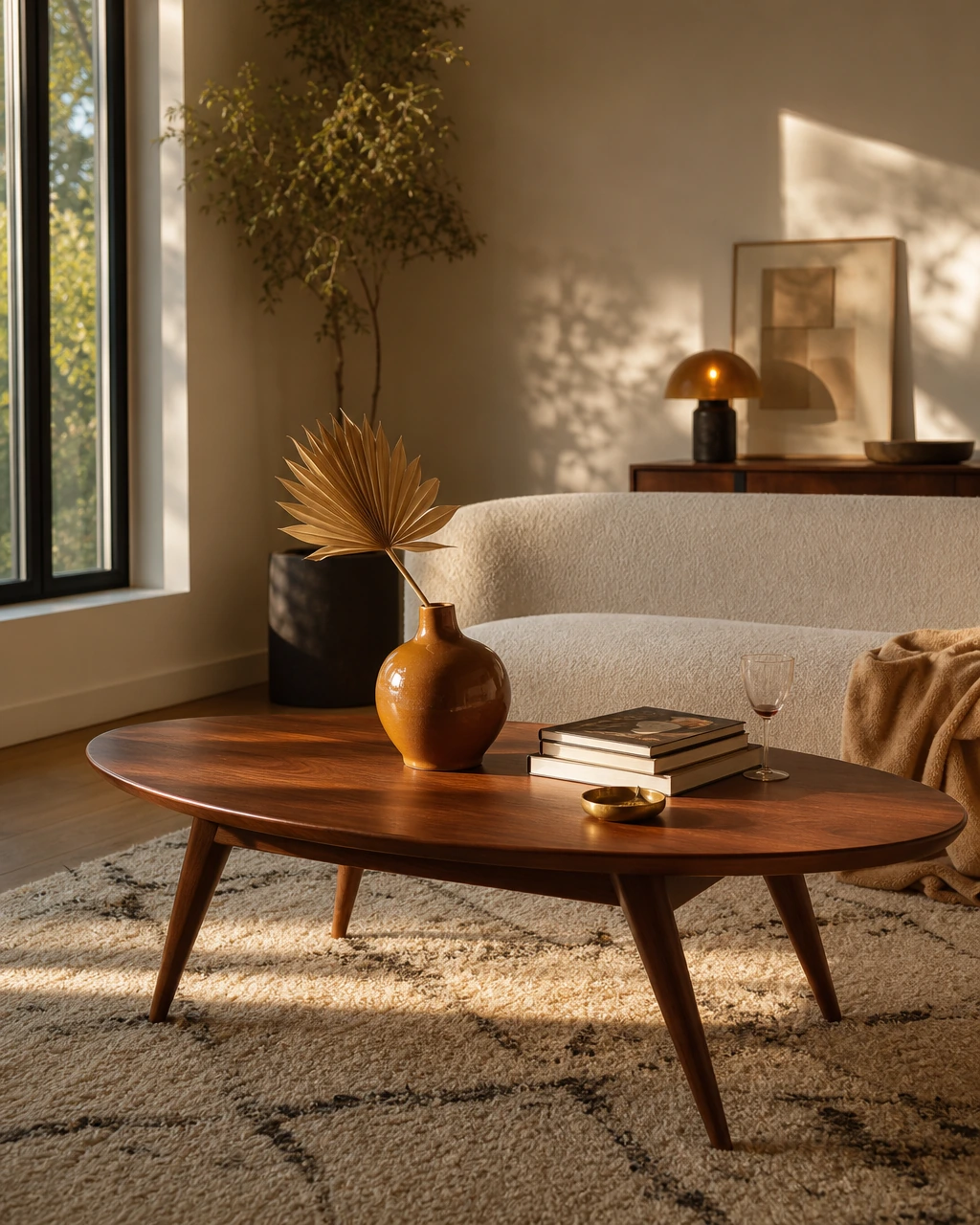
You moved in with your partner six months ago and the apartment still looks like two people's furniture negotiating with each other. One side is walnut and linen. The other is black metal and performance fabric. The media console feels too small for the wall. The rug almost works if you squint. There's a floor lamp living in the corner because neither of you knows where it actually belongs.
Meanwhile, your saved inspiration keeps getting more specific. Softer shapes. Warm woods. A living room that feels collected instead of pieced together over three different apartments and two separate personalities. You can picture the room you want instantly. You just can't seem to build it in real life.
That gap is exactly why interior design apps exploded over the last few years. Some help you test layouts before committing to a sectional that won't fit through the hallway. Others use AR to show how a CB2 coffee table or West Elm media console might look in your actual space. First Chair focuses on the part most people actually get stuck on: turning scattered inspiration into a cohesive room with pieces that actually exist.
Key Takeaways
- First Chair turns saved inspiration into real, shoppable rooms with pieces from West Elm, CB2, Crate & Barrel, Pottery Barn, and more.
- Free tiers are generous but limited. Most options gate advanced rendering, AR, and export features behind subscriptions
- 3D visualization helps prevent expensive mistakes by showing scale and proportion before you buy
- Shopping integration varies widely. Most apps visualize rooms but leave you to source furniture separately. First Chair focuses specifically on curating real, purchasable pieces.
- AR features work best on mobile for testing how specific pieces look in your actual space
What Defines a Great Interior Design App in 2026?
Three things separate the apps worth using from the ones that leave you stuck in inspiration mode:
- Ease of use. If placing a sofa feels like learning CAD software, the app is doing too much. The best tools feel intuitive from the first upload.
- Visual realism. Good renders account for scale, lighting, proportions, and how pieces actually sit in a room. A sectional that works in a loft won’t necessarily work in a Brooklyn walk-up with narrow doorways and eight-foot walls.
- Real-world execution. The goal isn’t a fantasy render. It’s a room you can actually pull together with real, shoppable pieces from brands like West Elm, CB2, Crate & Barrel, Article, and Lulu & Georgia.
First Chair gets all three to help you move from “I think this could work” to “I’m ready to buy the sofa.” The rest usually leave you with beautiful concepts, decision fatigue, and 34 tabs still open.
From Pinterest Boards to Living Rooms
Pinterest is great at helping you figure out what you’re drawn to. Warm woods. Apartment-scale sectionals. Brass lighting that doesn’t feel too polished. The problem starts when it’s time to turn those saved images into an actual room.
Most design apps sit somewhere in the middle. Better than Pinterest for visualizing layouts and testing ideas, but still disconnected from the part that matters most: buying pieces that fit your space, budget, and style in real life.
The most useful apps close that gap. Some connect directly to real product catalogs from brands like West Elm, CB2, Crate & Barrel, and Article. Others help you measure, plan, and visualize so accurately that shopping becomes far less overwhelming. The apps below represent the best of both approaches: tools that help you move from saved inspiration to a room that finally feels finished.
Planner 5D
Planner 5D is strong for figuring out the room. Less so for finishing it. The platform helps you test layouts, proportions, and flow with realistic 2D and 3D renders, AR walkthroughs, and AI-generated concepts from photos or floor plans.
Credit where it’s due. The free tier is genuinely useful, especially for planning a first apartment, renovation, or awkward layout before spending money on furniture.
What it does well:
- Flexible 2D and 3D planning tools for room layouts
- AI-generated concepts from photos or floor plans
- Realistic lighting controls and high-resolution renders
- AR walkthroughs for spatial visualization
- A generous free tier that works for casual room planning
Who it’s for: People furnishing a first apartment, planning a renovation, or testing layouts before making major purchases.
How it differs from First Chair: With Planner 5D, the sourcing phase still sits ahead of you. First Chair starts with real, purchasable pieces from the beginning.
Houzz
Houzz is built for people who want to see everything before deciding anything. It’s for when you’re still figuring out your tastel. Warm minimalism, layered lighting, collected apartment interiors, softer contemporary spaces. There’s no shortage of directions to explore.
The platform combines professionally designed interiors with direct product shopping and AR previews through “View in My Room 3D.” You can save ideas, tap into products from room photos, and test certain pieces in your own space before buying.
What it does well:
- Huge library of professionally designed interiors
- AR previews for marketplace products
- Strong renovation and remodeling inspiration
- Direct shopping from room photography
- Useful filtering across styles, materials, and room types
Who it’s for: People early in the design process who want broad inspiration and access to a large marketplace of furniture and decor.
How it differs from First Chair: Houzz helps you browse. First Chair helps you decide.
Homestyler

Homestyler feels closer to a design playground than a traditional planning tool. If you like experimenting with layouts, browsing other people’s rooms, and testing ideas quickly, the platform makes that process approachable without much learning curve.
The app combines drag-and-drop room planning with a catalog of real furniture pieces from brands like Joybird and other retail partners. You can build layouts, test finishes, swap furniture, and generate realistic renders without needing technical design skills. Users can browse public room concepts, participate in design challenges, and earn credits toward premium rendering features.
What it does well:
- Easy drag-and-drop room design tools
- Real furniture integrations from retail brands
- Community-driven inspiration and design challenges
- Free access to core planning features
- Good for experimenting with layouts and visual directions quickly
Who it’s for: People who enjoy interactive design tools, community inspiration, and trying multiple directions before settling on a final room concept.
How it differs from First Chair: You collect idea with Houzz. First Chair helps you pull the room together.
DecorMatters
DecorMatters is useful for one very specific question: “Will this actually look right in my apartment?” The app leans heavily into AR, letting you place virtual furniture directly into your space through your phone camera before you buy anything.
Point your camera at an empty corner and test a floor lamp. Swap coffee tables without lifting a single box. Drop an accent chair next to your existing sofa and see immediately if the scale feels off. It’s fast, visual, and especially helpful for smaller design decisions where proportion matters more than full-room planning.
What it does well:
- AR furniture placement in real spaces
- Quick testing for accent pieces and layout tweaks
- Interactive design challenges and community features
- Mobile-first experience that feels intuitive
- Helpful for checking scale before purchasing
Who it’s for: People decorating smaller spaces, testing individual pieces, or making finishing-layer decisions like lighting, accent chairs, rugs, and decor.
How it differs from First Chair: DecorMatters helps you test individual pieces. You actually design the whole room with First Chair.
HomeByMe
HomeByMe is for people who want to pressure-test the room before they start buying furniture. The platform focuses less on inspiration and more on spatial realism. Layouts, proportions, sightlines, flow.
The 360-degree views are the standout feature. You can move through the room from eye level, which matters when a sofa that looks perfectly fine in floor plan view suddenly eats half the living room once you’re “inside” the space.
What it does well:
- Photorealistic 3D rendering
- 360-degree room walkthroughs
- Real branded furniture catalogs
- Browser-based planning with no downloads
- Strong layout and proportion testing
Who it’s for: People planning renovations, apartment layouts, or furniture-heavy rooms where spacing matters as much as aesthetics.
How it differs from First Chair: You test the room with HomeByMe. You furnish it with First Chair.
Floorplanner
Skip this if you’re already done with layouts. This is for when you’re still way before colors, before styling, before deciding between bouclé or performance velvet. The platform is built around floor plans, spacing, and furniture placement that actually fits the room.
Drag furniture into place, test traffic flow, and understand quickly whether the dining table leaves enough clearance or the sectional blocks the natural path through the room.
What it does well:
- Strong 2D and 3D floor planning
- Easy drag-and-drop furniture placement
- Helpful traffic flow and spacing visualization
- Browser-based workflow with no downloads
- Large furniture and decor library
Who it’s for: People planning layouts, renovations, or furniture-heavy rooms where spacing and function come before styling.
How it differs from First Chair: With Floorplanner, you’re still arranging boxes. First Chair helps you shape an actual room.
Roomstyler 3D
Roomstyler 3D skips the fake furniture problem. Roomstyler 3D uses branded furniture integration instead of generic render placeholders.
Build the room, drag in furniture, and view everything in 3D as you go. Because the catalog pulls from recognizable brands and manufacturers, it’s easier to judge scale, styling, and how different pieces work together visually.
What it does well:
- Branded furniture integrations
- Easy browser-based 3D room planning
- Drag-and-drop layout building
- Community-created room inspiration
- Helpful for testing furniture combinations visually
Who it’s for: People who want realistic furniture visualization without learning complicated design software.
How it differs from First Chair: With Roomstyler, you’re still assembling the room yourself piece by piece. First Chair starts with the room already solved.
RoomSketcher
RoomSketcher is for people who want the room measured before it’s styled. The platform is built around floor plans, dimensions, and Live 3D walkthroughs that make layout problems obvious before furniture starts arriving.
The cross-device syncing keeps the workflow practical. Build the layout on your laptop, revisit it on your phone, walk through it later in 3D. It’s less about inspiration and more about making sure the room actually works.
What it does well:
- Live 3D room walkthroughs
- Detailed floor planning and measurements
- Cross-device project syncing
- Easy drag-and-drop room building
- Strong renovation and layout planning tools
Who it’s for: Homeowners, renovators, or anyone solving for layout and functionality before styling.
How it differs from First Chair: RoomSketcher helps you map the room. First Chair helps you decide what belongs in it.
SketchUp
Skip this if you don’t like a long learning curve. The platform is closer to professional design software than a casual decorating app, which is exactly why architects, contractors, and renovation teams still rely on it.
This isn’t drag-and-drop decorating for your Sunday afternoon. It’s precision modeling, detailed measurements, and CAD-level control over layouts, structures, and custom builds. If you’re planning a renovation, redesigning a kitchen, or rebuilding a room from scratch, that depth matters.
What it does well:
- Professional-grade 3D modeling
- Precise measurements and spatial planning
- Strong renovation and construction workflows
- Detailed custom modeling capabilities
- Extensive plugin and extension ecosystem
Who it’s for: Architects, renovators, contractors, or homeowners planning major structural projects.
How it differs from First Chair: With SketchUp, you’re modeling walls and dimensions. With First Chair, you’re figuring out what actually makes the room feel right.
MagicPlan
MagicPlan is for people who don’t trust themselves to measure a room correctly. The app uses AR scanning to capture room dimensions automatically through your phone camera, which makes it especially useful for awkward apartments, angled walls, alcoves, or spaces where nothing is perfectly square.
Walk through the room once and the platform generates a floor plan you can build on digitally. It’s practical, fast, and much better than guessing whether the sofa will clear the doorway after delivery day.
What it does well:
- AR room scanning and automatic measurements
- Fast floor plan generation
- Helpful for oddly shaped rooms and alcoves
- Easy mobile workflow
- Strong renovation and layout planning utility
Who it’s for: Renters, homeowners, or renovators who want accurate room dimensions before planning layouts or buying furniture.
How it differs from First Chair: MagicPlan is for the measurements, the awkward corners, and the floor plan. First Chair is for figuring out what actually belongs in the room.
From Inspiration to Purchase
The most frustrating moment in home design: finding the perfect room inspiration, then spending weeks trying to source similar furniture across dozens of retailer tabs.
You generate the room. Save the render. Love the vibe. Then suddenly you’re 19 tabs deep trying to find a sofa that looks close enough to the one in the image, a rug that ships in under eight weeks, and a floor lamp that doesn’t completely throw off the room once it arrives.
The Complete Design Cycle
Most platforms stop at visualization. The room looks finished digitally, but the actual furnishing process is still entirely on you.
First Chair takes a different approach. Instead of asking you to assemble the room piece by piece yourself, it starts with a room that’s already pulled together.
Upload a photo you love, describe the direction you want, and First Chair builds a cohesive concept using real, purchasable furniture across retailers like West Elm, CB2, Crate & Barrel, Pottery Barn, Lulu & Georgia, and Article. No fake render furniture. No guessing what’s available. No trying to recreate the room from scratch later.
Frequently Asked Questions
What makes an interior design app actually good in 2026?
The good ones help you make decisions. The bad ones just give you more inspiration to scroll through.
A strong app should feel intuitive immediately, show rooms with believable scale and lighting, and help you move closer to a finished space you can actually live in. If the render looks beautiful but you still have no idea what sofa to buy, the app didn’t really solve anything.
Are free interior design apps enough?
Usually, yes. At least early on.
Free tiers from apps like Planner 5D and Houzz are more than enough for testing layouts, saving inspiration, and visualizing a room before spending money. Paid plans start mattering once you want photorealistic renders, larger furniture catalogs, advanced AR, or higher export quality.
What’s different about AI-powered design apps?
Mostly speed.
Traditional design software expects you to build everything manually. AI-powered tools generate starting concepts from photos, prompts, or floor plans in seconds. The useful ones don’t replace your taste. They just help you get unstuck faster.
Can you actually buy the furniture shown in these apps?
Sometimes. That’s still where most platforms break down.
Houzz connects inspiration directly to products. Roomstyler 3D uses branded furniture instead of generic placeholders. First Chair goes further by building complete room concepts entirely around real, purchasable pieces from retailers like West Elm, CB2, Crate & Barrel, Pottery Barn, and Article.
What features should I prioritize in a room planner app?
Scale first. Always.
Most expensive furniture mistakes happen because people misjudge proportions. The sofa is too deep. The dining table leaves no clearance. The room technically fits everything, but suddenly feels impossible to move through.
The best apps help you catch those problems before delivery day.