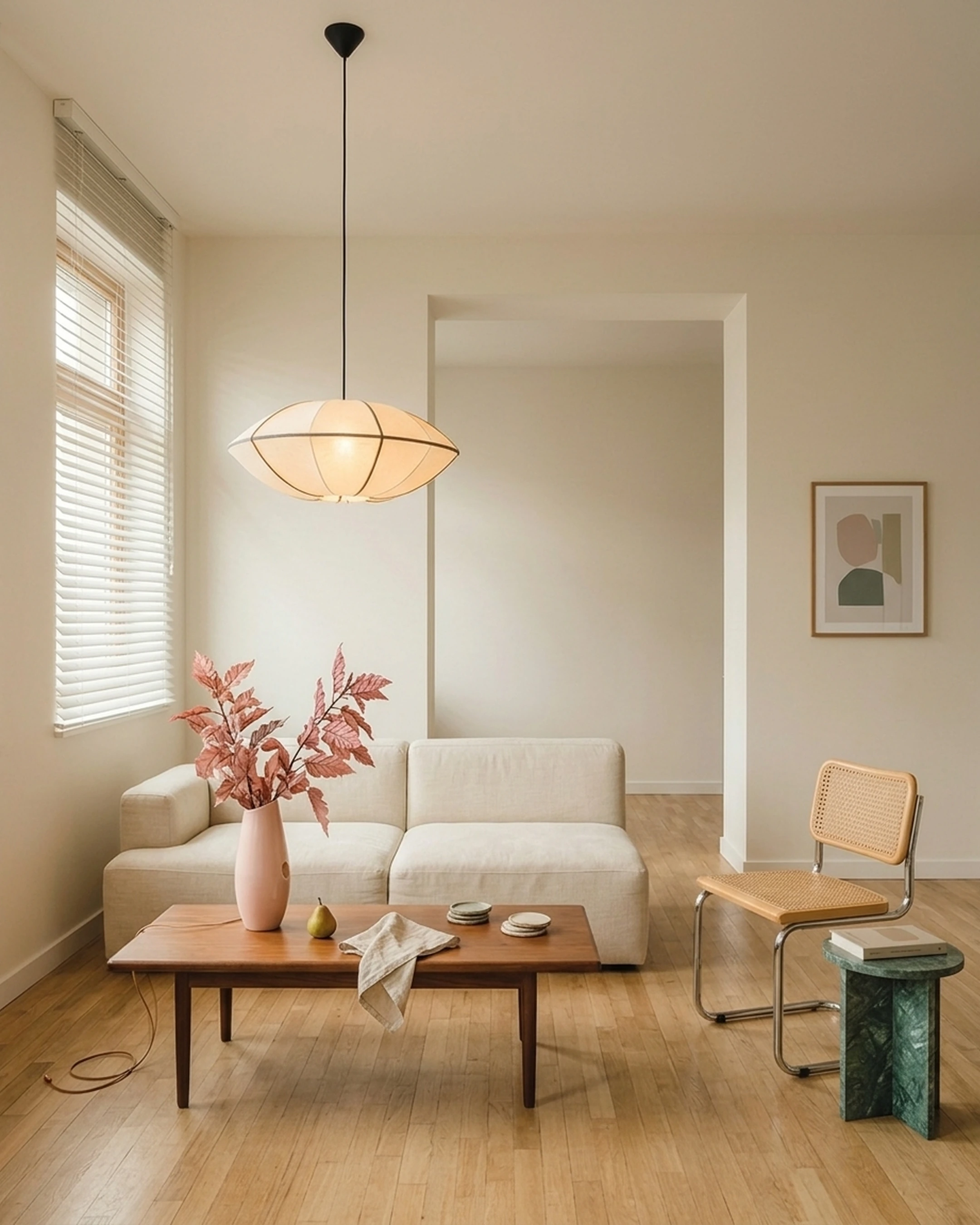
You've just bought your first home in Seattle, and the excitement of getting the keys has quickly turned into a growing list of furniture decisions. The living room needs a sofa, the dining area is still empty, and the bed frame you saved three months ago is now out of stock. You've spent your evenings scrolling through furniture websites, comparing prices, and wondering whether that beautiful walnut coffee table will actually look right next to your existing pieces.
Shopping for furniture online gives you more options than ever, but finding pieces that fit your space, style, and budget is another story. Product photos don't always tell you how a sofa will look in your living room, and switching between retailer websites makes it harder to picture everything together.
The best furniture apps help narrow that gap. Some make it easier to discover and buy pieces from online retailers, while others let you test layouts, visualize furniture, and check dimensions before committing. This guide compares seven apps for finding furniture online in 2026, including what each does well and where it fits into your shopping process.
Key Takeaways
- Wayfair and Pepperfry are the two apps here that complete a purchase inside the app; the other five are design and visualization tools that send you to a retailer to actually check out. First Chair works differently: it draws from a catalog of 10+ million products across 100+ brands and designs a full room around your style, with member pricing shown alongside the standard retail price.
- The global furniture e-commerce market generated $283.3 billion in 2024, which is part of why so many apps now compete for the same purchase.
- Return and assembly terms vary a lot: Wayfair gives most pieces a 30-day window, while IKEA won't refund delivery or assembly charges once a piece has already reached your home.
- A high star rating on its own doesn't tell you much. Sample size and how recent the reviews are matter more than the headline number.
How We Evaluated the Top Furniture Apps

Each app was judged against four questions: does it sell furniture directly, what's in its catalog, what happens if something needs to go back, and what does it ask to access on your phone. Facts came from each company's own product pages or independent reviews. Nothing here is estimated.
Furniture Apps at a Glance
8 best apps for finding furniture online (2026)
1. First Chair
Platform: Web-based
Cost: $59.99 for 3 months or $99.99 for 6 months, with automatic renewal
Good to know: Combines room design with real, shoppable furniture from multiple retailers.
First Chair is designed for anyone who wants to furnish a room without spending weeks comparing individual pieces. Instead of starting with a product catalog, you start with your style and the space you're furnishing. First Chair creates cohesive room concepts using real furniture you can buy.
Its catalog includes more than 10 million products across 100+ brands, including retailers such as West Elm, CB2, Crate & Barrel, and Pottery Barn. You can see how different pieces work together before deciding what belongs in your room.
First Chair also displays member pricing alongside standard retail prices. Its Design Concierge can look for member savings and help place furniture orders.
Key features:
- Personalized room concepts: Creates complete room designs based on your style and preferences.
- Multi-retailer furniture catalog: Browse 10+ million products from 100+ brands.
- Real, shoppable furniture: Explore room concepts built around actual products rather than generic 3D models.
- Member pricing: Compare standard retail prices with available member pricing.
- Design Concierge: Get help finding member savings and placing furniture orders.
Why First Chair stands out: First Chair brings furniture selection, room design, and multi-retailer shopping into one experience. It's particularly useful when you're furnishing an entire room and want the sofa, coffee table, lighting, and decor to feel like they belong together.
2. Wayfair
Platform: iOS, Android, and web
Good to know: Most eligible products have a 30-day return window.
Wayfair is an online furniture retailer with a large selection of sofas, beds, tables, lighting, and home decor across different styles and price points.
Its shopping experience is built around browsing products, comparing prices, and placing orders. You can search by furniture category, filter results, save favorites, and track purchases through the mobile app.
Wayfair also offers app-only deals and early access to certain sales, making it useful when you already know what you're looking for.
Key features:
- Large furniture catalog: Browse furniture and decor across different rooms, styles, and budgets.
- Product filters: Narrow results by dimensions, materials, colors, and prices.
- App-exclusive offers: Access selected deals and sales through the mobile app.
- Order management: Track deliveries and manage purchases.
How it differs from First Chair: Wayfair focuses on browsing and purchasing individual products, while First Chair creates cohesive room concepts using furniture sourced from multiple retailers.
3. Pepperfry
Platform: iOS, Android, and web
Good to know: Offers furniture, decor, mattresses, and lighting, with physical stores in India.
Pepperfry is a furniture and home decor marketplace that organizes its selection by room and product category.
You can browse sofas, dining tables, beds, storage furniture, and decorative pieces. Its room-specific shopping sections make it easier to focus on what you need for a living room, bedroom, or dining area.
The app also includes wishlists, daily deals, order tracking, and a store locator for shoppers who want to see furniture in person.
Key features:
- Room-based shopping: Browse furniture collections organized by living room, bedroom, dining area, and other spaces.
- Furniture and decor catalog: Explore seating, storage, lighting, mattresses, and accessories.
- Wishlist and cart: Save furniture and return to products later.
- Order tracking: Monitor purchases and deliveries through the app.
How it differs from First Chair: Pepperfry organizes furniture into shopping categories, while First Chair creates personalized room concepts that bring pieces from multiple brands together.
4. Floorplanner
Platform: Web-based
Good to know: Focuses on floor planning and 3D visualization rather than furniture checkout.
Floorplanner helps you map out a room before purchasing furniture. You can draw walls, enter dimensions, and arrange furniture models to understand how different layouts might work.
Its library includes more than 260,000 3D models of furniture and decorative pieces. This makes it useful when you're trying to decide whether a sectional will overwhelm your living room or whether there's enough clearance around a dining table.
However, Floorplanner is primarily a design and measurement tool. It doesn't handle furniture purchases directly.
Key features:
- 2D floor planning: Draw room layouts using actual measurements.
- 3D room visualization: Preview furniture arrangements from different perspectives.
- Large model library: Access more than 260,000 furniture and decor models.
- Layout experimentation: Test furniture placement before buying.
How it differs from First Chair: Floorplanner focuses on room measurements and 3D layouts, while First Chair creates furnished room concepts using real products available from multiple retailers.
5. HomeByMe
Platform: Web-based
Good to know: Supports 3D room design using products from real furniture brands.
HomeByMe lets you create floor plans, arrange furniture, and preview finished rooms in 3D.
You can work with products from real furniture brands rather than relying entirely on generic models. This makes it useful when you want to see how a particular furniture style or arrangement might look before purchasing anything.
The experience centers on creating and refining room layouts, with purchases handled separately through retailers.
Key features:
- 3D home design: Build and furnish rooms using digital floor plans.
- Branded furniture models: Include products from participating furniture brands.
- Photorealistic visualization: Generate realistic images of furnished spaces.
- Room customization: Experiment with furniture placement, finishes, and decor.
How it differs from First Chair: HomeByMe emphasizes hands-on floor planning and 3D rendering, while First Chair focuses on creating cohesive, shoppable room concepts from a broad multi-retailer catalog.
6. Planner 5D
Platform: Web, iOS, and Android
Good to know: Supports both 2D and 3D room planning.
Planner 5D is a home design application that lets you experiment with layouts, furniture placement, materials, and decorative details.
You can build a room from scratch, adjust its dimensions, and add furniture models to see how the space might look.
It's particularly useful when you want more control over the room's structure and furniture arrangement. However, the furniture models are primarily intended for visualization rather than direct purchasing.
Key features:
- 2D and 3D design: Create floor plans and view furnished rooms in three dimensions.
- Furniture library: Add furniture, materials, textures, and decor.
- Room customization: Change layouts, finishes, and furniture placement.
- Mobile access: Work on designs using a phone or tablet.
How it differs from First Chair: Planner 5D gives you more manual control over floor plans and room layouts, while First Chair focuses on personalized designs built around real furniture you can shop.
7. Sweet Home 3D
Platform: Desktop and web
Good to know: Primarily designed for interior layouts and furniture arrangement.
Sweet Home 3D is an interior design application for drawing house plans and arranging furniture within them.
You can create walls, add doors and windows, and place furniture models throughout the space. Its 3D views help you understand how different arrangements affect the room.
It's useful when precise layout planning matters more than browsing furniture collections. You can test whether furniture fits, but you'll need to find and purchase actual pieces separately.
Key features:
- House plan creation: Draw walls, rooms, doors, and windows.
- Furniture placement: Arrange furniture models within a measured floor plan.
- 3D previews: View the room from different angles.
- Furniture catalogs: Import additional models to expand your design library.
How it differs from First Chair: Sweet Home 3D focuses on technical floor planning and furniture placement, while First Chair helps you create a furnished room using real products from multiple retailers.
8. IKEA Place
Platform: Originally iOS and Android
Good to know: IKEA Place was a standalone AR experience. Check IKEA's current app and IKEA Kreativ for available visualization features.
IKEA Place was developed to help shoppers visualize IKEA furniture inside their homes using augmented reality.
Its core experience allowed users to position virtual furniture in a room and inspect its proportions before purchasing. This was particularly useful for checking whether a sofa, table, or chair might work within an existing space.
The experience focused on IKEA's own furniture catalog rather than products from multiple retailers. IKEA's newer visualization features are available through its broader digital shopping and planning experiences.
Key features:
- Augmented reality visualization: Preview virtual furniture within a physical room.
- True-scale placement: Assess furniture proportions before buying.
- IKEA product focus: Explore furniture from IKEA's catalog.
- Room visualization: See how individual pieces might look alongside existing furniture.
How it differs from First Chair: IKEA's visualization experience focuses on placing IKEA furniture in your space, while First Chair creates complete room concepts using products from 100+ brands.
What Do App Ratings Actually Tell You?
Star ratings on an app store page are a single blended number built from everyone who left a review, and they don't tell you much on their own. A furniture shopping app with hundreds of thousands of reviews and a strong rating should be weighed differently than a niche design tool with a few thousand.
What matters more than the headline number is the recent trend. A rating that has slipped over the last few months, usually visible if you sort reviews by most recent, often points to a specific problem like shipping delays or a broken checkout flow rather than a flaw in the app itself.
It's also worth separating complaints about delivery and customer service from complaints about the app's design or catalog, since those are different problems with different fixes. A four-star shopping app with recent one-star reviews about a damaged delivery is not the same risk as a four-star app with recent one-star reviews about the app crashing.
Are Furniture Shopping Apps Safe to Use?
Every app on Google Play, including the shopping and design apps compared here, publishes a Data safety section that discloses what information it collects and whether that data is shared with third parties. Per Google Play's own documentation, Google Play Protect scans installed apps for malware and fraud, and parental controls can restrict downloads based on content rating. None of that replaces actually reading the Data safety disclosure on an app's own listing page before granting camera access for an AR feature like IKEA's room scanner, or location access for a store locator like Pepperfry's. A furniture app that wants camera access to place a virtual sofa in your living room is a reasonable ask. One that also wants your contacts list is not.
What Happens After You Order Furniture Online?
The apps that actually process a purchase handle what comes after it very differently. Wayfair's own help pages describe a 30-day return window on most pieces in original, undamaged condition, but note that assembly services and packaging removal aren't included with delivery unless stated otherwise, and an assembly fee already paid isn't refunded if the service has been completed.
Before you order anything large through any of these apps, check the return window and whether a delivery or assembly fee is refundable. That single detail decides how expensive a mistake actually is.
Where Does First Chair Fit In?
Most furniture apps handle either shopping or planning, but rarely both together. First Chair starts there: it learns your style, then designs the room around pieces pulled from 100+ brands and a catalog of 10+ million products, with member pricing shown next to the standard retail price so you can see what you're actually saving. Try it with your own home.
Frequently Asked Questions
What is the 2/3 rule for furniture?
It's a common proportion guideline, not a hard rule: a coffee table generally looks right at about two-thirds the length of the sofa it sits in front of, and a piece of wall art reads best at roughly two-thirds the width of the furniture below it. It's a starting point for scale, not a measurement you need an app to enforce.
Is there an app that lets you visualize furniture in your room before buying?
Yes. First Chair lets you design a full room around pieces from 100+ brands before you commit to a purchase. Several other apps on this list, including AR-based and floor-plan tools, also support room visualization before checkout.
Are furniture shopping apps safe to use?
Each one publishes a Data safety disclosure on Google Play that lists what it collects and whether that data is shared. The bigger practical question is what permissions you grant: camera access for an AR feature is reasonable, but it's worth checking the full permissions list before installing any shopping app.
How can I make sure furniture will fit through my door?
Measure the doorway width, height, and the diagonal path from the door to the room, then compare that against the piece's listed dimensions, including any boxed or crated size if it ships assembled. A floor-planning tool can help you map the path digitally before the piece ever leaves the warehouse.
Do furniture apps work without AR?
Yes. Most furniture planning apps on this list work through standard 2D and 3D floor-plan views without requiring a camera or AR feature. First Chair works the same way: room design happens through a plan-based workflow, not a camera. AR placement is one method for checking fit, not the only one.
Which app is best for secondhand furniture?
None of the apps compared here are built around secondhand or resale listings. Wayfair and Pepperfry list new inventory, and the design tools in this guide are for planning a layout rather than browsing used pieces.
What is a good free app to see how furniture looks in a room?
First Chair is built to visualize furniture in a room as part of a full design workflow, drawing from a catalog of 10+ million products across 100+ brands. Several other apps on this list also support free room visualization, covering both floor-plan and AR methods.
What should I look for when buying furniture online?
Check the return window, whether delivery or assembly fees are refundable, and the piece's exact dimensions before ordering. Reading recent reviews separately from older ones helps surface current shipping or quality issues. Using a floor-planning tool to confirm fit before checkout reduces the risk of an expensive return.