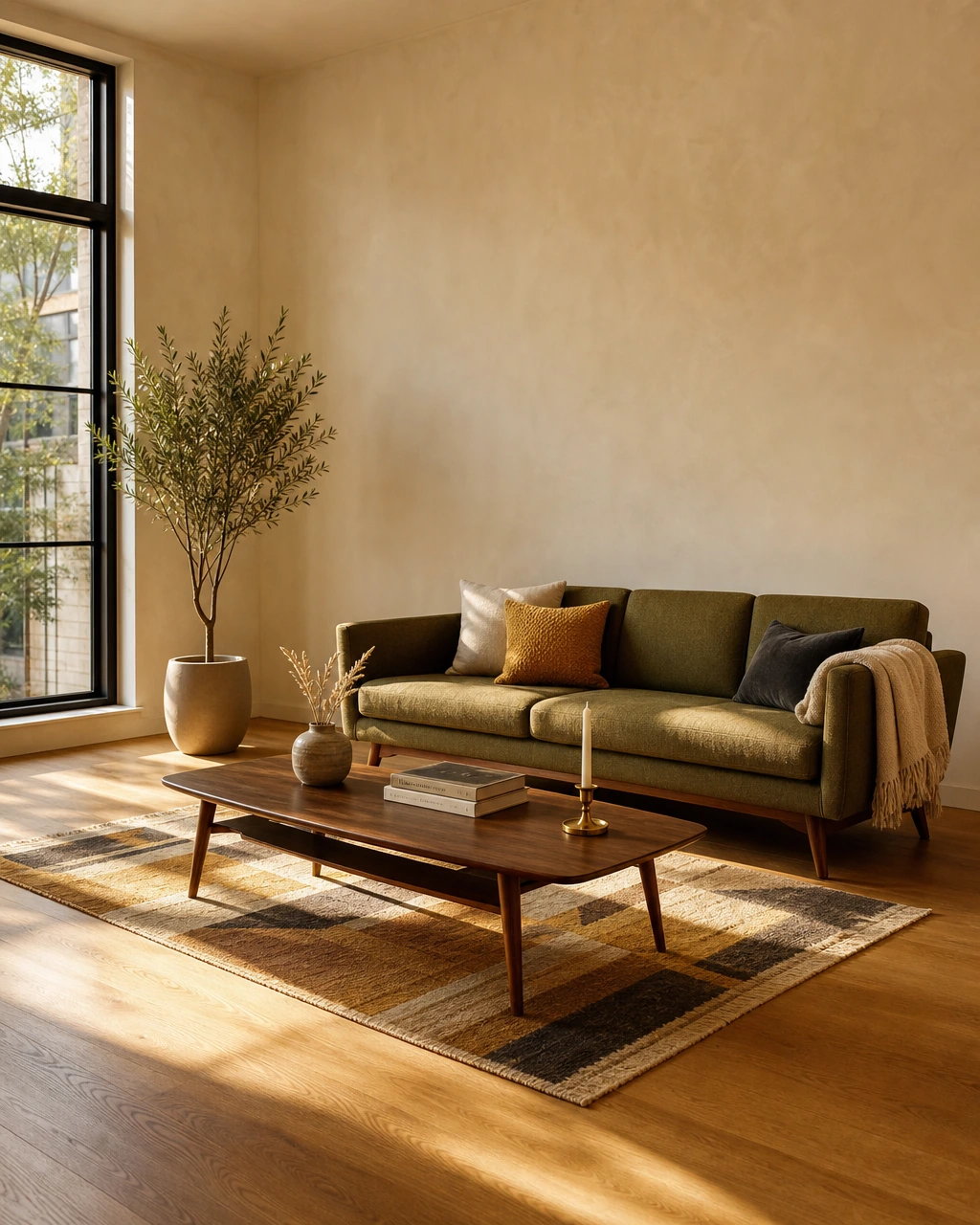
You’re combining two apartments into one Chicago home, which means two sofas, three side tables, and very different opinions about what “warm minimalism” means. Canva becomes the neutral ground. Upload the living room, try both sofas, change the palette, generate another version, and see whether all that walnut can actually coexist.
For that kind of visual back-and-forth, Canva AI interior design is genuinely handy. But it’s easy to burn through generations when you’re treating it like a room-design tool rather than making the occasional mood board. Canva doesn’t sell interior design as a standalone product, so understanding the real 2026 cost means looking at its plans, AI allowances, and what happens when you need more.
Key Takeaways
- Canva AI is bundled, not standalone. Cost is built into Free ($0), Pro (~$18/mo), Business (~$25/user/mo), and Enterprise (custom) plans, with no separate "interior design" purchase.
- Heavy AI use triggers extra spend. The AI Pass add-on costs $100/person/month on top of an existing Pro or Business subscription.
- Canva's output stops at the image. Canva's cited pricing and product pages describe visual-design workflows rather than a documented furniture-shopping workflow, so the output is an image rather than a vendor list or path to a shopping cart.
- AI interior design apps broadly start at $0/month for individual use, but none of the visual tools include a shoppable furnishing plan.
- The market is growing fast, with pricing complexity set to increase as more vendors and tiers enter the space.
What Canva's AI Interior Design Tools Actually Do
Canva is a visual design platform built for social posts, presentations, video, and print, not for furnishing a specific room. Its AI features, including interior image restyling and virtual staging, sit inside a broader Visual Suite meant for content creation and team collaboration.
The mechanics are the same regardless of what's being designed. A user drags and drops inside templates, applies an AI tool to restyle or regenerate part of an image, then exports, shares, or prints the result. Canva Free includes up to 200 Standard or 20 Premium AI uses per month, while paid plans provide larger allowances for image restyling and virtual staging. Coverage runs across Android, iOS, Windows, and Mac, with three AI quality tiers (Standard, Premium, Ultra) gating how many generations a plan includes each month.
Core features:
- Drag-and-drop editor with 1,000+ design types
- A library of 1.6 million-plus templates
- Magic Eraser and Background Remover for image cleanup
- Magic Write for text generation
- A Social Content Planner for scheduling output
How Much Does Canva AI Cost in 2026?
Canva AI has no standalone price. Cost depends entirely on which base Canva plan someone is already on, since the AI tools draw from that plan's monthly allowance.
Canva's free plan is $0 a year for one person, and paid tracking in 2026 puts Canva Pro at $18/mo, or $15 annual, with Canva Business priced at US$250/year per person, and Enterprise quoted custom.
A separate tracker measured the same Pro tier slightly differently, at $18/month billed monthly, or $180/year if you pay annually, which works out closer to $15 a month on the annual plan. Differences between trackers usually come down to region and billing cycle, not a different product.
| Plan | Typical price (2026) | AI allowance |
|---|---|---|
| Free | $0/year | Limited AI allowance |
| Pro | ~$18/mo, or ~$15/mo billed annually | Larger monthly allowance |
| Business | US$250/year per person (~$20.83/mo) | Larger team allowance |
| Enterprise | Custom quote | Custom quote |
One analysis breaks the Pro allowance into specific counts: 2,000 Standard, 200 Premium, and 20 Ultra AI uses per month. For anyone burning through renders faster than that, Canva sells a separate AI Pass. Reviewers who tested it found it costs $100 per person per month on top of an existing Pro or Business subscription. That changes the real cost picture. Someone regenerating a room a dozen times to get the lighting right can cross the Pro allowance quickly.
Is Canva Pro Worth It for Room Design?
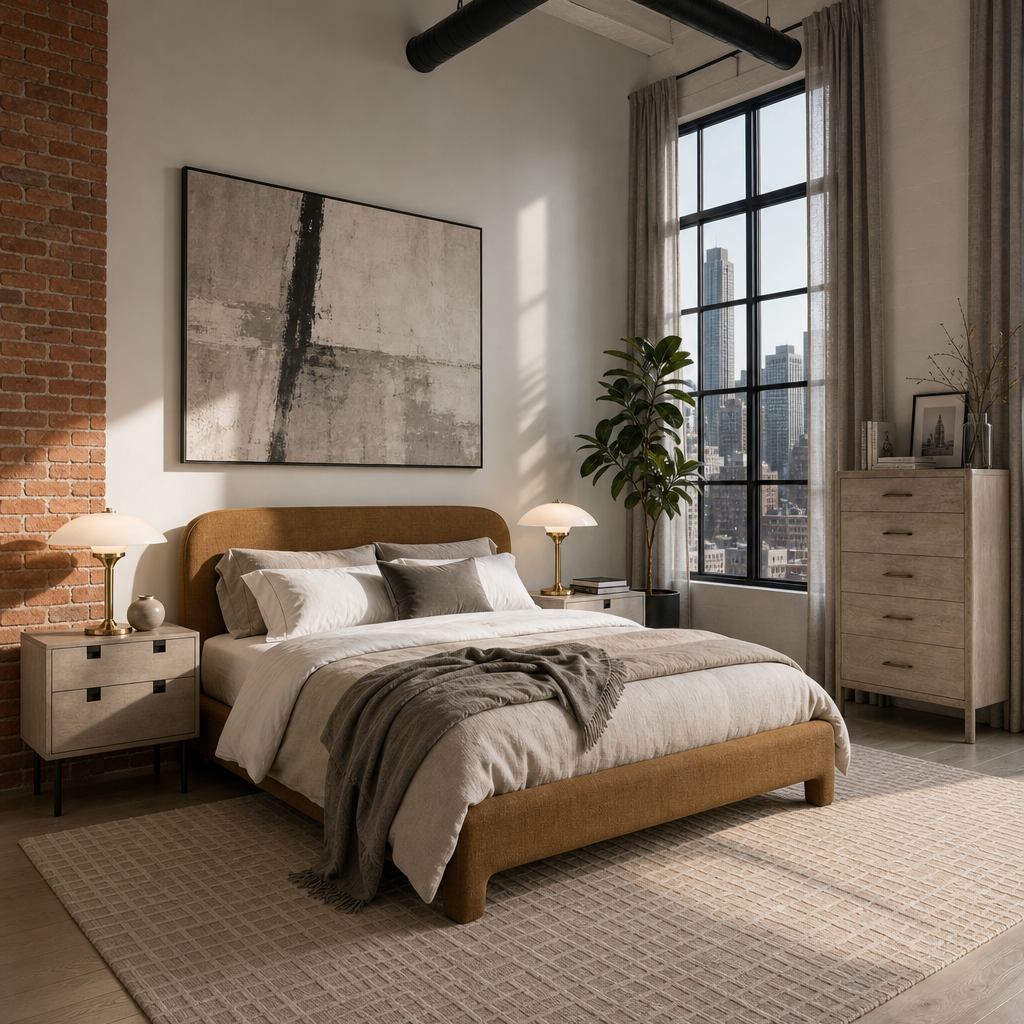
Canva Pro is worth the money for general design work: templates, brand kits, and everyday graphics. For furnishing a specific room, it's a different question, since the AI restyle output is a picture, not a shopping list.
Use Canva when the job is a mood board, a client presentation, or a quick visual to test a color direction before committing to anything. A renter deciding between two paint colors can generate both looks in an afternoon for the price of the free plan.
Skip Canva as the whole plan when the goal is an actual finished room. Canva's redesign feature draws from the plan's shared AI allowance, which is available on Free and expands on paid plans, and the output stops at the image. There's no vendor list, no price for the rug in the render, and no way to click through to buy the chair. That's the tradeoff: Canva answers "what could this look like," not "what do I buy and where." A furnishing plan that starts from a real room, budget, and layout, and ends with pieces that can be purchased, is solving a different problem than a visual restyle.
Canva AI Interior Design Pricing vs. Human Designer Costs
AI-assisted visuals and a hired designer operate on entirely different cost scales. One cost breakdown puts a single-room AI refresh at $0 to $50, against $1,500 to $3,500 for the same room handled by a professional.
Full-service interior design carries its own cost, separate from AI subscriptions. IKEA's own interior design service, for comparison, is priced per room rather than per month, which is the more common structure once a human is involved in the loop.
First Chair's Architectural Designs furnishing blueprint is built as a lower-cost, faster alternative to full-service design. That plan is priced at $49.99, delivered in 3 days, and includes estimated prices, vendor suggestions, room visuals, and an interactive chat for fine-tuning the result. It's a fixed price for a finished plan, not a monthly subscription for renders.
Canva vs. First Chair: The Furnishing Experience
Canva and First Chair aren't solving the same problem. Canva restyles an image. First Chair is built around what happens after someone decides they like a look: finding the actual sofa, rug, and lamp that make it real, then knowing the room will hold together once it's all delivered.
| Dimension | First Chair | Canva |
|---|---|---|
| Primary Use Case | Room design with shoppable, real furniture | Visual content creation (social, video, presentations, print) |
| Pricing / Entry Cost | Membership: $59.99 for 3 months or $99.99 for 6 months; Architectural Designs plan: $49.99, one-time | Free tier: $0/yr; Pro: $180/yr per person; Business: US$250/yr per person; Enterprise: custom |
| AI Capabilities | Designs around room, lighting, layout, and budget; supports iterative change requests | Standard AI, Premium AI, Ultra AI (Free: up to 200 Standard or 20 Premium AI uses; Pro: 10x more AI than Free; Business/Enterprise: 20x more AI than Free) |
| Human Expert Involvement | Yes, human review included in the design process | Not applicable |
| Shoppable / Purchasable Output | Yes, each piece links to a real, buyable product (100+ brands, 10+ million products) | Not applicable |
| Member / Insider Pricing | Yes, insider/member pricing shown alongside standard retail price on most pieces | Not applicable |
| Platform / Availability | Available now on iPhone and Android | Android, iOS, Windows, Mac |
First Chair keeps each furnishing concept tied to a human reviewer rather than shipping unreviewed output at scale. Every piece in a First Chair concept links back to a real, purchasable product sourced across more than 100 brands and 10 million-plus products, with insider pricing shown next to the standard retail price on most pieces. Canva's Visual Suite doesn't include a commerce layer at all: a restyled image is the end of the workflow, with no path from the render to a shopping cart.
Why AI Interior Design Costs Are Climbing in 2026
Analysts don't agree on the exact size of the AI interior design market, which is normal when a category is this new and scope definitions vary. One estimate puts the global AI in interior design market at USD 3,282.3 million in 2025, rising to approximately $4.0 billion in 2026. A separate report sizes the same category smaller, at USD 1.39 billion in 2025, growing to USD 1.76 billion in 2026.
Whichever figure is closer to reality, the direction is the same: more vendors, more tiers, and more add-ons like AI Pass entering the pricing conversation. That's part of why "how much does Canva AI cost" doesn't have a single clean answer anymore. It depends on the base plan, the region, the billing cycle, and whether an add-on gets triggered.
Why First Chair Is Worth a Look
Once the renders are done and the mood board looks right, the actual work starts: finding the sofa that's the right depth, the rug that's the right size, and a lamp that doesn't clash with the lighting already in the room. First Chair's furnishing blueprint skips the tab-hoarding part of that process. Most tools stop at the image; First Chair starts where the image leaves off. A finished room needs a plan that ends in a cart, not another saved image.
Frequently Asked Questions
How much does it cost to use Canva AI?
Canva AI has no separate price and is bundled into the plan someone already has, from a $0 free tier up through custom Enterprise pricing. Free includes a limited AI allowance, while Canva Pro is priced around $18/mo, or $15/mo billed annually, and Business runs about US$250 per year per person.
How much does the AI interior design app cost?
Pricing across AI interior design apps generally sits between $0 and $50 a month for individual use, based on a review of current AI design tools. Entry-level tools often start under $20/month, mid-tier options land between $8 and $12/month on annual plans, and business-focused tiers run higher.
Which AI is best for interior design?
Floor-plan tools serve layout planning; staging tools serve listing photography. First Chair is an app that designs with a human who makes sure it's right — it learns your taste, then designs around your room, lighting, layout, and budget, linking each recommendation to a specific, purchasable furniture piece.
How much does Canva AI interior design cost compared with competitors?
Canva's AI features are bundled into plans running from $0 to roughly $25/user/month, similar to the low end of the broader AI interior design category. Dedicated staging tools like Collov AI charge $19 to $127/month on annual billing, and casual apps like DecorMatters charge as little as $6.99/month, so Canva sits in a similar general price range without the staging-specific or shopping-specific output those tools are built around.
Which AI interior design tool supports the most room types?
Staging-focused tools advertise access across common room types as part of their higher-tier plans, while Canva applies the same restyle tool regardless of room type without room-specific logic. First Chair works from the actual dimensions, lighting, and layout of a specific room rather than applying a generic style filter, which means the output is grounded in the space being furnished rather than a template.
Which interior design app has the best customization and output quality?
Canva prioritizes fast, flexible image editing. Towsee34ols like Collov AI prioritize photorealistic staging for listing photos. First Chair is focused on whether every piece in the output can actually be purchased and will fit the room as shown, with a human reviewer confirming the result before it is delivered.
Turning a saved render into a real, finished room still comes down to the same decision: keep testing looks, or move to a plan built from pieces that can actually be bought. Try First Chair with your own room to see what that plan looks like.
Does Canva have a free AI interior design tool?
Canva's free plan includes up to 200 Standard or 20 Premium AI uses that can be applied to image restyling, subject to Canva's shared allowance rules. In practice, meaningful interior redesign use typically requires a Pro or higher plan for a larger allowance.