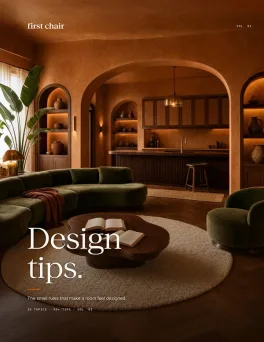
You just signed a lease in Chicago after a breakup. The boxes are mostly unpacked. The sofa is finally in place, the coffee maker is working again, and the apartment is starting to feel less like a landing pad and more like a fresh start. And yet, it still doesn't feel like you.
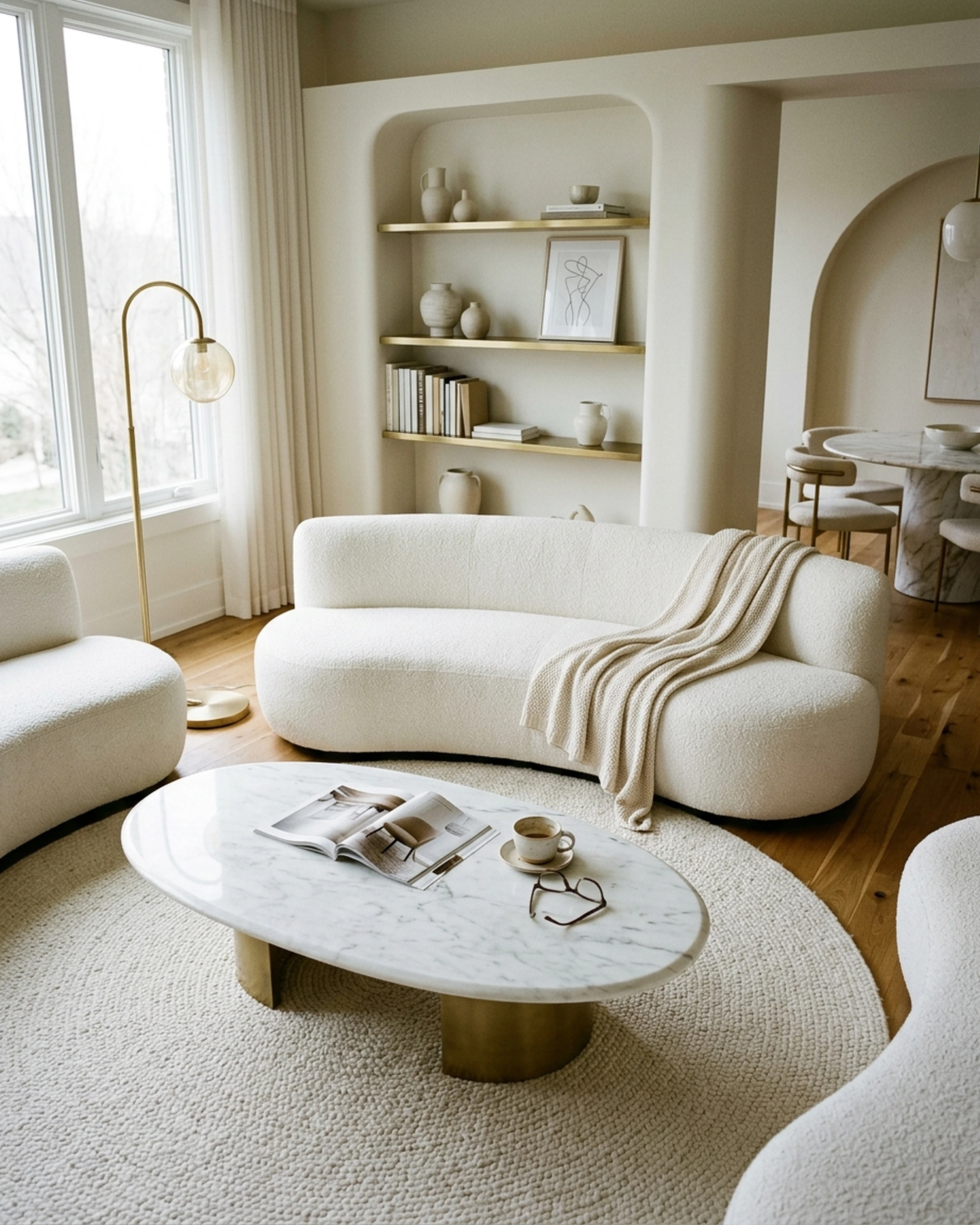
The Pinterest board has 247 pins. There are 19 tabs open with rugs, lamps, art prints, and side tables. You know the look you're after. Warm woods, softer lighting, a living room that feels collected instead of pieced together. The problem isn't taste. It's turning all those saved ideas into actual decisions.
FeelDesign seemed promising for pulling everything together, but now you're wondering if there's something better suited to finishing the room with pieces you can purchase today.
Key Takeaways
- First Chair combines real, buyable furniture with room visualization across multiple retailers like West Elm, CB2, and Pottery Barn, with insider access to hard-to-find pieces
- Skip pure AI render tools if you want to actually buy the room. RoomGPT and similar platforms generate pretty images, but those sofas and rugs often don't exist
- Retailer-locked tools like IKEA Kreativ work if you already know you want IKEA. Otherwise, you're designing within a single catalog instead of finding the right piece
- Traditional planning tools like Planner 5D and Homestyler excel at floor plans and 3D rendering, but they stop short of shopping, leaving you with 47 browser tabs open
- DecorMatters offers AR shopping across brands, but without the curated guidance that turns inspiration into a cohesive room
1. First Chair: Real Furniture, Real Rooms, Actual Checkout
First Chair exists because most design tools stop at the pretty picture. You upload a photo of your space or an inspiration image, describe the vibe you're after (think "mid-century modern with walnut tones and warm leather" or "Scandinavian with softer textiles and deeper seats"), and First Chair generates room concepts using furniture you can actually buy.
What Makes It Different
Every piece shown is real and purchasable. First Chair pulls across West Elm, CB2, Crate & Barrel, Pottery Barn, Lulu & Georgia, and brands you haven't met yet. No fake renders. No furniture that only exists in an AI's imagination.
The concepts feel considered, not algorithmic. Instead of dumping 200 sofas on you, First Chair narrows the field to what actually works for your room's proportions, your style direction, and pieces that play well together.
Key Features:
- Room concepts built from real pieces across multiple retailers
- Nuanced style matching that interprets layered preferences like "rustic with refined silhouettes" or "minimalism with weight"
- Insider access to pieces you won't find on your own
- Limited-time $100 gift for new members
What It Does Well

First Chair handles the translation problem. You already know what you like. The challenge is turning that taste into a finished room without endless scrolling, mismatched purchases, and that nagging feeling the loveseat was a mistake. First Chair replaces Pinterest for inspiration, interior designers for direction, and the 27 open furniture tabs for execution.
What It's Built For
Anyone furnishing a new apartment, buying a first home, or finally finishing the living room that's felt temporary for six months. Particularly useful for renters and apartment dwellers who need pieces that work in smaller footprints.
2. RoomGPT
RoomGPT makes AI room visualization dead simple. Upload a photo, pick a style, get a redesigned room in under a minute. It's fast, it's free for casual use, and it's completely useless when you're ready to buy.
What It Does
Speed. RoomGPT delivers quick photo-to-render workflow for style exploration. When you're not sure whether you want contemporary or farmhouse, it helps you see options quickly.
Key Features:
- Fast AI rendering from uploaded photos
- Multiple style options to explore
- Simple, accessible interface
The Reality Check
Those beautiful renders contain furniture that doesn't exist. You'll get a gorgeous image of a living room, but good luck finding that specific sofa or rug. RoomGPT is inspiration, not execution. It shows you what a room could look like, then leaves you to figure out the rest on your own.
When To Use It
Early "what style do I even want" phase only. Move on once you're ready to purchase anything.
How it differs from First Chair: RoomGPT generates fantasy rooms with furniture you can't buy. First Chair generates rooms built from real pieces you can order today.
3. Planner 5D
Planner 5D makes 2D and 3D home planning accessible to non-designers. The interface is genuinely intuitive, and you can create full home layouts without a learning curve. It's useful for one specific thing: figuring out if furniture will physically fit in your space.
What It Does
Floor planning. If you need to figure out whether a sectional will actually fit before you buy it, Planner 5D lets you build accurate room dimensions and test furniture placement. Cross-platform availability means you can work on desktop, iOS, or Android.
Key Features:
- Accurate floor planning with real dimensions
- 2D and 3D visualization
- Cross-platform access (desktop, iOS, Android)
- Furniture placement testing
The Gap
The furniture catalog is generic. You're placing placeholder sofas and tables, not real products from real retailers. Once you figure out the layout, you still need to find and buy everything separately. Planner 5D answers "will it fit?" but not "where do I buy it?"
When To Use It
DIYers who need precise floor plans and layout testing. Skip it if layout isn't your actual problem.
How it differs from First Chair: Planner 5D helps you plan a room's layout. First Chair helps you buy a room that works in that layout.
4. Homestyler
Homestyler delivers photorealistic rendering that looks like professional photography. If you need presentation-quality visuals for a portfolio or client pitch, the output quality is impressive. If you need to actually shop, it's the wrong tool.
What It Does
Render quality. Homestyler produces images that look professional. The furniture catalog includes real brands, and the active community provides inspiration and feedback.
Key Features:
- High-quality photorealistic rendering
- Brand-name furniture catalog
- Active user community for inspiration
The Limitations
Homestyler requires a powerful computer for photorealistic renders. It's primarily web-based, limiting mobile flexibility. And while the catalog includes brand-name pieces, there's no direct shopping integration. You're still hunting down each piece yourself after you create the render.
When To Use It
Interior design students, professionals building portfolios, or anyone who needs photorealistic images more than shopping assistance.
How it differs from First Chair: Homestyler excels at making rooms look beautiful in renders. First Chair excels at making rooms real and purchasable.
5. RoomSketcher
RoomSketcher produces accurate, scaled floor plans suitable for client presentations and contractor documentation. It's a professional tool built for professionals, which means it's probably overkill if you're just trying to furnish your apartment.
What It Does
Professional output. Branded plans, team collaboration features, and the accuracy needed for construction or renovation projects. If you're an interior designer working with clients who need proper documentation, RoomSketcher delivers.
Key Features:
- CAD-quality floor plans
- Team collaboration tools
- Professional branding options
- Contractor-ready documentation
The Reality
This is built for professionals, not consumer shopping. The rendering quality is functional but not photorealistic. And like other planning tools, it stops at visualization. No shopping integration. No real product recommendations. Just plans.
When To Use It
Interior designers, architects, and contractors. Skip it if you're furnishing your own apartment.
How it differs from First Chair: RoomSketcher serves professionals who need technical documentation. First Chair serves people who want to finish furnishing their home.
6. DecorMatters
DecorMatters combines AR furniture placement with shopping partnerships including Target, Amazon, Wayfair, West Elm, and IKEA. You can visualize pieces in your space and purchase through affiliate links. It gives you options, lots of them, without much help deciding.
What It Does
Multi-brand AR shopping. DecorMatters lets you see real products in your real room before buying, across multiple retailers. The social community features add inspiration and feedback loops.
Key Features:
- AR visualization for furniture placement
- Shopping links across multiple retailers (Target, Amazon, Wayfair, West Elm, IKEA)
- Social community features
The Problem
DecorMatters offers options, not opinions. You're still sifting through thousands of pieces without much guidance on what actually works together. It's essentially a better way to window shop, but it doesn't help you pull a cohesive room together. And there's no insider access or special advantage beyond seeing how individual pieces look in your space.
How it differs from First Chair: DecorMatters gives you AR visualization and lots of choices. First Chair gives you curated concepts where pieces already work together, with insider access to pieces you won't find on your own.
When To Use It
Visual shoppers who want to see individual pieces in their space. Less useful if you need help pulling a cohesive room together.
7. IKEA Kreativ
IKEA Kreativ lets you visualize IKEA furniture in your space using AR. It's free, it's accurate, and it only shows you IKEA. Which is fine if you want IKEA, limiting if you don't.
What It Does
If you're buying IKEA, this tool works. The AR accuracy is solid, and the direct purchase path eliminates friction. For first apartments on tight budgets, IKEA Kreativ makes sense.
Key Features:
- AR visualization for IKEA furniture
- Direct purchase integration
- Free to use
The Constraint
You're designing within a single catalog. IKEA Kreativ shows you IKEA furniture only. If you want a CB2 sofa, a Lulu & Georgia rug, and a Rejuvenation pendant light, you need a different approach. You're limited to one aesthetic, one quality level, one price point.
When To Use It
First apartments where IKEA is the primary source. Skip it if you want to mix brands or shop beyond IKEA's catalog.
How it differs from First Chair: IKEA Kreativ works for IKEA only. First Chair works across retailers, helping you find the right piece regardless of brand.
8. Collov AI
Collov AI generates room redesigns from photos, similar to RoomGPT. The platform uses AI to suggest style directions and visualize different aesthetics in your space. It's another inspiration tool that stops before shopping.
What It Does
Quick AI visualization with multiple style options. Useful for exploring whether your living room would feel better with a modern or transitional approach.
Key Features:
- AI-generated room redesigns from photos
- Multiple style direction options
- Fast visualization
The Gap
Like RoomGPT and other AI render tools, the furniture in Collov's outputs doesn't always exist. You get inspiration, not a shopping list. The gap between "this looks nice" and "I own this room" remains wide. It's another tool that shows you possibilities without helping you execute.
When To Use It
Early-stage style exploration. Move to First Chair when you're ready to purchase.
How it differs from First Chair: Collov generates AI concepts with imaginary furniture. First Chair generates concepts built from real pieces you can order.
Why First Chair Works for Most People
The AI interior design market keeps growing because the problem is real. Furnishing a home feels overwhelming. Pinterest helps with inspiration. Traditional design tools help with floor plans. Furniture sites help with shopping. But nothing connected those steps until now.
First Chair closes the loop. You bring your taste, your room, and your style direction. First Chair returns a cohesive room concept built from real furniture across West Elm, CB2, Crate & Barrel, Pottery Barn, Lulu & Georgia, Article, and more. Pieces that work together. Pieces you can actually buy. With insider access to pieces and pricing you won't find on your own.
For the apartment in Brooklyn that still feels unfinished, for the first home that needs more than hand-me-down furniture, for the living room that's been "almost done" for six months, First Chair turns the room in your head into a room you can actually come home to.
Frequently Asked Questions
What makes First Chair different from other AI interior design tools?
First Chair generates room concepts using only real, purchasable furniture from multiple retailers. Unlike AI render tools that create pretty images of nonexistent pieces, every sofa, rug, and lamp in a First Chair concept can be bought and delivered to your home.
Can First Chair recommend furniture from specific brands or retailers?
Yes. First Chair pulls across West Elm, CB2, Crate & Barrel, Pottery Barn, Lulu & Georgia, and other quality brands. You're not locked into a single retailer's catalog.
How does First Chair help reduce decision fatigue?
Instead of overwhelming you with hundreds of options, First Chair provides curated concepts where pieces already work together. You get considered recommendations, not infinite scrolling.
How much does First Chair cost?
First Chair membership is $59.99 for 3 months or $99.99 for 6 months, with a limited-time $100 gift for new members. Members also get savings on pieces you won't find shopping on your own.