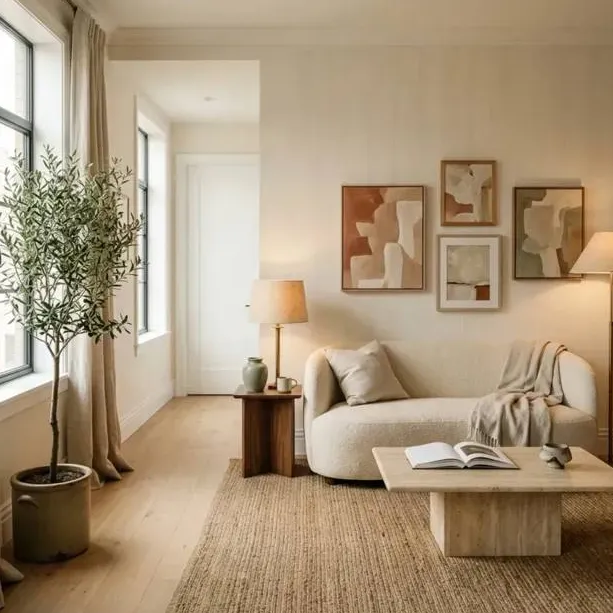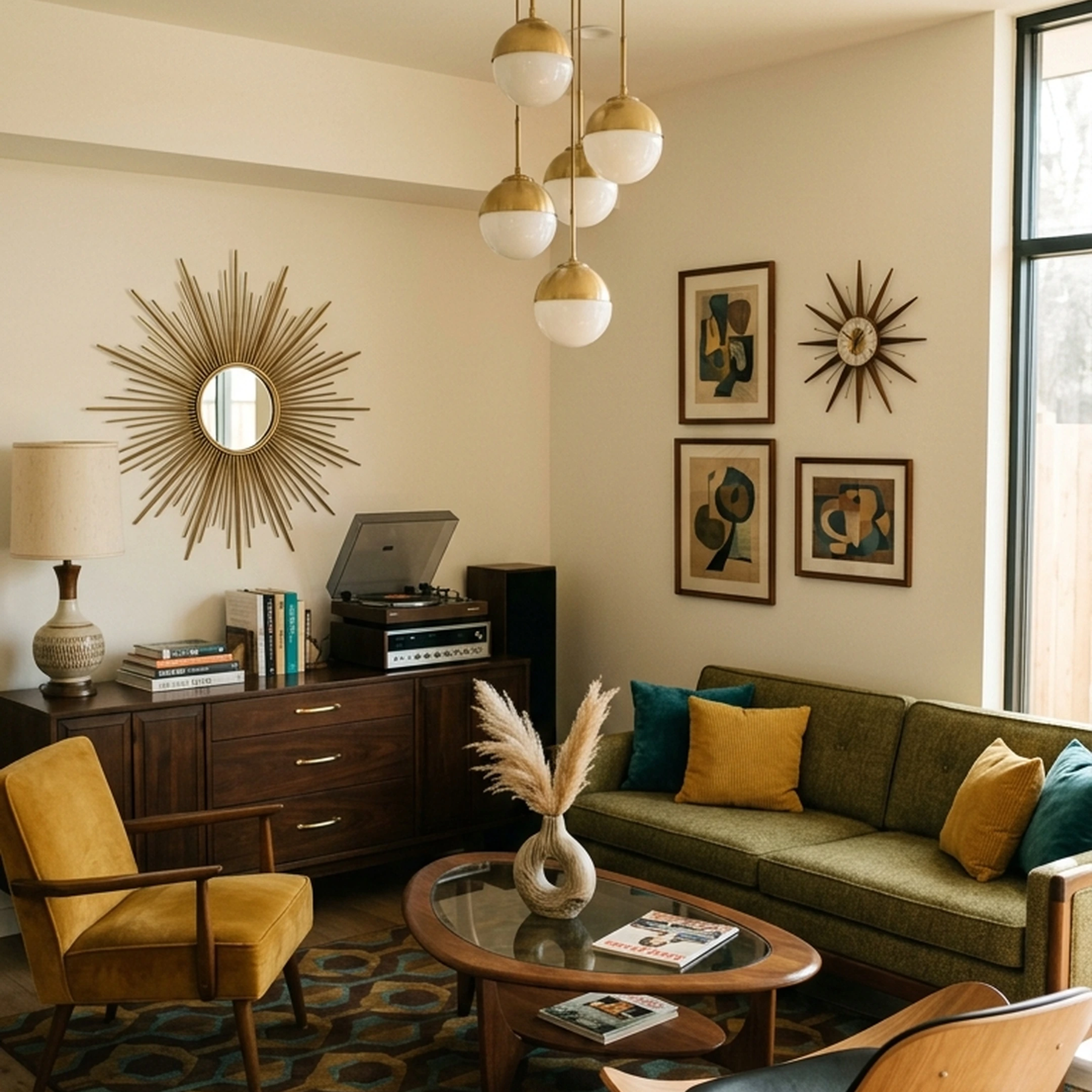
You've just moved into your first apartment together in Boston. The moving boxes are finally unpacked, but the living room is still empty because you can't agree on a sofa. You love the clean lines of a mid-century leather couch. Your partner has saved six different oversized sectionals, all in shades of cream. You've both spent weeks collecting inspiration, but somehow, you're no closer to deciding what your home should look like.
Decorating as a couple means finding a middle ground between two styles, two sets of priorities, and one shared budget. It's not always about compromising on everything, either. Sometimes, you just need a better way to see how your ideas could work together before spending money on furniture.
The best interior design apps for couples make that process easier. From shared mood boards and room planners to tools that help you visualize real furniture, these eight apps can help you turn two different Pinterest boards into a home that feels like both of yours.
Key Takeaways
- Free tools exist for couples who just need a shared visual reference, not a full floor plan.
- Several apps support real-time dual editing on the same board, rather than one partner updating a static file.
- LiDAR scanning apps can help capture room dimensions from a phone camera, which matters before ordering anything large.
- The best app depends on where you are in the decorating process. Shared mood boards help couples align on style, while room planners and AR tools make it easier to agree on layouts and furniture sizes before buying.
- Shoppable room designs help bridge the gap between planning and purchasing. First Chair turns an agreed-upon style into a room concept using real furniture from 100+ brands, making it easier to find pieces that work for both partners.
Why Standard "Best App" Lists Let Couples Down
Most app roundups rank for a single user: one taste, one budget, one decision-maker. Couples furnishing together are solving a different problem, which is less about finding inspiration and more about reconciling two sets of it.
A psychotherapist who works with couples on home projects recommends they shop together specifically so no major decision gets made without both people weighing in. One interior designer who regularly works with couples starts by having each partner bring in a short list of shared must-haves they can both agree on, like enough seating for guests, before either person starts picking specific pieces.
That's what a single-user app misses. An app that can't hold two people's input at once, or that has no way to compare a shared budget, pushes couples back into separate tabs and separate decisions, which is exactly the problem they were trying to solve.
How We Picked the Best Apps for Shared Design
Every app below had to do at least one of three things well: let two people edit or comment on the same board or plan, publish real pricing, or scan a room accurately enough to plan around. Apps were checked against their own current product pages and app store listings. Marketing claims repeated from other roundups were excluded. Entries that didn't publish pricing are noted honestly rather than guessed at.
1. First Chair
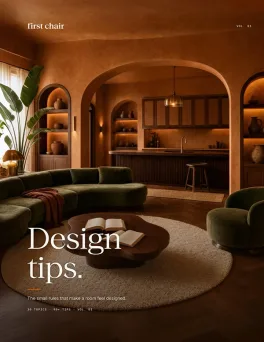
First Chair is ideal for couples who've collected plenty of inspiration but still can't agree on what their finished room should look like. Instead of comparing separate Pinterest boards or scrolling through furniture catalogs, you can turn your shared inspiration into a cohesive room concept featuring real, shoppable furniture.
First Chair creates room concepts in about 30 seconds using real pieces from 100+ brands, including West Elm, CB2, Crate & Barrel, Pottery Barn, and Lulu & Georgia. That makes it easier to compare furniture styles, colors, and combinations before deciding what belongs in your shared space.
You can also see insider pricing on most pieces, helping you move from agreeing on a design to finding furniture that fits your budget.
Key features:
- Creates cohesive, shoppable room concepts using real furniture.
- Sources pieces from 100+ furniture and decor brands.
- Turns inspiration images into furnished room concepts.
- Shows insider pricing on most pieces.
- Helps couples visualize how different furniture styles work together.
2. Houzz
Houzz works well for couples who want to collect inspiration, discuss specific furniture pieces, and plan room layouts together. Its inspiration library and collaborative features help keep design conversations organized instead of scattered across messages and screenshots.
Mood boards support comments on individual pieces or entire pages, while notifications help partners keep track of feedback. Houzz also offers 3D floor planning features for visualizing room layouts.
Key features:
- Inspiration library with interior design photos.
- Mood boards with comments and feedback.
- Notifications for collaborative discussions.
- 3D floor planning and room visualization.
- Shareable designs for reviewing layouts together.
How it differs from First Chair: Houzz focuses on inspiration, planning, and collaborative feedback, while First Chair turns an agreed-upon style into a shoppable room concept using furniture from multiple retailers.
3. DecorMatters
DecorMatters is useful for couples who want to see how furniture and decor could look in their existing space before making purchases. Its augmented reality features let you experiment with furniture placement and compare different layouts.
The AR ruler also helps measure room dimensions, which is useful when you're deciding between a compact sofa and a larger sectional.
Key features:
- Augmented reality furniture placement.
- AR ruler for measuring room dimensions.
- Room layout planning and visualization.
- Furniture and decor catalog.
- Design experimentation with different arrangements.
How it differs from First Chair: DecorMatters emphasizes AR placement and room visualization, while First Chair creates cohesive, shoppable concepts using real furniture from 100+ brands.
4. Milanote, Pinterest Group Boards, and Miro
Milanote, Pinterest, and Miro are useful for couples who are still figuring out their shared decorating style. Instead of planning an entire room immediately, you can start by collecting inspiration, comparing preferences, and identifying the colors, materials, and furniture styles you both like.
Milanote supports visual mood boards with images, notes, and links. Pinterest group boards make it easy to collect inspiration together, while Miro offers collaborative boards where both partners can organize and edit ideas.
Key features:
- Shared inspiration and mood boards.
- Collaborative editing and idea organization.
- Image, link, and note collection.
- Visual comparisons of different decorating styles.
- Free plans or free collaboration features.
How it differs from First Chair: These tools help couples collect and organize ideas, while First Chair turns that inspiration into a complete, shoppable room concept featuring real furniture.
5. Planner 5D
Planner 5D is designed for couples who want more control over their room layouts. You can create 2D floor plans, explore rooms in 3D, and experiment with furniture arrangements before making any major decisions.
Its cross-device functionality also makes it convenient for partners working on a design from different phones, tablets, or computers.
Key features:
- 2D and 3D floor planning.
- Furniture placement and layout customization.
- Cross-device project access.
- Furniture and decor catalog.
- Rendering features for visualizing room designs.
How it differs from First Chair: Planner 5D focuses on building and adjusting floor plans, while First Chair helps couples furnish their spaces with cohesive concepts made from real, purchasable pieces.
6. Home Planner
Home Planner is useful for couples who need to understand their room dimensions before deciding on furniture. Its room-scanning features help create a digital representation of an existing space, making it easier to experiment with layouts.
This is particularly helpful when you're furnishing a smaller apartment or working around awkward corners, narrow walkways, and existing furniture.
Key features:
- LiDAR room scanning on supported devices.
- 3D room visualization.
- Furniture placement and layout planning.
- AI-assisted room redesign suggestions.
- Furniture catalog for experimenting with arrangements.
How it differs from First Chair: Home Planner prioritizes room measurements and spatial planning, while First Chair focuses on creating cohesive, shoppable designs using real furniture from multiple brands.
7. Morpholio Board
Morpholio Board works well for couples who want to settle on a shared aesthetic before shopping. Its mood-board features let you organize colors, materials, furniture, and decor into a visual presentation.
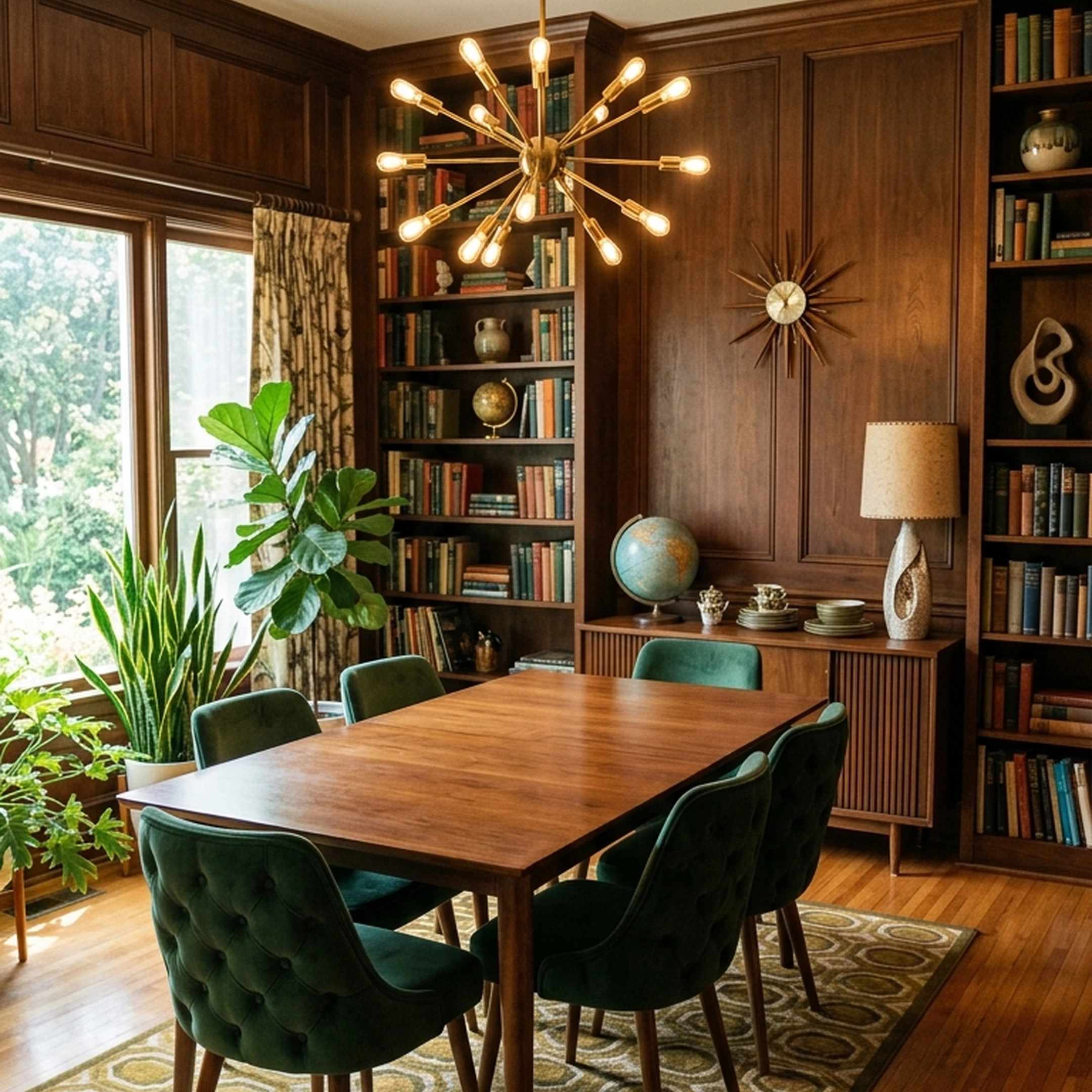
For example, one partner might prefer walnut furniture and warm leather, while the other prefers lighter oak and soft linen. A shared mood board makes it easier to see how those preferences could work together.
Key features:
- Layered interior design mood boards.
- Furniture and material arrangement.
- Color extraction and palette development.
- Product imagery and visual organization.
- Shareable design presentations.
How it differs from First Chair: Morpholio Board helps couples develop and present their design direction, while First Chair turns that direction into a furnished room concept with real products and insider pricing on most pieces.
8. Havenly
Havenly is a good fit for couples who want professional help combining different decorating preferences. Rather than making every decision independently, you work with a human interior designer who can help develop a cohesive direction.
This can be particularly useful when you're furnishing an entire home together and need another perspective on furniture styles, color palettes, and room arrangements.
Key features:
- Personalized interior design assistance.
- Human designer consultations.
- Room concepts and furniture recommendations.
- Online and in-person design services.
- Furniture shopping guidance.
How it differs from First Chair: Havenly provides personalized guidance from a human interior designer, while First Chair creates shoppable room concepts quickly using real furniture from 100+ brands.
How to Choose
If You Disagree on Style
Start by separating what you both need from what you each want. One designer asks partners who clash on clutter versus color to organize the belongings rather than get rid of either person's things. If a home has enough rooms, another workable split is furnishing room by room, giving each partner more say over one space rather than fighting over every room at once. DecorMatters' shared budget view and Havenly's human designer both support this kind of split decision-making better than a static mood board does. When both partners have landed on a direction, First Chair builds it into a shoppable room from real pieces across 100+ brands.
If You're Working With a Tight Budget
Milanote, Pinterest group boards, and Miro cost nothing and solve the collecting problem. Planner 5D's free plan adds a 2D and 3D layout on top of that, with half its catalog available before you pay anything. IKEA Kreativ is designed for first-apartment furnishing. The AR scan is free, and the catalog, while limited to one retailer, is priced for that stage of life.
If You're Planning a Full Renovation, Not Just One Room
Home Planner's LiDAR scan and Houzz's 3D Floor Planner both start from an accurate scan of the actual space rather than a freehand layout, which matters more as the number of rooms involved grows. Planner 5D's Professional tier adds rendering tools for projects spanning more than one room.
Once the Planning Is Done, Furnishing Still Takes Work
Picking a planning app solves the collecting-and-comparing part. The harder part is turning whatever you land on into a room with real furniture in it, chosen by both of you, that actually ships. First Chair designs your room in 30 seconds, building concepts from real pieces across 100+ brands like West Elm, CB2, Crate & Barrel, Pottery Barn, and Lulu & Georgia, with insider pricing shown next to the standard price. Members see insider pricing on most pieces.
A shared mood board shows you what you both like. First Chair turns it into a shoppable room concept built from real pieces.
Frequently Asked Questions
What is the best interior design app for couples?
The right app depends on where the disagreement actually is. A couple still collecting ideas can start with a shared board like Milanote or a Pinterest group board, while a couple disagreeing on layout or scale will get more from an app with budget comparison, like DecorMatters, or a human designer, like Havenly. For couples ready to move from planning to purchasing, First Chair builds a shoppable room concept from real pieces across 100+ brands.
How do couples share an interior design project in real time?
Apps with live co-editing let both partners work on the same board or floor plan simultaneously. Houzz Sketch supports two people marking up the same image at the same time with push notifications on each change. Miro's free plan allows all members to edit one shared board, and Planner 5D lets a project continue across any device either partner picks up.
Can couples use Pinterest or Miro for interior design planning?
Yes, for the early collecting stage. A tool-review roundup recommends Pinterest group boards for couples gathering ideas together and Miro when two people want to edit one shared board for free, since Miro's free plan allows all members to edit and includes background removal.
Which apps create accurate floor plans from a phone scan?
Houzz Pro builds 3D models from mobile room scans, according to an independent comparison of design apps.
Are AI interior design apps accurate?
Not in the way a measured floor plan is. Photo-based redesign tools generally show only the part of a room the camera sees, don't verify dimensions or clearances, and produce images rather than construction drawings. Apps built around an actual room scan, like Home Planner or Houzz's 3D Floor Planner, are a closer fit if you need real measurements before ordering furniture.
Is there an app that places furniture in your actual room before you buy it?
Several apps use augmented reality to place furniture into a photo or live camera view of a real room. IKEA Kreativ supports whole-room scanning on LiDAR-capable iPhone Pro and iPad Pro devices in the IKEA app and places true-to-scale IKEA furniture into the scanned space. DecorMatters places furniture and decor into a photo of an actual room and includes an AR ruler that measures room dimensions without a tape measure.
Do interior design apps show real furniture dimensions and prices?
It varies by tool. Apps built around AI photo redesign are generally focused on style, not verified measurements or live pricing. Apps built around a real product catalog, such as IKEA Kreativ's true-to-scale AR placement, connect more directly to actual dimensions and prices because the furniture shown exists in a retailer's catalog.
What is the best free room design app for couples?
Milanote's free plan supports 100 notes, images, or links along with a web clipper and real-time shared boards, and Planner 5D's free plan adds unlimited 2D and 3D projects with access to half its furniture catalog. Which one fits better depends on whether you need a layout or just a shared reference board. When you're ready to move from planning to ordering, First Chair builds a full room concept from real pieces across 100+ brands.
How do couples agree on interior design when they have different styles?
Designers who work with couples recommend starting with shared must-haves, such as enough seating for guests, before either partner picks specific pieces. Apps with a visible shared budget, like DecorMatters, or a human designer, like Havenly, support that kind of structured compromise better than a solo planning tool does.