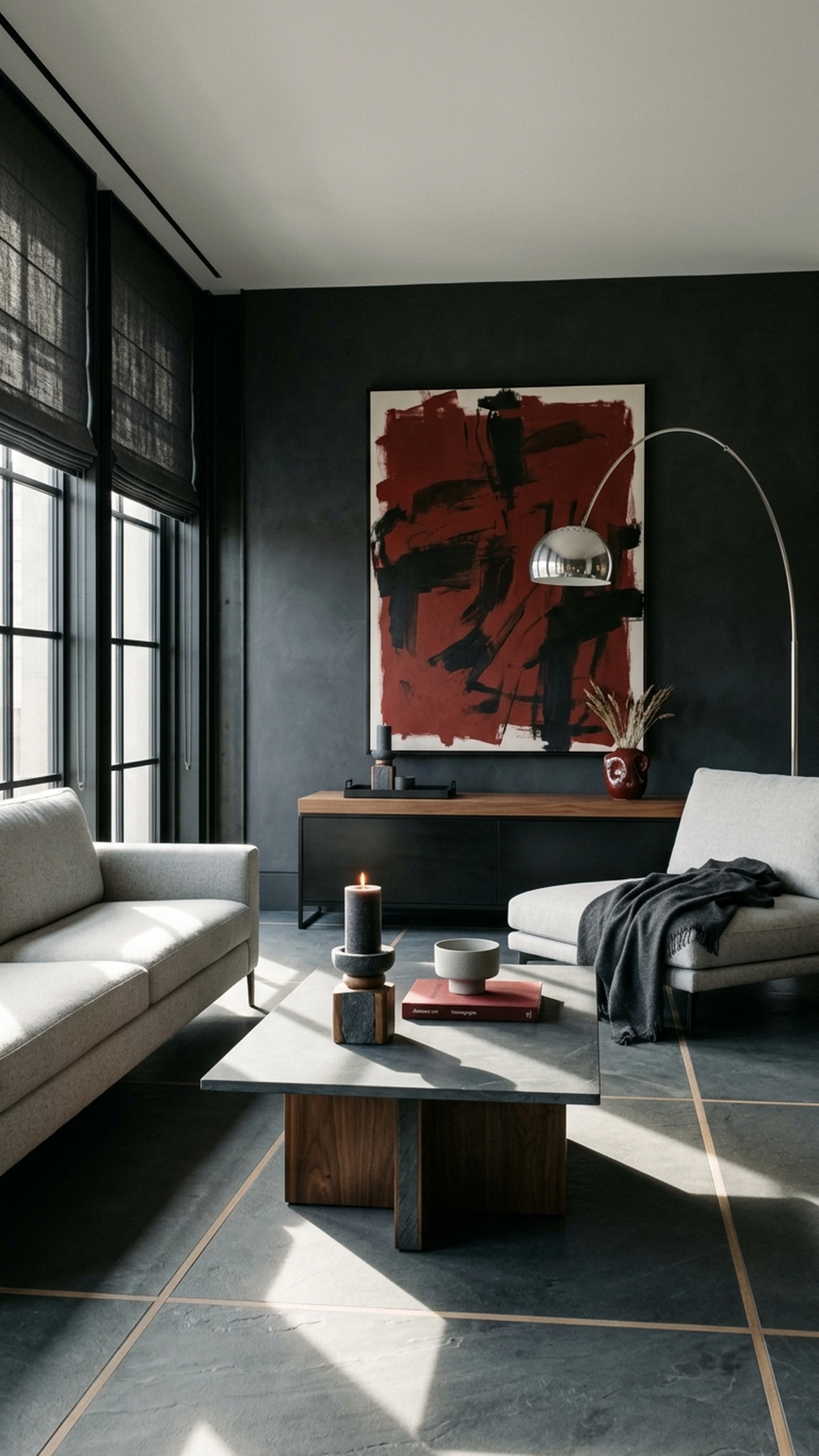

You bought your first place in San Francisco, and after the paperwork, inspections, and moving boxes, you finally get to make it yours. The living room still has the previous owner’s gray walls. The bedroom needs more than a bed pushed against one side. And the dining room has become a holding zone for furniture you weren’t sure where else to put.
You know what you like. Your saved rooms have warm woods, sculptural lighting, softer silhouettes, and furniture that feels collected rather than matched. The harder part is translating all of that into your actual rooms without buying a sofa that’s too deep, a rug that reads wrong against the floors, or another piece you’ll want to replace in a year.
AI decorating apps can make that first-home furnishing process easier. The best ones help you visualize a direction before you commit, while a smaller group connects that direction to real furniture you can actually buy. This guide covers eight AI decorating apps for restyling any room in 2026, with a clear look at what each does well and where it fits.
Key Takeaways
- Shoppable furniture integration is the real differentiator. Many AI apps generate beautiful renders of rooms filled with furniture that doesn't exist. The best ones connect designs to pieces you can actually buy.
- First Chair stands apart for real, buyable rooms. Every piece First Chair recommends comes from actual retailers, curated across brands like West Elm, Pottery Barn, Article, and Crate & Barrel.
- Free tiers vary dramatically. Some apps offer substantial free credits while others give you just one design before requiring payment.
- Layout preservation matters. The 2026 generation of apps keeps your actual walls, windows, and door placements instead of hallucinating new room structures.
- Most apps generate concepts in 10 to 30 seconds. Speed is no longer the bottleneck. Execution is.
Why AI Decorating Apps Make Sense Now

The old way of furnishing a room involved endless scrolling, multiple store visits, expensive designer consultations, and the constant fear of buying the wrong piece. You'd order a sectional based on measurements that technically fit, only to realize it overwhelms the room once it arrives. Or you'd spend months trying to find a coffee table that works with a sofa you already own, opening tabs until your browser crashes.
AI decorating apps address this by letting you visualize changes before committing. Upload a photo of your current space or an inspiration image. Describe the aesthetic you want. Get back a redesigned concept showing how specific pieces work together.
But here's the catch with most AI room tools: they show you beautiful rooms filled with furniture you can't buy. The sofa in the render? Doesn't exist. The coffee table? A figment of the algorithm's imagination. This is where the gap between inspiration and execution remains wide for most apps.
1. First Chair
First Chair is a strong choice if your goal is to actually furnish the room, not just generate a better-looking picture of it.
Instead of filling a render with furniture that may not exist, First Chair builds concepts around real, shoppable pieces from retailers like West Elm, CB2, Crate & Barrel, Pottery Barn, Lulu & Georgia, and Article. Upload a room or inspiration photo, describe the direction you want, and First Chair narrows the field into a room that feels considered rather than assembled one piece at a time.
That distinction matters when you’ve just bought your first home. You’re no longer trying to make one rental living room feel less temporary. You might be furnishing a bedroom, dining room, office, and living room at once, and every purchase starts affecting the next one. The wrong sofa doesn’t just mean a return. It can throw off the rug, coffee table, lighting, and scale of the whole room.
Key Features
- Multi-retailer sourcing that pulls across brands rather than locking you into a single catalog
- Nuanced style interpretation that understands layered direction like "Scandinavian with walnut and oak warmth, deeper seats, softer textiles"
- Confidence-focused recommendations that narrow choices and explain why specific pieces work
- Member savings that show up at checkout on most pieces
What It Does Well
First Chair is best at deciding what to actually buy. A beautiful render is easy to admire and surprisingly hard to execute. First Chair starts with the room as a whole, then recommends pieces that make sense together. That’s especially useful in a first home, where you’re making enough decisions already. You don’t need 40 coffee tables. You need to know which one works with the sofa, rug, floors, and proportions you’ve already committed to.
Ideal For: Design-minded people who already know what they like and want a clear path from inspiration to a room they can actually buy
2. Remodel AI
Remodel AI is worth using if the question is, “What could this room look like?” It’s less useful when the question becomes, “What should I actually buy?”
It offers 30+ interior styles and eight specialized tools covering interior redesign, exterior design, virtual staging, floor replacement, wall paint visualization, landscape design, object removal, and furniture swapping. Generation takes around 10 seconds, so it’s easy to test several directions without turning the process into a project of its own.
Key Features
- Eight specialized tools beyond basic room redesign including exterior and landscape visualization
- Ten-second generation times for rapid iteration
- Commercial-grade output without watermarks
- Multiple export formats for different uses
What It Does Well
Use Remodel AI for direction, not decision-making.
It’s good at helping you compare broad visual moves quickly. Dark walls versus light. Warmer wood versus cooler finishes. A more minimal room versus something layered and collected. If you’re standing in a newly purchased home trying to understand what the previous owner’s room could become, that speed is useful.
What to Consider
The render is the endpoint here, not the shopping plan. That’s fine if visualization is all you need. If you’re furnishing several rooms in a first home, though, you may find yourself right back in the browser-tab problem once the concept looks good.
How it Differs From First Chair
Remodel AI helps you see a possible room. First Chair helps you build the one you chose.
If you want to test paint, finishes, or a broad aesthetic direction, Remodel AI is the better fit. If you’re ready to turn that direction into real furniture from multiple retailers, First Chair is the stronger choice.
Ideal For: Users who want to test AI room design without commitment
3. REimagineHome
REimagineHome is one of the better choices if realism is the priority. Its renders tend to look closer to finished photography than rough concept art, and its 15+ tools cover interiors, exteriors, landscaping, furniture removal, material changes, and virtual staging.
Key Features
- Photorealism quality that reads as realistic photography
- Real Products Discovery feature that surfaces actual buyable products matching generated designs
- Whole-property coverage including interiors, exteriors, and landscaping
- Material overlay tools for visualizing finishes and textures
What It Does Well
REimagineHome produces realistic results among photo-based AI tools. Its Real Products Discovery also moves it a step beyond pure visualization. If you like a sofa or table in the generated image, the feature can point you toward real pieces with a similar look.
What to Consider
Treat the shopping feature as product discovery, not room curation.
Finding a sofa that resembles the render is only one decision. You still need to check whether its depth works with the coffee table, whether the rug is large enough to anchor both, whether the wood tone competes with the floors, and whether the lighting brings the room together.
How it Differs From First Chair
REimagineHome helps you visualize the destination. First Chair takes a more opinionated approach to furnishing it, pulling real, shoppable pieces across retailers and considering how the sofa, rug, tables, lighting, and decor work as one room.
Ideal For: Users who prioritize realistic renders and want product discovery features
4. Spacely AI
Spacely AI belongs in a different category from most of this list. It’s built around the professional design workflow, with integrations for SketchUp, Revit, AutoCAD, and Rhino plus image-to-3D tools and presentation-ready exports.
That makes it powerful if you’re specifying a renovation or developing concepts for clients. If you’ve just bought your first home and mainly need to decide which sofa, rug, dining table, and lighting belong in it, Spacely AI is probably more machinery than you need.
Key Features
- SketchUp, Revit, AutoCAD, and Rhino plugins for desktop workflows
- Image-to-3D conversion for detailed visualization
- Commercial license rights included
- Professional-grade export options for client presentations
What It Does Well
Spacely AI makes the most sense when the room is already part of a technical design process.
An architect testing finishes in a Revit model or an interior designer developing several client directions can use the professional integrations without abandoning the software they already work in.
What to Consider
Choose Spacely AI if you need professional visualization and technical workflow support.
Skip it if your main goal is furnishing your home. You’ll still need to source the actual pieces, compare dimensions, and decide how everything works together after the design work is done.
How it Differs From First Chair
Spacely AI serves professionals creating renderings for clients. First Chair serves individuals furnishing real rooms with actual furniture they can purchase immediately.
Ideal For: Designers and architects who need SketchUp or CAD integration
5. DecorAI
DecorAI is built for breadth. With 175+ styles and more than 20 tools spanning kitchens, bathrooms, interiors, exteriors, and landscaping, it gives you plenty of room to experiment.
That can be useful early in a first-home project. Maybe you’ve bought a place in San Francisco and the previous owner’s choices are still doing most of the talking. The kitchen leans traditional, the living room feels generic, and you haven’t decided whether to work with what’s there or pull the whole house in a different direction. DecorAI lets you test a lot of visual ideas quickly before committing to one.
Key Features
- 175+ style options covering niche aesthetics beyond mainstream categories
- Thinking Mode that suggests improvements rather than just executing requests
- 20+ specialized tools for different room types and exterior spaces
- Unlimited generation model that removes credit-counting anxiety
What It Does Well
If you want to see the dining room five different ways before deciding whether warm walnut, painted millwork, or a lighter oak direction feels right, the sheer volume of styles makes experimentation easy.
What to Consider
Use DecorAI while you’re finding the direction.
Once you’re ready to furnish the room, the work shifts back to you. You still need to translate the generated look into a sofa with the right depth, a dining table that clears the walkway, a rug in the right scale, and lighting that works with all of it.
How it Differs From First Chair
If you’re still asking, “What could this room be?” DecorAI earns its place. If you already know the room should feel warm, collected, and contemporary and you need the actual sofa, rug, lighting, and tables to make that happen, First Chair is the stronger fit. That confidence-to-commit role is central to how First Chair is positioned.
Ideal For: Users who want maximum style variety and unlimited monthly designs
6. Interior AI
Interior AI is the one to pick when the image itself matters. Its higher-end rendering modes are designed for polished, photorealistic results, and it goes further than a standard room generator with 3D flythroughs and VR walkthroughs.
That makes sense for professionals presenting a concept to a client, or for a homeowner who wants to experience a dramatic renovation direction before committing. If you’ve just bought your first place and you’re considering a major change to the living room, seeing the finished idea in motion can make a hard-to-picture decision much easier.
Key Features
- Professional-grade photorealism at higher quality tiers
- 3D flythrough videos compatible with VR headsets
- 40 to 50+ styles including niche options like Japanese Zen and Art Deco
- Multiple render quality options for different use cases
What It Does Well
Interior AI sells the vision extremely well.
A strong render can make a proposed room feel finished before anything has been ordered. For designers, that’s valuable. Clients aren’t always good at reading floor plans, material samples, or furniture schedules. A convincing visual can communicate the whole idea immediately.
What to Consider
Choose Interior AI when presentation is the priority.
If your next move is showing a concept to a client, comparing renovation directions, or experiencing a room in VR, its visual output is the point. If your next move is opening your wallet, you’ll still need another process for sourcing and coordinating the real pieces.
How it Differs From First Chair
Interior AI creates presentation materials for professional designers. First Chair creates shoppable rooms for individuals executing their own spaces.
Ideal For: Professionals needing top-tier renders for client presentations
7. RoomGPT
RoomGPT is the easiest place to start if you want a quick visual and nothing more. Upload a photo, choose a style, and it gives you a redesigned version of the room with very little setup.
Key Features
- Three-step process: upload, choose style, generate
- Quick inspiration generation in under 30 seconds
- Minimal learning curve with intuitive interface
- Credit purchases that never expire
What It Does Well
RoomGPT is good at one thing: getting you unstuck visually.
If you can’t picture the living room with warmer woods, darker walls, or softer furniture shapes, a quick generated concept can give you the push you need to choose a direction. There’s very little friction, which is exactly why it works well for first-timers.
What to Consider
Use RoomGPT for the gut-check. Don’t expect it to furnish the room for you.
It’s a useful choice when you’re still deciding whether the space should feel lighter, darker, more minimal, or more layered. If you already have a clear direction and want to start buying, you’ve moved past what RoomGPT does best.
How it Differs From First Chair
RoomGPT generates quick style swaps for ideation. First Chair provides curated furniture recommendations you can actually purchase to build the room.
Ideal For: First-timers who want the easiest possible experience
8. HomeDesigns.AI
HomeDesigns.AI makes the most sense when the project is bigger than decorating. It covers interiors, exteriors, and gardens across 160+ styles, and its renovation cost estimator adds a practical layer that most room generators don’t attempt.
Key Features
- Renovation cost estimator for budget planning
- Furniture Finder that attempts to match generated designs to actual products
- 160+ style options across different room types
- Ongoing access through daily credit allocation
What It Does Well
Its cost-estimation features make it more useful than a pure visualization product when the room needs work before furniture enters the conversation. It can help you think through whether you’re looking at a cosmetic refresh or something closer to a renovation.
The Furniture Finder is also useful as a starting point. If a generated dining chair or console catches your eye, it can point you toward real pieces with a similar look.
What to Consider
A matching product isn’t automatically the right product.
A chair can resemble the render and still be too wide for the table. A coffee table can look right and still leave the wrong clearance around the sofa. Three individually similar pieces can still fight with one another once they’re in the same room.
The cost estimator deserves the same treatment. Use it to understand scope, not as a final project budget. Real renovation costs depend on labor, materials, location, existing conditions, and the specifics of the work.
How it Differs From First Chair
HomeDesigns.AI's Furniture Finder uses algorithmic matching to show similar products. First Chair provides intentional curation across quality retailers where every piece is selected to work together cohesively with explained reasoning.
Ideal For: Users planning renovations who need cost projections
Final Verdict
Most AI decorating apps are strongest at visualization. They can help you test a darker wall color, compare styles, or see what an empty room might look like furnished. That’s useful, especially when you’ve just bought your first home and every room feels like a blank slate.
The harder part comes next. You still have to find the sofa, rug, lighting, and tables that actually exist, fit the space, and work together. That’s where the tabs multiply and the confidence disappears.
First Chair is built for that part. It turns your direction into a cohesive room using real, shoppable pieces from retailers like West Elm, CB2, Crate & Barrel, Pottery Barn, Lulu & Georgia, and Article. Instead of giving you more inspiration, it helps you commit to the pieces that make the room feel finished.
That’s the real difference. A render can show you a beautiful room. First Chair helps you build one.
Frequently Asked Questions
Can AI interior design apps recommend real, purchasable furniture?
Most AI design apps generate rooms with fictional furniture. First Chair, REimagineHome, and HomeDesigns.AI attempt to connect designs to actual products. First Chair takes this furthest by curating across quality retailers rather than showing algorithmic matches.
How do AI interior design apps handle specific style preferences?
Most apps offer preset style categories like "modern" or "farmhouse." First Chair interprets layered style direction, so you can describe "mid-century modern with walnut tones, warm leather, and rounded arms" rather than picking from generic buckets.
Are there free AI room design apps worth using?
Spacely AI offers substantial free access with no watermarks and commercial licensing included. Remodel AI provides multiple free designs. RoomGPT gives initial free access. REimagineHome offers several free designs. These work for testing but have limitations for ongoing use.
What are the benefits of using an AI app over traditional interior design services?
AI decorating apps provide faster concept generation and broader accessibility. The tradeoff: most apps don't provide the purchasing guidance and confidence that good designers offer. First Chair combines AI-assisted design with the curated, opinionated recommendations that make designers valuable.