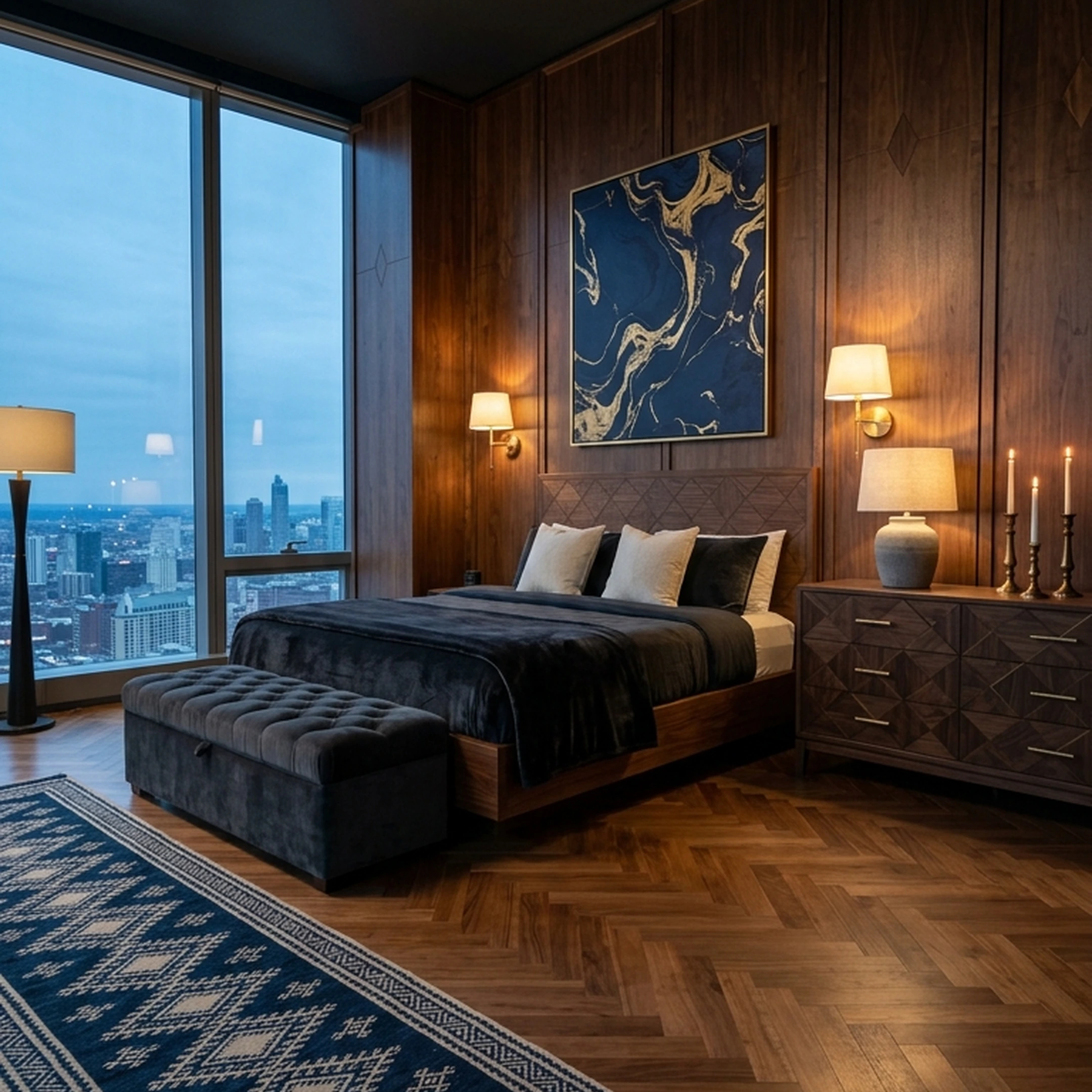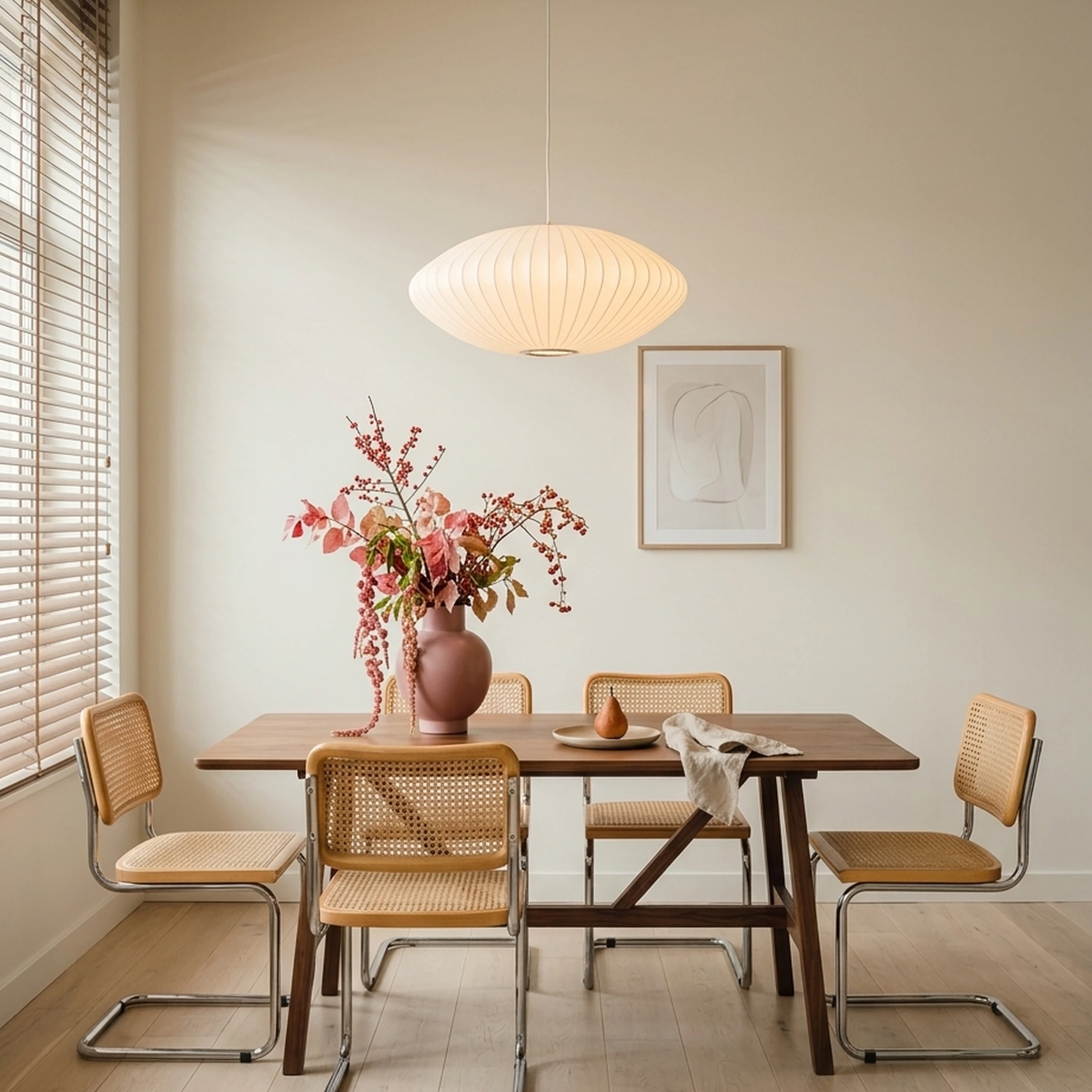
Moving into a 500-square-foot apartment in San Francisco means getting creative with every inch of space. You've found a place in the Mission District, but the living room needs to double as a home office, your dining area barely fits a two-person table, and the bedroom has an awkward corner that makes furniture placement difficult. You've already saved dozens of inspiration photos, but recreating those looks in a compact city apartment is another challenge entirely.
You need furniture that fits your actual floor plan, works with your daily routine, and doesn't make the apartment feel overcrowded. A sofa might look perfect online but block the walkway once delivered. A stylish bookshelf could take up valuable floor space you need for something else. AI interior design apps can help you visualize different layouts, experiment with space-saving furniture, and explore design ideas before committing to expensive purchases.
But not every app solves the same problem. Some generate attractive room concepts without connecting them to real products, while others help you find furniture you can actually buy. This guide compares nine AI interior design apps for city apartments, covering their design capabilities, furniture shopping features, and practical limitations, so you can make the most of your space without sacrificing your style.
Key Takeaways
- Small, high-rent apartments punish guesswork. A sofa that looks fine in a render can block a door swing or eat the one clear walking path in a studio.
- Two-thirds of Americans bought furniture in the past year, and urban residents are among the groups buying most, according to a 2024 Provoke Insights furniture survey, which means most readers of this list are mid-decision, not just browsing.
- Furniture decisions already drag out: 60% of recent buyers take days or weeks to decide, and tool choice matters because more open tabs rarely shortens that timeline.
- Only some of the nine apps below are built to design a room. The rest are general tools people already have open during a move, useful for moodboards, timelines, or texting a roommate about the rug.
- Apps that generate images without connecting to real inventory can't tell you whether a piece fits your wall or whether it's sold anywhere; several designers interviewed by Designer's Today note that AI outputs can lack precision for technical detailing, which matters more in a small room than a large one.
- First Chair designs around your actual room, taste and budget, and attaches real, buyable pieces with insider pricing to every concept, rather than leaving you to hunt down whatever a render imagined.
Why City Apartments Need AI Design Apps (And Why Generic Apps Fall Short)

A 300 square foot studio has no margin for error. A sectional that reads "cozy" in a wide suburban living room reads "immovable" in a railroad apartment, and a rug that's two inches too long will catch a door. The U.S. market for AI in interior design generated $589.5 million in 2025 and is projected to keep growing at a 17.1% CAGR through 2033, which is one reason there's suddenly a long list of apps claiming to solve this problem.
Not all of them were built for it. Some of the nine apps on this list are dedicated room-design tools. Others, like Canva, ClickUp, and Slack, are general-purpose tools people already use elsewhere and now reach for during a move, mostly for moodboards, timelines, or coordinating with whoever else lives there. We cover both so you know which one to open for which job, and we don't pretend a project-management app designs a room.
Haworth's own commentary on design and technology frames the realistic use case well: AI is primarily useful in the early stages of the design process, not as a replacement for judgment about scale, light, and how a space actually gets used day to day. That's the standard worth holding every app on this list to.
What to Look for in an AI Interior Design App for a Small or Rental Space
Three things matter more in a city apartment than anywhere else: scale accuracy, rental reversibility, and whether the furniture shown is something you can actually buy. Apartment Therapy's small-space guidance points to multifunctional furniture as particularly suited to small apartments, and that's a useful filter for any app's recommendations: does it suggest pieces that do two jobs, or does it just shrink a full-size catalog?
Rental reversibility matters too. If you can't paint or drill, an app that only shows wallpaper and built-ins isn't useful. And scale matters most of all. Architectural Digest recommends swapping bulky bookcases for modular shelving and floating desks precisely because floor space is the scarcest resource in a small room, and any app that doesn't account for that is giving you a picture, not a plan.
First Chair builds its concepts around your actual room, taste, and budget rather than a generic template, and every piece it shows is something you can search for, swap, and buy, which is the baseline this whole list gets measured against.
1. First Chair
First Chair learns your style and designs around the room you actually have, not a stock layout. You upload a photo of your own space or an inspiration image, describe the direction you want (think mid-century modern with walnut tones and rounded arms, described by materials and proportions rather than a single word), and get back concepts built from furniture that exists and ships. Every recommendation connects to a real, buyable piece, with the standard retail price shown next to your price so insider pricing is visible before you commit to anything.
Real-inventory grounding is the core difference from render-only tools: a concept isn't useful if the sofa in it doesn't exist anywhere you can order it.
What sets First Chair apart
- Designs are built around your actual room, taste, and budget, not a generic floor plan
- Unlimited designs and product searches are included, so you can try a new direction without starting over
- Every recommended piece is real and shoppable, with insider pricing shown next to retail price
- A Design Concierge can hunt for member savings and place the furniture order for you
- First Chair carries real products from 100+ brands across a catalog of more than 10 million pieces
- Homeowner Róisín Gallagher, furnishing after a move, reported that everything matched at exclusive prices, saving more than $3,000 compared to her last move
- The Architectural Designs furnishing plan delivers a complete room plan with estimated prices and vendors for $49.99 in 3 days
Decision fatigue is a documented problem in furniture shopping, not just a feeling. Nearly a quarter of furniture shoppers make spontaneous purchases despite 77% planning ahead, which is precisely the distance between good intentions and an open laptop at midnight that First Chair is built to close. Instead of another tab, you get one concept with real pieces attached.
Ideal for
- Renters furnishing a first apartment who want a cohesive room without hiring a designer
- Homeowners moving in with a partner and merging two sets of furniture and opinions
- Anyone who has saved hundreds of inspiration photos but hasn't bought anything yet
- People who want to shop multiple retailers in one place instead of a dozen open tabs
- Buyers who want to see insider pricing before committing to a piece
How to begin your First Chair room design
First Chair is in early access. You can begin by uploading a photo of your room and describing the direction you want.
2. Havenly
Choose Havenly when you want a human designer attached to the process and you're comfortable paying per room rather than carrying a subscription. Havenly's workflow starts with a style quiz, photos, and measurements (either entered manually or captured through the Havenly app), and produces a design board, floor plan, and shoppable product list, per Havenly's own service pages. A separate AI Design Assistant lets you upload a room photo and get a digital makeover with editable, swappable pieces, which Havenly itself distinguishes from its human-led design packages that produce detailed renderings of your actual space.
What it does well
Havenly's human-designer packages assign a named professional designer who incorporates the measurements you submit; that workflow differs from photo-only staging tools.
The tradeoff is the pricing structure: Havenly charges per room, which means a full apartment with a bedroom, living room, and office adds up fast compared to a flat subscription, and there's no published unlimited-iteration tier if you want to keep revising.
Key Features
- Style quiz, photo upload, and measurement-based floor planning
- AI Design Assistant for photo-based digital room makeovers
- Piece editing, swapping, and in-app shopping from the generated design
- Option to connect with a human designer for a detailed 3D rendering
How it differs from First Chair: Havenly pairs you with a human designer at a per-room price; First Chair's subscription covers unlimited designs and product searches across every room, with insider pricing built into each piece you shop.
3. roomwork.ai
Use roomwork.ai if you're a design professional iterating client concepts, not a renter trying to decide on one couch. Per roomwork.ai's own pricing page, the platform is built for interior designers to upload sketches, moodboards, or reference images, select materials and furniture styles, and generate photorealistic visualizations that preserve the spatial layout of the original space.
The tool is specifically built around iteration speed: swapping furniture, replacing textures, and generating design variations without starting a render from scratch, which supports a professional producing multiple concepts for a client in one sitting.
Key Features
- Generate room visualizations from uploaded sketches or reference images
- Swap furniture and replace textures within an existing concept
- Select mood and tone presets for a design direction
- Preserve spatial layout and design intent across variations
How it differs from First Chair: roomwork.ai generates visual concepts for design professionals working across multiple client projects; First Chair designs the one room you live in and attaches real, buyable pieces to it.
4. Virtual Staging AI
Choose Virtual Staging AI if you're staging a listing for a sale, not furnishing an apartment you actually live in. Per the platform's own pricing page, it's built for real estate photos: upload a listing photo, select a room type and style, and it produces a staged image for MLS, YouTube, or social, with decluttering and piece removal included.
The output is fast and the Unlimited plan removes the per-photo counting that slows down agents staging a full listing, and multi-angle staging (currently in early beta, per the vendor's own site) keeps furniture visually consistent across different shots of the same room.
The tradeoff is scope: this tool is for selling a space to a buyer, not furnishing a space to live in. Its fact sheet doesn't describe a shopping layer, so there's no path from "staged photo" to an actual piece of furniture arriving at your door.
Key Features
- Room-type and style selection for one-click staging
- Free decluttering and piece removal included
- Multi-angle room staging (early beta, per the vendor's site)
- Listing videos with voiceover, music, and branding
How it differs from First Chair: Virtual Staging AI stages listing photos to help an agent sell a space; First Chair designs the room you're actually going to live in and shops it with real, buyable pieces.
5. Google Gemini
Use Gemini if you already pay for it and want a quick image riff on a room idea between emails, not if you need something to track furniture scale or inventory. Where dedicated room-design tools build a concept around your actual dimensions and connect to purchasable inventory, Gemini is a general-purpose assistant: image generation is one feature among many, and nothing in its workflow is anchored to a specific room or retailer.
Gemini's image tools can generate a quick visual sketch of a color scheme or layout idea from a text description before you commit time to a dedicated design app.
The tradeoff is that Gemini's fact sheet describes a general-purpose assistant for work, school, and home tasks, not a room-design tool: it doesn't reference floor plans, furniture scale, or a connection to real retailer inventory, so an image it generates isn't tied to anything you can actually buy.
Key Features
- Image generation and editing from text prompts
- Gemini Live and Canvas for conversational and visual workflows
- Deep Research for multi-step information gathering
- Integration across Gmail, Docs, Chrome, and Google Photos
How it differs from First Chair: Gemini generates general images and text across dozens of use cases; First Chair designs your specific room and attaches real, buyable pieces to every recommendation.
6. Microsoft Copilot
Use Copilot if you're already inside Microsoft 365 and want to draft a moving budget in a spreadsheet or a packing checklist in Word, not if you want a tool to evaluate whether a dresser fits your bedroom wall. Its strength is productivity: drafting, summarizing, and pulling from documents you already have open, not designing rooms or sourcing furniture.
Copilot's AI image creation feature can produce a quick visual, and its grounding in your own Microsoft 365 data means it can pull from a budget spreadsheet or email thread you've already started if your furnishing project already lives in Microsoft apps.
The tradeoff is scope again: Copilot's own fact sheet describes productivity and research tasks, not interior design, and it has no stated connection to furniture retailers, room dimensions, or shoppable inventory.
Key Features
- AI chat grounded in your own Microsoft 365 documents and data
- AI image creation within Copilot
- Pre-built agents for research and data analysis
- Integration across Word, Outlook, Teams, and other Microsoft 365 apps
How it differs from First Chair: Copilot helps you draft documents and spreadsheets about your move; First Chair designs the room itself and shops real pieces for it.
7. Canva
Use Canva to build a simple moodboard of colors, textures, and inspiration photos before you start shopping; don't expect it to tell you whether a sofa will clear your doorway. Per Canva's own pricing page, it's a visual communication and design platform for creating graphics, presentations, and documents, with AI tools like background removal included in paid tiers.
Canva's drag-and-drop editor and template library can be used to assemble a one-page moodboard pulling together a color palette and a few reference photos before you commit to a specific style direction in a dedicated room-design app.
The tradeoff is that Canva's fact sheet describes a general design and graphics tool, not a room-planning or furniture-sourcing tool. It has no stated connection to room dimensions, furniture catalogs, or real inventory.
Key Features
- Drag-and-drop editor with 1,000+ design types and templates
- AI background removal and other AI editing tools
- Magic Layers for layered design elements
- Social content scheduling and ad insight tools
How it differs from First Chair: Canva helps you arrange inspiration photos and color swatches on a page; First Chair designs your actual room and attaches real, buyable pieces to it.
8. ClickUp
Use ClickUp to track your move-in checklist, delivery dates, and budget across multiple rooms, not to visualize what any of it will look like. Per ClickUp's own pricing page, it's a project and task-management workspace combining docs, chat, dashboards, and automations.
ClickUp's task and calendar views support the logistics layer of furnishing an apartment: tracking when a sofa ships, when a rug arrives, and whether you've paid a deposit, especially if you're coordinating with a partner also adding tasks.
The tradeoff is that ClickUp's fact sheet describes project and workspace management, not room design. It has no furniture catalog, no room visualization, and no connection to retailer inventory of its own.
Key Features
- Unlimited tasks and subtasks with Kanban boards and calendar views
- Collaborative docs for a shared moving or furnishing plan
- ClickUp Chat for team or household communication
- AI Agents and Workflows for automating repetitive updates
How it differs from First Chair: ClickUp tracks the logistics of your move; First Chair designs the room and shops real pieces for it.
9. Slack
Use Slack if you're coordinating a shared apartment's furnishing decisions with a roommate or partner across channels, not if you want the app itself to recommend furniture. Per Slack's own pricing page, it's a messaging and collaboration platform organized around channels, direct messages, and connected apps.
A dedicated channel for "apartment" or "living room" keeps furniture links, measurements, and decisions in one searchable place instead of scattered across text messages, especially when more than one person is deciding.
The tradeoff is that Slack's fact sheet describes team communication, not design. There's no furniture catalog, no room visualization, and no shopping layer; it's a place to discuss decisions, not make them.
Key Features
- Channels and direct messages for organized conversation threads
- Slack Connect for coordinating with people outside your own workspace
- Canvases for pinning reference images, links, and notes
- Workflow Builder for automating repetitive coordination tasks
How it differs from First Chair: Slack is where you discuss the decision; First Chair is where the room actually gets designed and shopped.
Tips for Getting Accurate AI Renders in Tight, Oddly Shaped City Rooms
Measure before you generate anything. Homes to Love reports that AI-generated concepts can misrepresent scale, so a layout that looks perfectly proportioned on screen can be physically impossible in a narrow room. Treat any render as a starting point, then check the actual footprint of a piece against your floor.
Pick furniture with visible legs and a lower visual weight. A sectional with a skirted base reads heavier and makes a small room feel smaller; the same depth of seating on tapered wood legs keeps more floor visible, which matters more in square footage terms than the couch's actual dimensions. Architectural Digest's small-space guidance leans the same direction, favoring modular shelving and floating pieces over anything that eats a full wall.
Skip the matched 5-piece living room set in a studio. One properly scaled sofa and a single statement chair in a complementary wood tone, maybe walnut with a bouclé seat, usually reads better and leaves more clear floor than three or four smaller pieces competing for the same 200 square feet.
Frequently Asked Questions
What is the best AI interior design app in 2026?
First Chair is built specifically to design around your own room and attach real, buyable pieces to every recommendation, with insider pricing shown next to retail price. General tools like Gemini or Canva can produce a quick image but don't connect to real inventory or room dimensions.
What is the best free AI room design app?
First Chair is in early access; joining the waitlist gets you in before the full launch. Most dedicated room-design apps charge after a limited trial; roomwork.ai has a 10-credit one-time free tier, and Gemini and Canva offer free tiers for general image tasks, not room design.
Can AI design a small apartment or studio?
Yes, but accuracy depends on the app understanding your room's actual dimensions, not just a photo. Apartment Therapy's guidance on small apartments points to multifunctional furniture as the right filter regardless of which app you use to visualize it.
Can AI interior design apps use real furniture?
Some do and some don't. First Chair's recommendations connect to real, shoppable pieces from more than 100 brands, with standard retail price and member price shown together. General image-generation tools aren't built to confirm whether a piece in a render is sold anywhere.
How accurate are AI-generated room designs?
Scale is the most common failure point. Homes to Love and Homestyler both report that AI can misjudge measurements without precise input, so always verify a piece's actual dimensions against your room before buying, regardless of how the render looks.
Can I upload a floor plan to an AI interior design app?
Most of the apps on this list start from a photo of your room rather than a scaled floor plan. Havenly's process can incorporate measurements you enter manually or capture through its app; outside of that, treat any generated layout as a visual reference and confirm dimensions yourself before purchasing.
Ready to stop pinning and start furnishing? Start with your room and see concepts built from real, buyable pieces with insider pricing attached from the first upload.
Are AI interior design apps worth it for renters?
Yes, with caveats. Apps that connect to real inventory and account for actual room dimensions save renters from costly returns and scale mistakes. Apps that only generate images without linking to shoppable pieces or verified measurements add inspiration but not execution. That shortfall matters more in a small rental where every inch and every dollar counts.