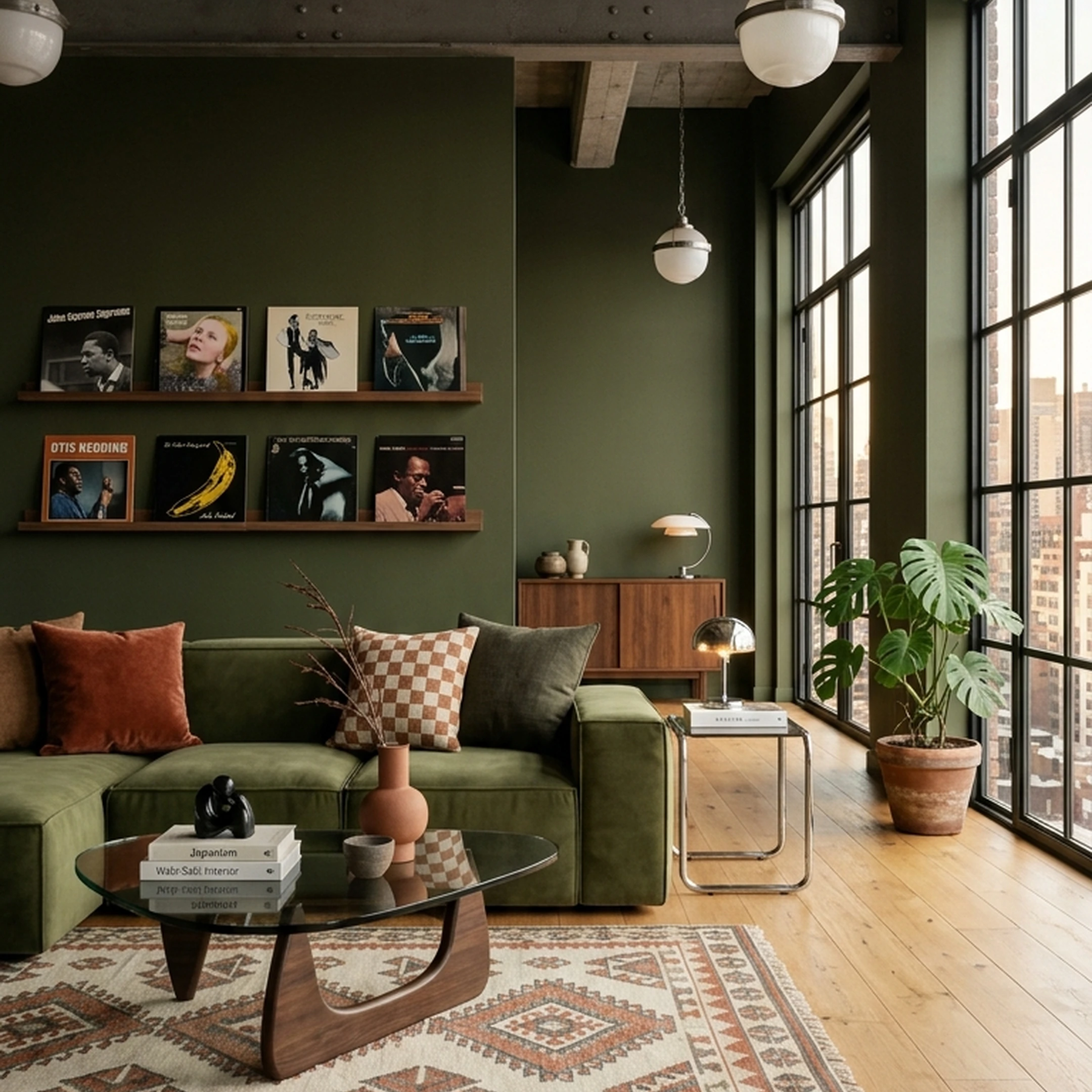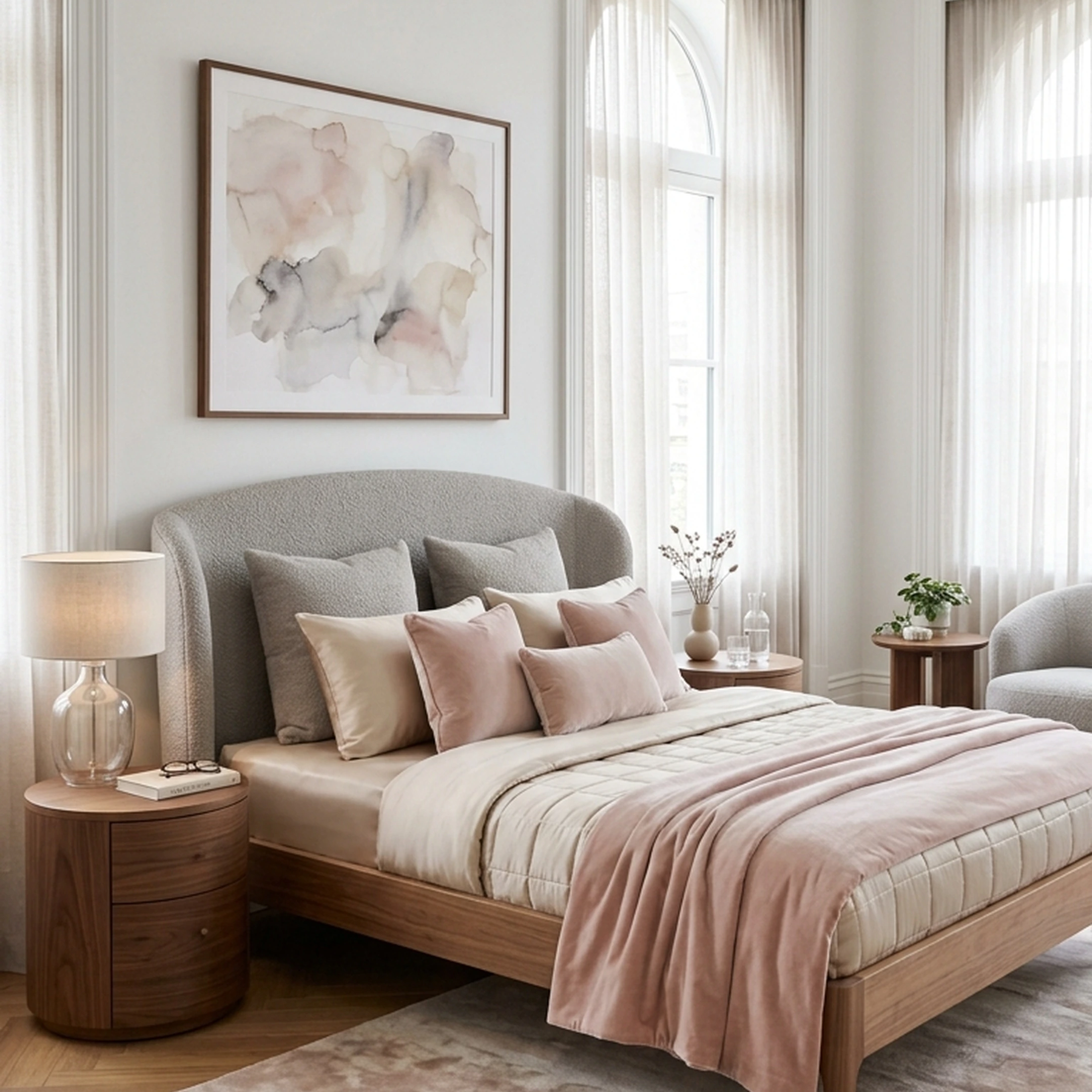

You just got the keys to your first home in Los Angeles. The living room is empty, the bedroom still has boxes everywhere, and suddenly you’re choosing a sofa, rugs, lighting, dining chairs, and art all at once.
Designing a whole home is harder than fixing one room because every choice has to work together. The sofa affects the rug, the dining area sits in the same sightline, and five different wood tones can make a new place feel disjointed fast.
The best AI interior design tools in 2026 help turn that blank slate into a cohesive plan. Some focus on visualization, while others, including First Chair, help you move from inspiration to real, shoppable pieces you can actually buy.
Key Takeaways
- Shoppable integration is the rarest and most valuable differentiator. Most tools generate renders; very few connect those renders to actual furniture you can buy and have shipped.
- Free tiers vary dramatically. Some tools offer 3–5 genuine free designs with no card required; others watermark outputs or gate quality behind a subscription.
- Traditional design still costs $2,000–$15,000 per room, AI tools run free to $50/month, making the cost argument straightforward for most homeowners.
- Photo-upload workflows have become standard. Upload a room photo, pick a style, receive a redesign, that loop is now table stakes across almost every tool on this list.
- Real estate staging tools and homeowner furnishing tools solve different problems.
- Most tools are not suitable for construction documentation. They provide sufficient accuracy for early-stage exploration but are inadequate for final construction planning.
What Makes an AI Interior Design Tool Worth Using

Before choosing among the best AI interior design tools, it helps to understand where these tools earn their value and where they fall short.
Where they genuinely help:
- Testing style directions before committing to furniture purchases
- Visualizing how a space might feel before renovating
- Generating multiple concepts quickly for comparison
- Reducing the number of expensive mistakes in real purchases
Where most fall short:
- Many apps struggle to distinguish everyday clutter from intentional decor, which limits usefulness in lived-in rooms
- AI interior design tools do not compute true 3D vector data, so measurements and floor plans cannot be used for contractor work
- Most tools produce images of furniture that does not exist in any catalog, you cannot buy what you see
The criteria that separate the best tools from the rest:
- Shoppable output: Does every piece in the render link to a real product you can purchase?
- Transparent pricing: Are plan details and per-design costs published clearly?
- Scope: Does the tool cover the rooms and styles relevant to your project?
- Free access: How much can you test before paying?
The Best AI Interior Design Tools for Your Whole Home in 2026
1. First Chair
If you’re furnishing a real home, First Chair is the strongest choice on this list. While most AI interior design tools are built to generate a compelling image, First Chair is built to help you finish the room. It learns your taste, designs around your actual space, and connects the concept to real, shoppable pieces from retailers including West Elm, CB2, Crate & Barrel, Pottery Barn, Lulu & Georgia, and others.
The workflow is simple. Upload a photo of your room or saved inspiration, describe what you’re after, and First Chair builds a curated furnishing plan around your space, taste, and budget. Instead of leaving you with a render to reverse-engineer, it gives you the pieces and sourcing direction to actually bring the room together.
What Sets First Chair Apart
- Built for execution, not just visualization. First Chair turns a design direction into real, shoppable pieces, closing the gap most AI design tools leave between loving a room and actually furnishing it.
- Real furniture from design-forward retailers. Recommendations span West Elm, CB2, Crate & Barrel, Pottery Barn, Lulu & Georgia, and other retailers, brought together into one cohesive concept.
- Insider pricing. Members can access First Chair pricing on recommended pieces, making the value extend beyond design direction into the actual furnishing budget.
- 100% money-back guarantee. The Architectural Designs furnishing service includes a stated money-back guarantee.
- Closes the fantasy gap. Plenty of tools can generate a beautiful room. First Chair helps you make that room real.
That last distinction is why First Chair takes the top spot. A beautiful render is useful for inspiration, but it still leaves you searching for the sofa, rug, lighting, and chairs yourself. First Chair connects the direction to the pieces, so you can move from saved inspiration to a room that finally feels pulled together without opening 23 furniture tabs.
Ideal For
- Homeowners furnishing a new home who want the rooms to feel cohesive from the start
- Anyone with years of saved inspiration who needs help turning taste into decisions
- Buyers using Architectural Designs house plans who want a furnishing blueprint for their home
- People who have made expensive furniture mistakes and want more confidence before buying
Getting Started
Join First Chair's private beta. Early access members receive $50 in furniture credit pre-loaded into their account.
2. ReimagineHome
Choose ReimagineHome if you want to visualize a room quickly, especially for staging, renovation ideas, or testing a new look before you commit. Upload a photo, describe the direction, and it generates a photorealistic redesign of the existing space while keeping the room’s basic architecture intact.
For furnishing an entire home, it’s a less direct fit. ReimagineHome can connect designs to shoppable products, but shopping sits downstream of the rendering experience. If you want the design and the real pieces to come together as one cohesive furnishing plan, First Chair is the stronger choice.
Key Features
- Shoppable products from Amazon, Shopify, West Elm, IKEA, Target, and Wayfair on eligible plans
- Interior, exterior, virtual staging, and landscaping tools
- Batch uploads of up to 50 photos for real estate workflows
- Five free designs at signup with no credit card required
How it differs from First Chair: ReimagineHome starts with the render and adds shopping afterward. First Chair starts with the furnishing decision itself, building the concept around real pieces from multiple retailers so the path from idea to purchase is more direct.
3. MeltFlex
MeltFlex is built for fast experimentation, but still secondary to the redesign experience. Upload one room photo and you can quickly test new looks across bedrooms, kitchens, bathrooms, living rooms, offices, dining rooms, closets, and more.
It goes beyond a basic room restyle with virtual staging, floor-plan visualization, style transfer, and video walkthroughs. That makes it a good fit if you want to explore several directions quickly before deciding what deserves more attention.
Key Features
- Photorealistic room redesigns from a single uploaded photo
- Shoppable furniture suggestions tied to generated concepts
- Support for 13+ room and space types across 25+ design styles
- Style Transfer, Virtual Staging, and Floorplan-to-3D tools
- Browser-based experience with no installation required
How it differs from First Chair: MeltFlex helps you move quickly through design directions. First Chair focuses more on turning your taste into a cohesive furnishing plan with real, shoppable pieces across multiple retailers.
4. Remodel AI
Remodel AI works best for rapid visual experimentation. Upload a photo and it can redesign the space in about 10 seconds, making it useful for testing paint colors, flooring, furniture swaps, landscaping, and different interior directions before you commit.
The same interface covers interiors, exteriors, virtual staging, object removal, floor replacement, wall paint, and landscape design. That makes Remodel AI a good fit if you want to explore lots of visual changes quickly rather than solve the furnishing process end to end.
For a whole-home furnishing project, though, it stops at visualization. You can generate plenty of polished concepts, but you still have to translate those images into real furniture, compare retailers, and build cohesion across rooms yourself.
Key Features
- Redesigns across 30+ interior styles, 11 exterior styles, and 10 landscape styles
- Eight specialized design tools in one interface
- HD downloads and no watermark on paid plans
- Parallel room generation on higher tiers
- Commercial license and API access on Ultra
How it differs from First Chair: Remodel AI helps you see what a room could look like. First Chair helps you decide what to buy, pulling real pieces into a cohesive furnishing concept you can actually act on.
5. Collov AI
Collov AI makes the most sense if you’re trying to make a property look good in photos. Upload an empty or dated room and it can stage it with new furniture, lighting, and finishes in seconds.
That’s useful for real estate agents, developers, and anyone preparing a listing. Higher tiers add 360-degree panoramas, 3D tours, listing tools, and human-assisted staging, so the product clearly leans toward property marketing.
Unless you plan to sell the room, though, a lot of that is beside the point. If you’re furnishing a home you actually live in, you still need to figure out which sofa, rug, table, and lighting pieces to buy after the render is done.
Key Features
- One-click virtual staging with adjusted furniture, lighting, and textures
- Chat-based photo editing and listing tools
- Virtual tours, 360-degree panoramas, and 3D tours on higher tiers
- Human-assisted multi-angle staging
- API access on Enterprise
How it differs from First Chair: Collov helps a room look finished for the listing. First Chair helps you actually finish the room with real pieces you can buy.
6. Spacely AI
Spacely AI is an overkill. It is the one to look at if you already work in SketchUp, Revit, AutoCAD, or Rhino and want to turn those files into polished renders fast. It can take a sketch, 3D model, or room photo and produce a photorealistic image while keeping the original geometry and materials intact.
That makes it much more useful for architects, interior designers, and people deep into a renovation than for someone staring at an empty living room wondering which sofa to buy. The integrations are the point here. You can move from technical drawings to presentation-ready visuals without rebuilding the project somewhere else.
Key Features
- Photorealistic renders from sketches, 3D models, or room photos in under 60 seconds
- Direct integrations with SketchUp, Revit, AutoCAD, and Rhino
- Sketch-to-render, virtual staging, exterior redesign, and point-and-edit tools
- Watermark-free outputs on the free plan
- Team collaboration and API access on higher tiers
How it differs from First Chair: Spacely is strongest once the room already exists as a sketch or 3D model. First Chair starts earlier, with your taste and your actual room, then helps you decide which real pieces belong in it.
7. HomeDesigns AI
HomeDesigns AI is useful if you like your room’s layout and just want to see what happens when the look changes. Its Structure-Lock feature keeps the walls, windows, and basic geometry in place while you test different interiors around them.
The catch is that 160+ styles can become another form of scrolling. If you already have taste, you may not need more presets. You need someone to narrow the field and turn the direction into real pieces.
Key Features
- Structure-Lock keeps walls, windows, and room layout intact
- 160+ styles and space types
- One-click video walkthroughs
- 2D-to-3D floor plan conversion
- Room-emptying tools and a built-in budget estimator
How it differs from First Chair: HomeDesigns AI helps you try on different looks while keeping the room structure fixed. First Chair spends less time giving you styles to browse and more time helping you land on a cohesive furnishing direction with pieces you can actually buy.
8. RoomGPT
RoomGPT is best when you want a fast visual gut-check. Upload a photo, pick a style, and you can see the room reimagined almost instantly without creating an account first.
But that’s mostly where it stops. RoomGPT can help you see a different version of the room, but it doesn’t help much with the harder part: deciding which real sofa, rug, lighting, and tables to buy once you like the look.
Key Features
- Upload one photo and see the room redesigned in multiple styles
- Near-instant renders with no account required for initial use
- Available on iOS, Mac, and Apple Vision
How it differs from First Chair: RoomGPT is a quick way to test a vibe. First Chair takes that taste signal and turns it into a cohesive room built from real, shoppable pieces.
9. Decorilla
Decorilla is an outlier. With Decorilla, you’re not really choosing software. You’re choosing a designer.
It makes sense if you want someone to take the brief, develop concepts, explain the choices, and stay involved while the room comes together. You submit your space, budget, and preferences, review concepts from multiple designers, then work one-on-one with the designer you choose.
That extra human involvement is the reason to use Decorilla, but it also means more time, more back-and-forth, and a much bigger budget than a self-serve furnishing workflow. If you’re tackling structural changes, a tricky renovation, or simply want a person accountable for the design, that tradeoff can be worth it.
Key Features
- Concepts from multiple professional designers before you choose who to work with
- One-on-one collaboration after designer selection
- Payment held until you approve the work
- Hourly design advice available
How it differs from First Chair: Decorilla gives you a human designer and a more traditional design process. First Chair is better if you already have taste and want to get from “I know what I like” to a room of real, shoppable pieces with much less process.
Full Comparison: AI Interior Design Tools at a Glance
| Dimension | First Chair | ReimagineHome | MeltFlex | Remodel AI | Collov AI | Spacely AI | HomeDesigns AI | RoomGPT | Decorilla |
|---|---|---|---|---|---|---|---|---|---|
| Free tier | Yes, $50 credit, early access | Yes, 5 free designs, no card | Yes, free tier | Yes, 3 free designs | Yes, free trial | Yes, free forever, 40 credits | Free trial only | Yes, near-instant renders, no account | No |
| Shoppable furniture | Yes, West Elm, CB2, Crate & Barrel, Pottery Barn, Lulu & Georgia, others | Yes, Amazon, Shopify, West Elm, IKEA, Target, Wayfair | Yes, IKEA, Amazon, Wayfair | No | No | No | No | No | No |
| Virtual staging | No | Yes, staging and listing portals | Yes, Virtual Staging AI | Yes, virtual staging tool | Yes, full real estate staging suite | No | No | No | No |
| Human designer | No | No | No | No | Yes, Human-Assisted Multi-Angle Staging | No | No | No | Yes, one-on-one, multiple concepts |
Final Verdict
The best AI interior design tools in 2026 have gotten genuinely useful, for visualizing spaces, testing styles before committing, and reducing the anxiety that comes with large furniture decisions. But most still stop at the image.
First Chair is the only tool on this list built from the ground up to close the gap between inspiration and purchase. Every piece it recommends exists, ships, and comes with exclusive pricing. The style-learning step means the furniture coheres across rooms. The $49.99 furnishing plan delivers in 3 days. That is a different promise from a quick render.
If you are furnishing a real home and want a room that finally feels pulled together, get started with First Chair. Early access members receive $50 in furniture credit waiting in their account.
Frequently Asked Questions
Can AI tools design my room from a real photo of my actual space?
Yes, every tool on this list accepts a photo upload and generates a redesign based on your actual room. The quality and fidelity vary, but the core workflow (upload a photo, pick a style, receive a redesign) is standard across all nine tools listed here.
What is the best AI interior design tool for buying real furniture?
First Chair is the tool on this list most directly built for purchasing real furniture. It connects every item in a room concept to in-stock products from retailers including West Elm, CB2, Crate & Barrel, Pottery Barn, and Lulu & Georgia, with member-exclusive pricing. ReimagineHome and MeltFlex also offer shoppable integration, but First Chair is the only option where the entire workflow is built around furnishing a real home rather than generating a render.
What is the difference between AI room redesign and virtual staging?
AI room redesign is aimed at homeowners furnishing or refreshing a real space they plan to live in. Virtual staging is aimed at real estate professionals who need empty or poorly furnished listing photos to appear furnished for buyers. The outputs can look similar, but the use case is different. Some tools are built primarily for visualization; First Chair is built for helping real homeowners furnish the rooms they will actually occupy.
Can I use AI interior design tools for an exterior or landscape redesign?
Yes, several tools on this list cover exterior and landscape design alongside interiors. Remodel AI includes 11 architectural exterior styles and 10 landscape styles. HomeDesigns AI covers exteriors and gardens with its Structure-Lock technology. MeltFlex includes exterior redesign in its free tier. ReimagineHome covers exterior and landscaping alongside interiors. First Chair's scope focuses on interior furnishing for real homes.
Which AI interior design tools offer shoppable furniture integration?
Among the tools on this list, First Chair, ReimagineHome, and MeltFlex offer shoppable product integration. First Chair connects to West Elm, CB2, Crate & Barrel, Pottery Barn, Lulu & Georgia, and other retailers; ReimagineHome connects to Amazon, Shopify, West Elm, IKEA, Target, and Wayfair; MeltFlex connects to IKEA, Amazon, and Wayfair. The remaining tools on this list generate renders but do not connect to purchasable products.
Are AI interior design tools accurate enough to rely on for real furniture purchases?
For choosing furniture that fits a space aesthetically and proportionally, yes, with some judgment involved. AI tools provide sufficient accuracy for early-stage renovation exploration and furniture layout testing. The key is whether the furniture shown is actually purchasable. Tools that show you renders of invented furniture are useful for inspiration but not for purchasing decisions. Tools like First Chair that connect directly to real, in-stock products give you a reliable path from a room concept to an actual purchase.
Do any of these tools offer a free plan with no credit card required?
Several do. ReimagineHome offers 5 free designs with no credit card required and no trial countdown. Remodel AI offers 3 free designs with no card required. Spacely AI offers a free plan with 40 trial credits. First Chair offers early access with $50 in furniture credit pre-loaded into the account on signup.
Can AI design tools handle an entire home, not just a single room?
Most tools are designed to handle one room at a time. Multi-room coherence, maintaining consistent style and palette across every room in a home, is on the roadmap for most tools but not yet standard. First Chair's approach of learning your style first, before generating any room concept, addresses this directly: the style foundation is consistent across every room it designs, whether you are furnishing a living room, bedroom, or kitchen. That makes it the tool on this list most intentionally built for whole-home furnishing.
How do I choose an AI interior design style that works for my space?
Most tools on this list let you select from a preset style menu after uploading a room photo. First Chair takes a different approach: it learns your style from saved inspiration images before generating any room concept, which means the output reflects your actual taste rather than a generic category label. Tools that offer extensive preset style libraries give you more categories to browse; First Chair gives you a result that fits your specific taste without requiring you to name it.
How much do AI interior design tools cost compared to hiring a designer?
AI tools range from free to $10–$50/month in 2026, while a traditional designer at $2,000–$15,000 per single room project operates at an entirely different cost level. First Chair's Architectural Designs furnishing plan is $49.99 for a complete furnishing plan delivered in 3 days, compared to a designer engagement that can cost $20K+ and take 6 months. For homeowners who want direction, confidence, and real pieces to buy, the AI path delivers the outcome that matters at a fraction of the cost.