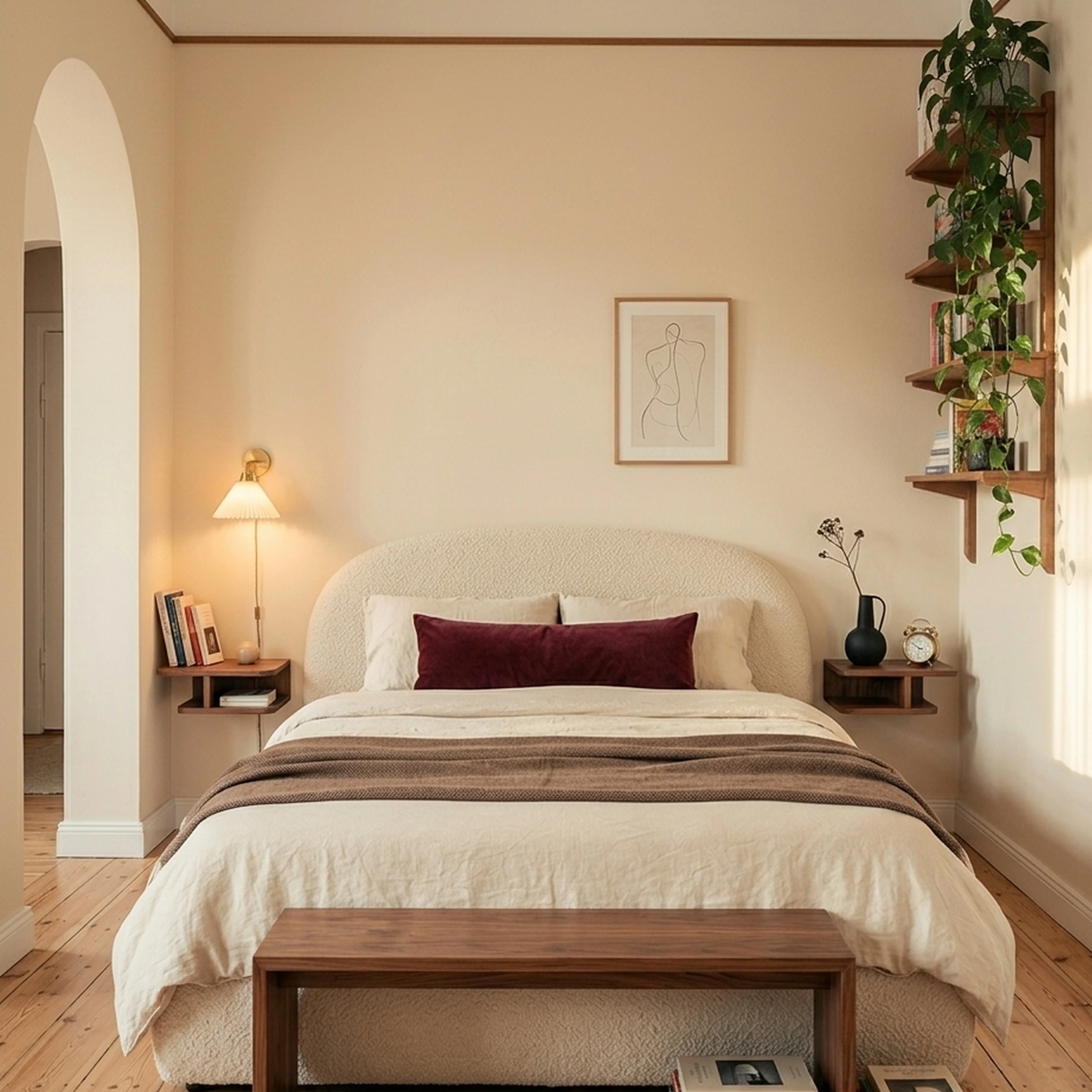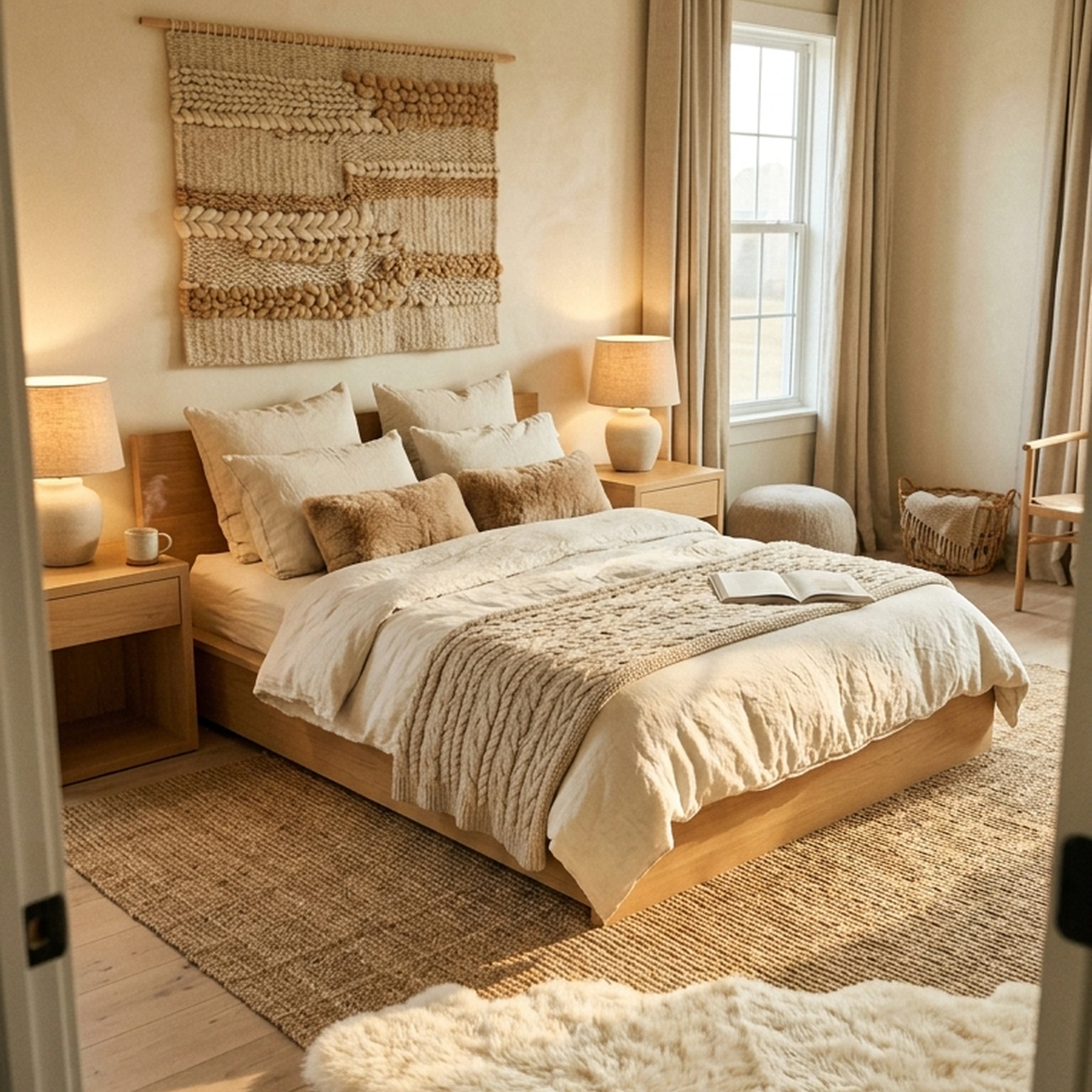

You’ve just signed for another month in your apartment. Your bedroom has great natural light, a slightly awkward layout, and a mattress that’s still sitting on the floor. You’ve saved the perfect walnut bed frame, found a linen duvet you love, and narrowed your nightstand search to three contenders. The problem? You’re not sure they’ll work together, or whether they’ll actually fit.
The best bedroom design apps should help you make those decisions, not just give you another pretty image to save. Some are great for testing layouts. Others help you explore different styles. First Chair takes you further, turning your room and taste into a cohesive design with real, shoppable pieces from brands like West Elm, CB2, and Crate & Barrel.
Here are 12 bedroom design apps worth considering in 2026, including which ones help you visualize a room and which ones help you actually furnish it.
Key Takeaways
- First Chair designs around four things at once: your room, lighting, layout, and budget, then lets you shop the result directly instead of hopping between a planning app and a retailer.
- Real products from 100+ brands: West Elm, CB2, Crate & Barrel, Pottery Barn, and Lulu & Georgia among them, rather than one retailer's inventory.
- Insider pricing shows up next to the retail price on most pieces, so comparing cost doesn't require hunting for a promo code.
- A human tastemaker reviews refinements on request, built into the standard flow rather than sold as a separate consultation package.
- The Architectural Designs furnishing plan costs $49.99 and is delivered in 3 days, a concrete entry point for anyone who already has a house plan.
Why Do Most Bedroom Design Projects Never Get Furnished?

Most bedroom design projects stall because the apps people reach for handle only one step, measuring, rendering, or selling, not the full path to a purchased bed frame.
An estimated 127 million active users now rely on free or freemium room-planning tools worldwide. That demand points to a gap in how the category is built. A floor-plan tool like HomeByMe or Live Home 3D can confirm a queen bed fits against the wall, but it won't tell you where to buy the bed. A photo-reimagining tool like RoomGPT can show a moodier version of the same room, but the lamp in that render doesn't exist anywhere you can order it. The result is the same stalled project: a folder of screenshots, a tape measure, and no bed frame. First Chair's design flow is built to close that specific gap, matching a room's layout and budget to pieces from 100+ brands that actually ship.
1. First Chair
First Chair turns a saved bedroom moodboard into a finished room built from pieces you can actually buy today. It pulls across West Elm, CB2, Crate & Barrel, Pottery Barn, and Lulu & Georgia, plus brands you haven't met yet, rather than locking the project into one retailer's catalog. It learns your taste, then designs around your room, lighting, layout, and budget, so the search for the right bed frame doesn't end in forty-one open tabs.
The catalog itself is the differentiator. First Chair lets members shop over 10+ million products in one place, with real products from 100+ brands and insider pricing shown next to the standard retail price on most pieces.
Key Features
- Learns your taste and designs around your room, lighting, layout, and budget
- Swap the rug or try another sofa and see the room update
- Ask why a piece was recommended
- Shop real products from 100+ brands in one place
- Insider pricing shown next to retail price on most pieces
- Human tastemaker reviews refinements on request
For anyone who already has a house plan, First Chair's partnership with Architectural Designs delivers a custom furnishing plan for $49.99 in 3 days, including estimated prices, vendor suggestions, room visuals, and an interactive chat for fine-tuning and regenerating the design. That plan is intended as a lower-cost alternative to a full design engagement. A human tastemaker also reviews refinements when you ask for changes, built into the core flow rather than sold as a separate consultation package.
2. Planner 5D
Start with Planner 5D if the bedroom project needs a floor plan before it needs furniture. The app is built around drafting first, not styling first.
Draw a bedroom from scratch or upload an existing sketch, hand-drawn plan, or digital floorplan, and Planner 5D's recognition tools identify walls, doors, and windows to build an interactive 3D version of the room.
What it does well
Planner 5D's AI tools handle the recognition step, converting a rough sketch into a workable 3D layout. The rendering side covers 4K output, 360° walkthroughs, and panorama views across Web, iOS, Android, Windows, macOS, visionOS, and Apple Vision Pro.
The tradeoff: the furniture populating that 3D room exists to fill out the render, not to be purchased. There's no step that turns "this looks right" into a vendor name and a price for the actual bed frame.
Key Features
- AI recognition of room layout, walls, doors, and windows from an uploaded plan
- 4K renders and 360° walkthroughs
- Available across seven platforms, including visionOS and Apple Vision Pro
- Shopping list and automated furniture arrangement tools
How it differs from First Chair: Planner 5D helps map the room's footprint. First Chair turns that room into pieces with prices and vendors attached, ready to buy.
3. Houzz
Use Houzz Pro if you're hiring or acting as a design or renovation professional, not just furnishing one bedroom. It's built as a business management platform first.
A contractor managing a bedroom remodel could track a client's Selections and send an Estimate through Houzz Pro, paid via credit card, debit card, or ACH, while running five other projects in the same dashboard.
What it does well
Houzz Pro bundles a 3D Floor Planner with estimates, proposals, invoices, project scheduling, and integrations with QuickBooks, Gusto, Gmail, Google Drive, and The Home Depot, all inside one professional workflow.
The tradeoff: that business layer is the whole point of the product, so a single renter mapping one bedroom ends up paying for tools built to run a company.
Key Features
- 3D Floor Planner and Product Clipper & Library
- Estimates, proposals, and invoices
- CRM and project scheduling
- QuickBooks, Gusto, Gmail, and Home Depot integrations
- AI note-taking for client meetings
How it differs from First Chair: Houzz Pro manages client projects and invoicing. First Chair designs and sources a bedroom for the person who's going to live in it.
4. Homestyler
Choose Homestyler if the bedroom project starts with an existing floor plan, measurement set, or DWG file rather than a style reference.
Upload a 2D floor plan, enter measurements, upload a DWG file, or use Scan Room, and Homestyler converts the input into an editable 3D floor plan with drag-and-drop furniture from a catalog it describes as more than 1,000,000 models and materials.
What it does well
The cloud-based rendering handles photorealistic images, panoramas, virtual tours, and animated video, and the parametric cabinetry tools let you customize kitchen or built-in bedroom storage with exportable bills of materials and DWG drawings.
The tradeoff: the render looks finished, but the furniture inside it is a 3D model built for that render, not a product you can add to a cart. Finding the real version at a store still comes after.
Key Features
- Auto-converts a 2D floor plan or DWG file into editable 3D
- Catalog of more than 1,000,000 furniture models and materials
- Cloud rendering: photorealistic images, panoramas, virtual tours, animated video
- AI Decoration applies a saved look to your own floor plan in one click
How it differs from First Chair: Homestyler renders a 3D model of the room. First Chair attaches real prices, vendors, and a buy path to each piece in it.
5. HomeByMe
Start with HomeByMe if the bedroom project begins with drawing walls, not browsing furniture.
Draw the bedroom's walls, windows, and doors to scale, then furnish the space from an online catalog and generate a 360° view before anything is purchased.
What it does well
HomeByMe creates both 2D and 3D floor plans with measured walls, furnishes from a catalog of 10,000 products, produces 4K rendered images and 360º views, and lets you explore the finished room in first-person mode before sharing it online.
The tradeoff: the catalog exists to populate the render and the shared image, not to check out. There's no purchase step once the room looks right.
Key Features
- 2D and 3D floor plans with measured walls
- Catalog of 10,000 furnishing products
- 4K rendered images and 360º views
- First-person exploration mode and online project sharing
How it differs from First Chair: HomeByMe builds the render. First Chair builds the receipt.
6. Live Home 3D
Pick Live Home 3D if the bedroom is one room inside a bigger whole-house or exterior plan, not a standalone project.
Lay out the bedroom alongside the rest of the floor plan, then adjust the exterior and terrain around the house in the same project.
What it does well
Live Home 3D creates detailed floor plans and 3D renderings across macOS, iOS/iPadOS, visionOS, Windows, and Android, covering both interior layout and exterior planning in one tool.
The tradeoff: that breadth is architectural, not retail. The project stops at the layout and render, with no step that turns the furnished bedroom into a list of things to order.
Key Features
- Detailed floor plans and 3D renderings
- Furnish a single room or an entire house
- Exterior planning and terrain adjustment
- Available across five platforms, including visionOS
How it differs from First Chair: Live Home 3D plans the structure around the bedroom. First Chair furnishes the bedroom itself with pieces you can buy.
7. Canva
Use Canva if the bedroom project needs a moodboard or a social post about the room, not the room itself.
Drag a bedroom inspiration photo into a template, layer in color swatches and text with Magic Write, and export a moodboard to share. There's no floor plan, no furniture catalog, and no measurements anywhere in that workflow.
What it does well
Canva runs a drag-and-drop editor with 1.6M+ templates, AI tools like Magic Layers and Background Remover, and a Brand Kit for visual consistency across designs.
The tradeoff: none of that touches the actual bedroom. There's no catalog, no room dimensions, and no way to check whether a dresser fits against that one open wall.
Key Features
- Drag-and-drop editor with 1,000+ design types
- 1.6M+ templates
- AI tools for resizing, translation, and background removal
- Brand Kit and offline access
How it differs from First Chair: Canva designs a moodboard about the bedroom. First Chair designs and sources the bedroom.
8. DecorMatters
Choose DecorMatters if you want to drag furniture around a photo of your actual bedroom and preview the result in augmented reality before buying anything.
Upload a photo of the bedroom, generate a complete room design, swap the dresser or paint color with AI Edit, and preview the new layout against the real walls using AR.
What it does well
The AI Room Designer generates complete room designs quickly. AI Edit swaps furniture, décor, colors, or materials on command. The community holds 21M+ designs for browsing inspiration.
The tradeoff: the makeover is visual first. Moving from "I like this look" to an actual vendor and price for each piece still happens outside the app.
Key Features
- Upload and rearrange a real room photo
- AI Room Designer and AI Edit
- AI Refine for lighting and mood balance
- Augmented-reality preview
- Community of 21M+ designs for inspiration
How it differs from First Chair: DecorMatters previews a makeover on your real room. First Chair turns the same direction into real prices, a vendor name, and a cart.
9. RoomGPT
Try RoomGPT if all you want is a quick look at the bedroom in a different style before deciding whether to renovate at all.
Upload a photo of the bedroom and see it rendered in a handful of different themes, useful for gut-checking a direction before spending anything.
What it does well
Themed redesigns of an uploaded room photo appear quickly, with no floor plan, measurements, or account required for a first look.
The tradeoff: the output is a styled image of the room, not a bedroom you can furnish. There's no catalog, no pricing, and no path from the render to a specific piece of furniture.
Key Features
- Upload a room photo
- Redesign the room in different themes
- Gallery of example redesigns for reference
How it differs from First Chair: RoomGPT shows what the bedroom could look like. First Chair shows what to buy to make it look that way.
10. Room Planner
Skip Room Planner for personal bedroom planning. It's built as a lead-generation tool for retailers, not a consumer design app.
A furniture retailer embeds Room Planner on its site or in a store kiosk so a shopper can drop the retailer's own dresser and nightstand into a template room on a touchscreen, generating a lead for the store's sales team.
What it does well
Magic Layout automatically arranges a retailer's own products into a room template, and the Kiosk version renders the result in real time in 3D, storing designs and preferences in the cloud.
The tradeoff: it only works with one retailer's catalog at a time, and its purpose is capturing the shopper's contact information for that retailer, not helping someone furnish a bedroom across multiple brands.
Key Features
- Room templates populated with a retailer's own products
- Magic Layout automatic arrangement
- Real-time 3D Kiosk rendering
- Centralized web dashboard and cloud-stored designs
How it differs from First Chair: Room Planner generates leads for a single retailer. First Chair designs the bedroom across 100+ brands and hands the shopper a list of real pieces, not a sales call.
11. Arcadium 3D
Use Arcadium 3D if you want exact-dimension room sketching in a browser without installing anything.
Draw the bedroom's walls with exact dimensions, drag in a bed and dresser from the object library, and generate a first-person walkthrough, all inside a browser tab.
What it does well
The hybrid 2D/3D editor updates in real time, with parametric objects that auto-adjust, auto-generated stairs and windows, and an AI interior design generator for instant photoreal or stylized images.
The tradeoff: the object library exists to populate the sketch, not to be purchased, and the free plan caps both the number of projects and the objects per project, so a fully furnished bedroom quickly needs a paid tier.
Key Features
- Hybrid 2D/3D editor with real-time updates
- Exact dimensions and snapping
- Parametric objects and auto-generated windows and doors
- AI interior design image generator
- First-person walkthrough mode
How it differs from First Chair: Arcadium 3D sketches the room to scale. First Chair fills that room with pieces that exist in a warehouse somewhere, not just in a browser tab.
12. AiHouse
Skip AiHouse if you're a homeowner furnishing one bedroom: it's built for retailers and cabinet makers producing renders for clients.
A cabinetry retailer might use AiHouse's connected workflow to generate production-ready renders and quotations tied to its own catalog for a client's bedroom built-ins.
What it does well
AiHouse combines industry-specific design tools with editable 3D models, producing renders from HD up to 8K, 3D panoramas, and exportable drawings, quotations, and bills of materials.
The tradeoff: it's priced and built for a design business's workflow, and the entry-level version doesn't include the nobilia catalogue, so a homeowner furnishing a single bedroom isn't the intended customer.
Key Features
- HD to 8K cinematic renders
- 3D panoramas and immersive walkthroughs
- Auto-fit design templates
- Exportable drawings, quotations, and bills of materials
How it differs from First Chair: AiHouse produces production renders for a design business. First Chair designs and sources one bedroom for the person who's going to sleep in it.
How to Design a Bedroom with an App: Step-by-Step
- Measure the room first. Note wall lengths, window and door swing, and any obstruction like a radiator or sloped ceiling before opening any app.
- Decide the job. A floor plan to confirm fit, a photo-based redesign to test a look, or a shoppable plan to actually buy pieces.
- Set a style direction. Pick a recognizable anchor (Scandinavian: light oak, linen, warm neutrals; or mid-century: walnut, tapered legs, brass) rather than a vague mood.
- Generate a first concept and check it against the measurements from step one. A queen bed generally needs about three feet of clearance on each side to function as a walkway.
- Refine before you buy. Swap the rug, try a different nightstand height, adjust the lighting temperature.
- Check the price and vendor for every piece before committing to the full room, not just the headboard.
Popular Bedroom Design Styles to Try in Your App
Scandinavian warmth
Oak and walnut tones, deeper bouclé seating, linen bedding in warm neutrals. A platform bed with visible wood legs keeps more floor visible in a small bedroom, which matters when the room doubles as a home office. West Elm and CB2 both carry the low, rounded proportions this style wants.
Mid-century modern
Walnut frames, tapered legs, warm leather or brass hardware. A mid-century dresser with legs instead of a solid plinth base reads lighter against a wall and keeps a narrow bedroom from feeling boxed in. Crate & Barrel and Article both stock pieces in this proportion range.
Minimalism with weight
Fewer pieces, in heavier, lived-in materials: one substantial upholstered headboard, one grounding rug, one considered light fixture instead of three small lamps. Skip the matched five-piece bedroom set from a mass retailer. The finish rarely holds up the way a single well-made headboard does. Pottery Barn and Lulu & Georgia both lean into this restraint.
Collected and layered
Warm linen, aged brass, and raw wood patinas pulled from different eras: a Rejuvenation sconce, a painted flea-market nightstand, and a clean-lined new bed frame in matte black. This style tolerates imperfection in a way the other three don't, which makes it a reasonable call for a first apartment on a tight budget.
Why First Chair Stands Out
Across the eleven other tools covered here, the furniture shown is either a 3D model built to populate a render, a single retailer's catalog, or a business tool's product library.
First Chair sources real products from 100+ brands like West Elm, CB2, Crate & Barrel, Pottery Barn, and Lulu & Georgia among them, with insider pricing shown next to the retail price. A human tastemaker reviews refinements on request, inside the same flow. The room it designs is one you can actually buy. Start with your room.
Frequently asked questions
What is the best app to design a bedroom?
The best app depends on whether the goal is a floor plan, a styled render, or a finished room you can buy. First Chair addresses the last of those three: it designs around your room, lighting, layout, and budget, then connects the result to real, buyable pieces from 100+ brands.
Is there an app where I can take a picture of my room and redesign it?
Yes, several apps work from an uploaded photo rather than a drawn floor plan. RoomGPT reimagines a room photo in different themes, and DecorMatters lets you drag furniture around your real room photo with an AR preview. First Chair also starts from a photo or inspiration image, then carries the result into real, shoppable pieces instead of stopping at the render.
What app can I use to plan my bedroom layout?
Floor-plan-first tools like HomeByMe, Live Home 3D, and Planner 5D let you draw walls, doors, and windows to scale before placing furniture. That confirms whether a queen bed and a dresser physically fit. First Chair factors layout into its design process as well, alongside lighting and budget, rather than treating the floor plan as a separate step.
Can I design a room with exact measurements?
Yes. Arcadium 3D is built around exact dimensions and snapping in its browser editor, and HomeByMe and Planner 5D both let you draw walls, windows, and doors to scale before furnishing the space. Measuring the room first is also the step that makes any app's output, including First Chair's, usable against a real wall.
What is the best AI interior design app?
Planner 5D reads floor plans and generates renders. DecorMatters edits a real room photo. RoomGPT reskins a room photo by theme. First Chair keeps the focus on the outcome: a room built from pieces you can buy.
Which bedroom design apps work on iPhone and Android?
Planner 5D, HomeByMe, and DecorMatters all have iOS and Android apps, and First Chair's app platform details have not been published during early access.
Do bedroom design apps let you shop real furniture, or just render it?
Most bedroom design apps stop at the render: the furniture shown is a 3D model built to fill out an image, not a product you can add to a cart. First Chair is built differently: its catalog covers real products from 100+ brands with insider pricing shown next to the retail price, so the room it designs is one you can actually buy.