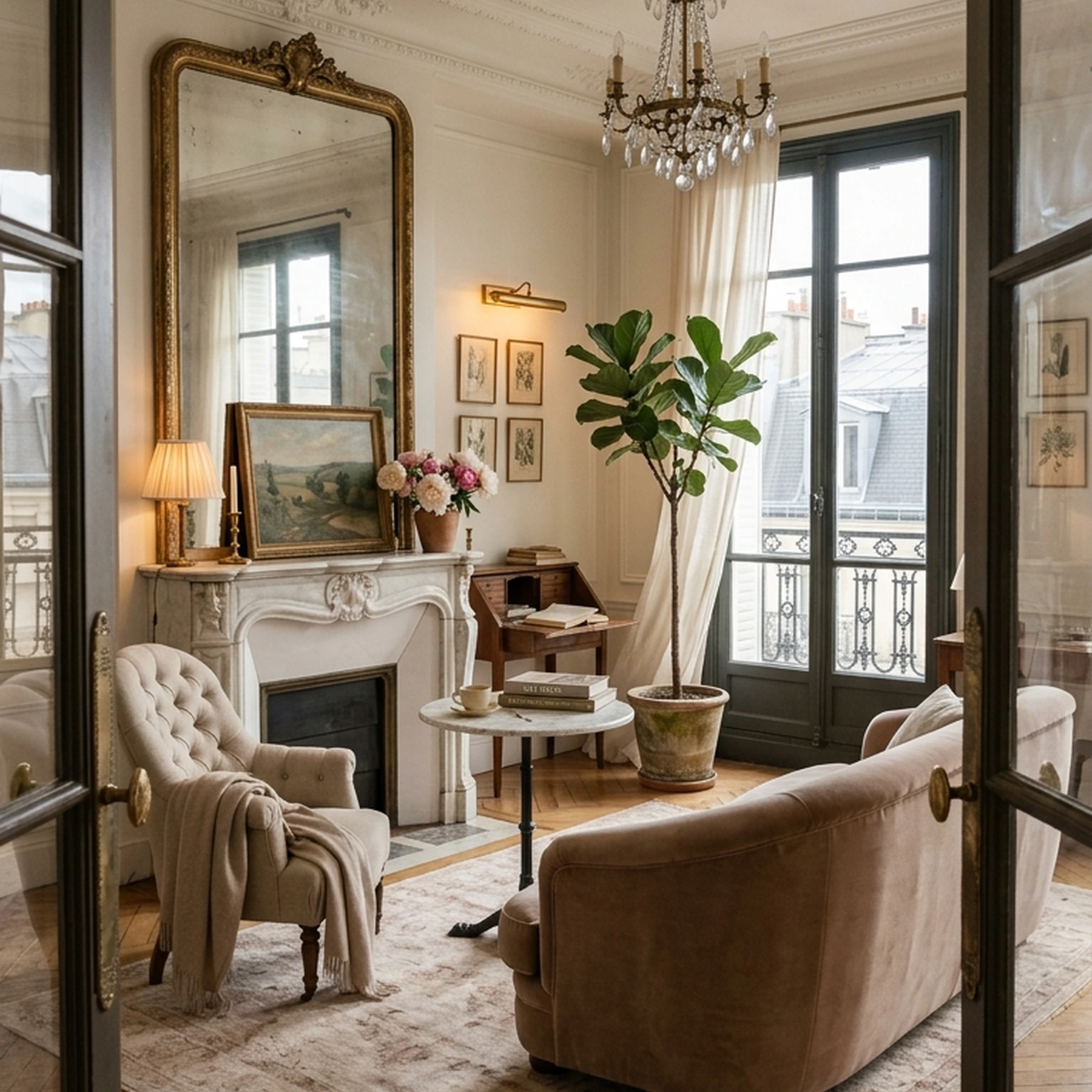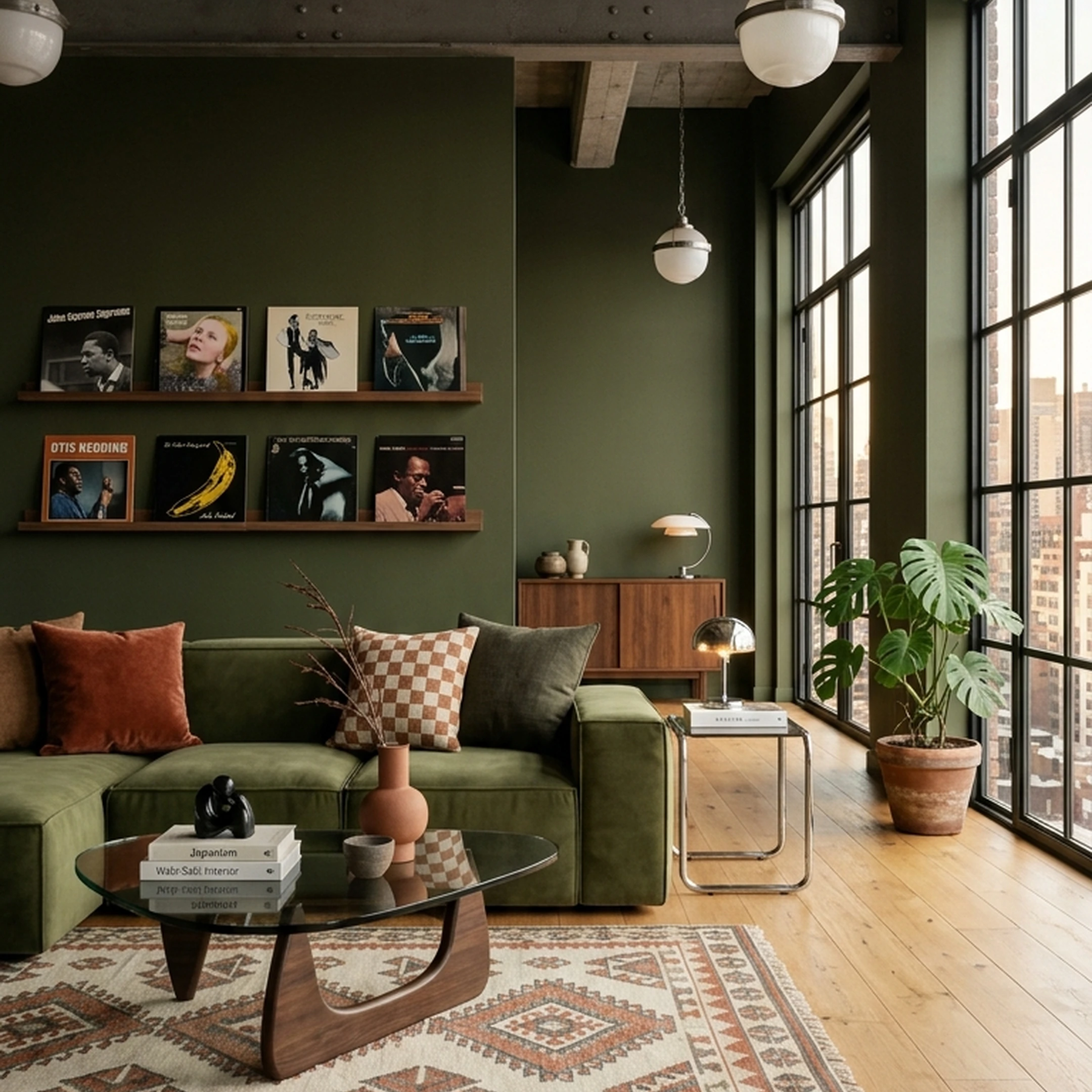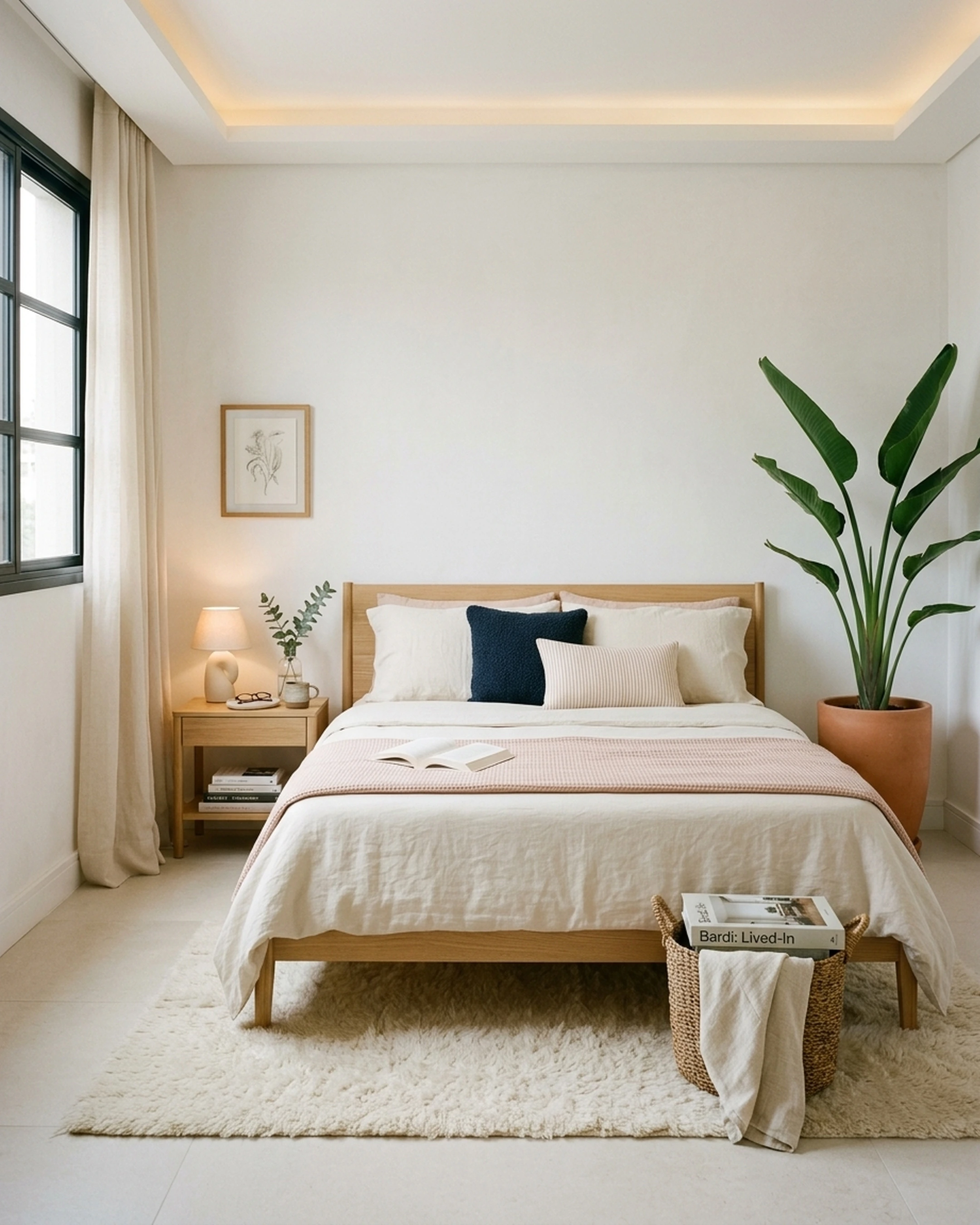

Furnishing a room used to mean a tape measure, a Pinterest board, and a lot of guessing. It still does for a lot of people, which is part of why apps for furnishing a room have split into three very different jobs: measuring a room accurately, generating a pretty picture of a room, and actually getting real furniture into a cart. Few tools do all three.
Furniture e-commerce isn't a small category to build a shopping flow around. Global furniture e-commerce revenue hit $283.3 billion in 2024. The online furniture market is projected to grow by $343.88 billion from 2025 to 2030. That scale is also why so many apps now compete for the same moment: a person standing in an empty room, phone in hand, trying to decide what goes where.
The guide below breaks down twelve apps for furnishing a room, including First Chair, by what each one is actually built to do, not by marketing language.
Key Takeaways
- First Chair designs a complete room from your own photo and taste in about 30 seconds, matched to real, buyable furniture rather than a generic render.
- The catalog spans more than 100 brands and over 10 million products, so a First Chair concept isn't locked to one retailer's shelf.
- Insider pricing shows the standard retail price next to your price on most pieces, right inside the app.
- For Architectural Designs home plans, a complete furnishing blueprint costs $49.99, delivered in 3 days with estimated prices, vendor suggestions, room visuals, and an interactive chat.
How to Choose an App for Furnishing a Room

An app for furnishing a room should answer one direct question: does it end in a floor plan, a pretty picture, or an actual purchase? Match the app to the job before judging it on anything else.
Start by sorting candidates into the three jobs above. Then check these before committing:
- Catalog type: does the app show products you can buy, or generic 3D models that look close but don't exist in that fabric or finish?
- Measurement input: can it work from a photo, a scan, or does it require manual measurements typed in by hand?
- Platform availability: is it web-only, mobile-only, or does it match the devices everyone in the household actually has?
- Pricing structure: is it a flat one-time fee, a metered credit system, or a recurring subscription tied to renders?
- Camera and LiDAR permissions: room-scanning apps request camera access and, on newer iPhones and iPads, LiDAR data; check what's stored before scanning a space you live in.
None of these checks require technical knowledge. They just require knowing which job you're actually hiring the app to do.
1. First Chair
First Chair starts from a photo, not a blank canvas. You can upload a picture of the actual room, or an image of a space that nails the feeling you're after, cafe, hotel lobby, a friend's living room, and describe the direction in plain language: Scandi but Japandi, rustic but elegant, botanical not tropical. First Chair learns that taste, then designs around the room's real dimensions, lighting, layout, and budget. Swapping the rug or trying another sofa stays inside the same concept rather than requiring a restart.
The catalog is the part that separates First Chair from most of the apps on this list. It spans more than 100 brands and over 10 million products, pulled across retailers like West Elm, CB2, Crate & Barrel, Pottery Barn, and Lulu & Georgia, plus names a shopper hasn't encountered yet.
Key Features
- Learns your taste from an uploaded photo or inspiration image
- Designs around your room's real dimensions, lighting, layout, and budget
- Lets you swap the rug or try another sofa and ask why it works
- Shops more than 10 million products across 100+ brands in one place
- Shows the price, details, and source for every recommended piece
- Displays insider pricing next to standard retail price on most pieces
Why teams choose First Chair
First Chair consistently draws the same response: not admiration for the technology, but relief that a room finally came together without the usual guesswork. Where most tools stop at inspiration or a pretty render, First Chair hands back a finished concept built from pieces that exist, ship, and carry pricing already attached. No single-retailer app or credit-metered render tool closes that distance on its own. Start the quiz to see what it does with your own room.
2. Home Planner AI
Use Home Planner AI when the room still needs measuring before it needs styling. The app pairs a built-in tape measure tool with a catalog described at more than 150,000 furniture and décor pieces, and it renders the result in 3D from more than one angle instead of a flat 2D blueprint. Walls, doors, fixtures, and furniture pieces can all be resized to match the real room.
What It Does Well
The tape measure tool solves a real problem: guessing whether a sectional will clear a doorway before it's halfway through it. Someone measuring a dorm room before move-in day can drag dorm-scale furniture around that exact layout rather than an approximation.
Key Features
- Built-in tape measure tool for fitting furniture to a layout
- Adjustable wall, door, furniture, and fixture sizes
- 3D view from more than one angle
- Catalog described at 150,000+ furniture and decor pieces
How it differs from First Chair: Home Planner AI helps place furniture inside a room already measured. First Chair designs the room first, with real pieces, then hands over the measurements as part of the plan.
3. Planner 5D
Start with Planner 5D when the goal is testing several layouts before committing to any of them. The free tier allows unlimited projects, though only one can be active at a time, and it includes 50% of the furniture catalog. Users photograph a room or pick a template, then furnish it, or draw a floor plan entirely from scratch using floor-plan recognition and layout-generation tools.
What It Does Well
The free tier allows unlimited projects, which lets someone furnishing a railroad apartment try different living-dining splits before settling on one. Planner 5D is available on web, iOS, Android, Windows, macOS, and VisionOS.
Key Features
- Floor plan recognition from an uploaded image or sketch
- Multiple AI image and video rendering models available in AI Studio
- 360-degree walkthroughs and mood boards
- Export to CAD and a built-in shopping list
How it differs from First Chair: Planner 5D helps test a layout yourself, credit by credit. First Chair hands over a finished concept already matched to a budget, with retail and insider pricing attached to every piece.
4. Homestyler
Use Homestyler when the job is modeling the room itself, not deciding what goes inside it. Upload or sketch a 2D floor plan, import a DWG or image file, or use Scan Room, and Homestyler converts the input into an editable 3D floor plan with drag-and-drop furniture from a catalog described at more than 10 million branded 3D models.
What It Does Well
Homestyler is built for the structural side of a project: drawing and extruding walls, modeling custom cabinetry, and handling multi-floor structures. Homestyler includes parametric cabinetry modeling and multi-floor structure support, suited to structural design tasks.
Key Features
- One-click conversion from a 2D sketch to an editable 3D model
- Drag-and-drop furniture from a catalog described at 10M+ branded 3D models
- Cloud-based rendering for panoramas, virtual tours, and animated videos
- Custom API integration for enterprise use
How it differs from First Chair: Homestyler models the room before furnishing it. First Chair skips the modeling step and goes straight to a finished, shoppable room.
5. Apple RoomPlan
Use Apple's RoomPlan when the only thing needed is an accurate 3D floor plan of a room that already exists, not help deciding what belongs in it. RoomPlan is an augmented-reality API that uses an iPhone or iPad's camera and LiDAR Scanner to capture a room's dimensions and recognize furniture types already in it, exporting that data for use elsewhere.
What It Does Well
RoomPlan captures wall dimensions and identifies furniture types already present in a scanned space. That's useful for a contractor or a developer building a measurement feature into their own app.
Key Features
- LiDAR-based room scanning via iPhone or iPad camera
- Exports 3D floor plans with recognized dimensions
- Identifies furniture types already present in a scanned room
- Built for developers embedding measurement into other apps
How it differs from First Chair: RoomPlan hands back a dimensional map of a room. First Chair turns that same kind of room into a finished space built from pieces you can actually buy.
6. RoomSketcher
Use RoomSketcher when the job is a contractor-ready floor plan with exact measurements, not styling. RoomSketcher's AI Convert turns a PDF, image, or phone scan into a fully editable floor plan, or a layout can be drawn from scratch with snap-fitting walls and live measurements. It runs on Mac and Windows computers plus iOS and Android tablets, online or offline.
What It Does Well
AI Convert accepts PDFs, images, and phone scans as input and returns a fully editable floor plan. The Measurement Wizard handles walls, rooms, and total area automatically once a plan exists.
Key Features
- AI Convert turns a PDF, image, or scan into an editable project
- Draw floor plans from scratch with live measurements
- Generate 3D photos, 360 views, and live 3D walkthroughs
- Customize furniture, materials, colors, and annotations
How it differs from First Chair: RoomSketcher gets the walls right. First Chair gets the room finished, placing real sofas, rugs, and lighting into that same space.
7. Roomle
Choose Roomle when the goal is letting shoppers configure and place a retailer's own products in AR on that retailer's own site, not furnishing a personal home. Roomle's Rubens platform combines product customization with room planning, letting customers draw floor plans, furnish them with catalog products, and configure materials or colors before placing an order. The standalone Roomle app offers true-to-scale AR placement of more than 6,000 products.
What It Does Well
Rubens is built for visual selling: a furniture brand letting a customer preview a sectional in a specific fabric before checkout, in-store or online. The integration list includes e-commerce, ERP/CRM, and a bi-directional business data API.
Key Features
- 3D and app-less AR product display
- Material and color product configurators
- Room planning tools for drawing and furnishing floor plans
- E-commerce, ERP/CRM, and Open API integrations
How it differs from First Chair: Roomle is the licensed infrastructure a single retailer uses to sell its own catalog. First Chair is built the other way, pulling across many brands for the person furnishing the room.
8. Roomellow
Use Roomellow when the preference is paying once for a batch of AI room renders instead of a recurring subscription. Consumer pricing is pay-as-you-go with credits that never expire, and Ultimate ($29.99 for 75 renders). A separate retailer product offers Shopify-only plans starting at $149/month for 400 AI room designs a month.
What It Does Well
The one-time credit packs can be used to generate several styled versions of a bedroom before a paint weekend, and the credits do not expire.
Key Features
- One-time credit packs that never expire
- Retailer Shopify integration for brand storefronts
- AI-generated room designs at consumer and retailer tiers
- Overflow usage billed at $0.45 per additional design (retailer plans)
How it differs from First Chair: Roomellow sells renders. First Chair sells the path from a design concept to a receipt, pricing and sourcing every piece shown.
9. DecorMatters
Use DecorMatters when the plan is experimenting with a photo of the actual room and seeing quick edits to color or furniture. Users upload a photo of their real room, then use AI Room Designer to generate a complete look in seconds, AI Edit to swap furniture or materials, and AI Refine to adjust layout balance and lighting with one click. A community described at more than 21 million designs provides inspiration alongside the editing tools.
What It Does Well
The one-click edit tools let users test an accent wall or a different sofa color against a real photo of the room, while the AR preview lets them review the result before deciding.
Key Features
- AI Room Designer generates a complete room design in seconds
- AI Edit swaps furniture, décor, or materials in an uploaded photo
- AI Refine adjusts layout, lighting, and mood with one click
- AR preview and a community of 21M+ shared designs
How it differs from First Chair: DecorMatters edits a photo of a room. First Chair designs the room and attaches real, buyable pieces across more than 100 brands to the result.
10. REimagineHome
Pick REimagineHome when the job is remodeling or real-estate styling on a credit budget, rather than furnishing a room to live in. Pricing runs on monthly credits: Essential (30 credits), Pro (200 credits), Advanced (400 credits), and Max (900 credits), with a separate partner track for real estate platforms like CRMLS.
What It Does Well
The credit tiers support different volumes for a repeatable job, such as a real estate agent generating staged versions of listing photos across multiple properties a month.
Key Features
- Credit-based plans from Essential (30 credits) to Max (900 credits)
- Agentic AI styling of uploaded room photos
- Real estate partner pricing through platforms like CRMLS
- Five free designs for new users, no credit card required.
How it differs from First Chair: REimagineHome generates a styled photo. First Chair designs a room sourced across real brands that ship to an actual address.
11. Havenly
Choose Havenly when the preference is a named designer attached to the project, with online or in-person options. Users are matched with a personal designer who provides one-on-one messaging, a final design concept with a personalized shopping list, multiple revisions, 3D renderings, and access to hundreds of brands.
What It Does Well
Havenly includes multiple revision rounds and 3D renderings as part of each package, with a named designer handling the shopping list.
Key Features
- Personal designer matched to the project
- One-on-one messaging, text, or calls with the designer
- Final design concept with a personalized shopping list
- 3D renderings and a custom floor plan
How it differs from First Chair: Havenly routes a room through a human designer's schedule. First Chair returns a buyable concept in about 30 seconds and lets the shopper keep iterating on it directly.
12. Spacejoy
Use Spacejoy when the preference is a named designer handling the shopping list, priced per design concept. Spacejoy's current pricing lists Delight at $199, reduced from $399, for one custom room design; Bliss at $399, reduced from $599, for two concepts from a senior designer; and Euphoria at $599, reduced from $799, for a live session with the design director and real-time edits.
What It Does Well
Spacejoy delivers one designer-approved concept per package, with a curated shopping list attached.
Key Features
- Delight: one custom room design from a designer
- Bliss: two concepts from a senior designer
- Euphoria: a live session with the design director
- Curated shopping list with Shop Pay installment options
How it differs from First Chair: Spacejoy hands over a concept to approve. First Chair lets a shopper swap the rug or try another sofa directly and see why each choice works.
Why First Chair Stands Out
Most of the apps above do one job well: measure a room, render a photo, or match a shopper with a designer. First Chair is built to do the part that usually gets stitched together by hand afterward, turning a liked photo or a vague aesthetic into a finished room made of pieces that exist and ship.
The catalog is the clearest difference. More than 10 million products across 100+ brands means a concept isn't limited to whatever one retailer happens to have in stock. Insider pricing shown next to retail price on most pieces means the savings show up in the app, not in a separate coupon search. And because First Chair learns taste from a real photo rather than a preset style label, the result reads like a room a person would actually choose, not a template with their name on it.
How to Furnish a Room With an App: Step-by-Step
Furnishing a room with an app works best in a specific order: measure first, match style second, confirm fit third, then buy.
- Measure the room. Use a tape measure tool, a LiDAR scan, or a manually entered floor plan before shopping for anything.
- Gather the aesthetic direction. Save a photo of a room, cafe, or hotel that nails the feeling, rather than a list of disconnected style words.
- Generate a concept. Let the app build a layout or room design from the measurements and the reference photo.
- Check clearances against the plan. Confirm walking paths, door swings, and furniture scale against the room's actual dimensions, not just the rendered image.
- Buy from the source shown, not a lookalike. A rendered sofa that doesn't link to a real, purchasable version just becomes another browser tab.
What to Check Before Buying Furniture
A render looking good on screen doesn't guarantee the piece will work in the actual room. Before buying anything an app recommends, confirm the exact dimensions against the space, including wall thickness, door swing radius, window and outlet placement, and at least 30 to 36 inches of walking clearance around major pieces.
A few things worth skipping outright: matched five-piece living room sets, which rarely flex when one piece needs to change later; rolled-arm sofas in a tight hallway or stairwell, since the arms add inches a track-arm style from a retailer like West Elm would save; and "small space" branded pieces from mass retailers when the construction feels short-lived, since a smaller room gets less forgiving of furniture that doesn't hold up. Furniture with visible legs, the kind found across lines from CB2 or Article, keeps more floor visible and reads larger in a small room than a boxier, skirted piece of the same footprint.
Final Verdict
An app for furnishing a room should end in a room, not another saved folder of inspiration. First Chair gets there fastest, learning taste from a real photo and designing around the room's actual dimensions, lighting, and budget, then handing over pieces from more than 100 brands and over 10 million products, with insider pricing already attached.
For anyone working from an Architectural Designs home plan, the $49.99 furnishing blueprint, delivered in 3 days, replaces the usual choice between a $20,000 designer and months of guesswork.
Try it with your own home and see what it designs from a photo already sitting in your camera roll.
Frequently Asked Questions
What is the best app to design and furnish a room?
First Chair turns a liked photo into a finished, buyable room, shopping more than 10 million products across 100+ brands rather than one retailer's stock, matching real pieces to taste learned from an uploaded photo. The style quiz requires no account to try.
Can I use an app to see if furniture will fit in a room?
Yes, several apps measure a room directly, including tape-measure tools, LiDAR-based scanning like Apple's RoomPlan, and AI conversion tools that turn a photo or PDF into an editable floor plan. Whichever app is used, confirm the final dimensions against the actual room, including door swings and walking clearance, before ordering anything.
Is there an app that scans a room and adds furniture?
Apple's RoomPlan scans a room's dimensions and identifies existing furniture types using an iPhone or iPad's LiDAR Scanner, though it's a developer tool without a design or shopping step of its own. Homestyler's Scan Room feature and several AI Convert tools also turn a scanned or photographed room into an editable 3D model that furniture can then be added to.
Are room-design apps accurate?
Accuracy depends heavily on the input method and device: LiDAR-based scans on newer iPhones and iPads tend to be more precise than manually typed measurements, and lighting can affect scan quality. Regardless of which app is used, it's worth confirming key measurements, especially doorway widths and furniture clearances, with a physical tape measure before buying.
What is the easiest room-design app for beginners?
Ease of use comes down to how few steps stand between a photo and a finished result. First Chair is built around that specific goal: upload a photo or inspiration image, describe the aesthetic in plain language, and get a concept back in about 30 seconds, with no floor-plan drawing or rendering settings required.
Which room-planning apps work on both iPhone and Android?
Several apps on this list run on both platforms, including Planner 5D (also available on Windows, macOS, and VisionOS), Homestyler, RoomSketcher's tablet apps, and Home Planner AI: Room Design / Room Planner. Platform availability still varies by feature, so it's worth checking whether paid tiers or AI credits differ between the mobile and desktop versions before relying on one over the other.
Can I design a room online without downloading an app?
Yes. Homestyler and RoomSketcher both run in a web browser without requiring a download. First Chair's free style quiz also works in a browser with no account needed, returning a taste-matched room concept from an uploaded photo in about 30 seconds.