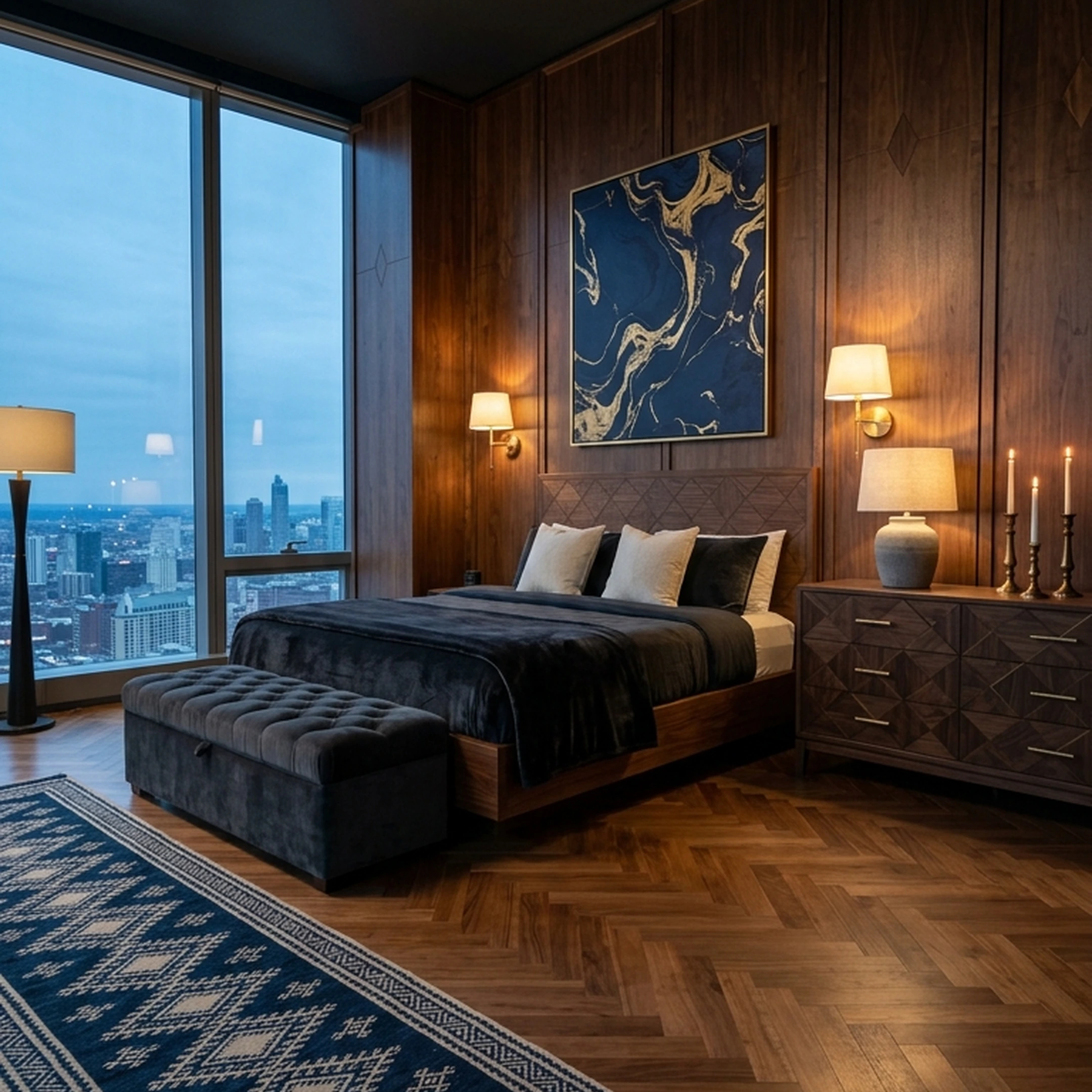
You signed the lease on a one-bedroom apartment in Chicago three weeks ago, and now you're figuring out how to make the space your own. Between measuring the living room, planning a custom shelf, and exploring 3D modeling tools, you've started searching for 3DGuru alternatives that can help bring your ideas to life.
The right alternative depends on what you're trying to create. You might need a 3D model for a custom furniture project, a printable file for a prototype, or a way to visualize your room before committing to furniture purchases. While some platforms focus on generating digital models, others help you turn design inspiration into a furnished space using real products.
This guide explores seven 3DGuru alternatives for different needs, from 3D modeling and printing to furniture shopping and room design. You'll learn what each platform offers, how their features compare, and which capabilities matter most for your project.
Key Takeaways
- The best 3DGuru alternative depends on your project. Some platforms specialize in generating 3D models for printing, gaming, and digital design, while others help you plan and furnish physical spaces.
- 3D modeling capabilities vary. Tripo and Meshy focus on generating 3D assets, while Hi3D offers workflows for preparing models for printing.
- Specialized projects need specialized outputs. SculptOK supports relief designs and engraving workflows, while Lychee Gen focuses on generating printable models from ideas.
- Free plans come with limitations. Credit allowances, export permissions, and commercial-use restrictions differ, so it's worth checking what you can actually download and use.
- Furniture shopping requires a different approach. First Chair turns room inspiration into cohesive concepts using real, purchasable furniture from retailers such as West Elm, CB2, and Crate & Barrel.
Why People Look for a 3DGuru Alternative

3DGuru, run at 3dguru.lt, is an additive manufacturing hub. It offers 3D printing, modeling, and scanning, organizes training, and services printers, handling everything from single parts to serial production. That's a service business built around scheduling and quoting, not an instant online tool, which is exactly why people searching "3DGuru alternatives" are often looking for something they can use the same day, from a browser.
The main distinction among 3DGuru alternatives is the type of output you need. Some tools generate 3D models, meshes, or depth maps from prompts, photos, and sketches. Others serve a different purpose. First Chair, for example, helps you furnish an actual room using real, purchasable furniture rather than generating printable models.
The global 3D-printing market was valued at $17.6 billion in 2023, reflecting demand for technologies that turn digital designs into physical objects. However, if your project is about decorating an apartment rather than printing an object, furniture-focused platforms offer a different approach.
What to Look for in a 3DGuru Replacement
The key criterion is what your project actually ends with. For a printer or 3D pipeline, check turnaround time, export format compatibility with the software you already use, and commercial-use terms on the free tier. Several tools below gate commercial use behind a paid plan, so confirm that before building a workflow around a free export. Of all the criteria, output format compatibility matters most: a tool that cannot export to your existing pipeline is no tool at all, regardless of price or generation speed.
If your project has quietly turned into furnishing a room instead of printing an object, the criteria flip. You stop caring about mesh formats and start caring about whether the piece shown is actually in a retailer's catalog, whether the price you see is the price you pay, and whether you can get help placing the order instead of hunting for it yourself across a dozen browser tabs.
1. First Chair
If the search that brought you here started with a 3D printing or modeling tool and ended with you realizing what you actually need is a finished room, First Chair is built for that exact handoff.
You upload a photo of your own room, or an inspiration image, describe the direction you want (something like Japanese-influenced minimalism with warm oak tones, low-profile silhouettes, and linen upholstery, rather than a vague mood board), and First Chair returns a curated room concept built from furniture and decor that exists and ships. Every sofa, rug, lamp, and side table shown is sourced from real retailers and brands, not generated.
First Chair pulls across West Elm, CB2, Crate & Barrel, Pottery Barn, Lulu & Georgia, Article, and Serena & Lily, plus brands you haven't met yet, instead of pushing inventory from one catalog. That multi-retailer sourcing matters for a simple spatial reason: the right scale for a narrow Chicago living room is rarely the same piece a single retailer happens to be pushing that season.
Member pricing shows the standard retail price next to your price on most pieces inside the app, so the savings are visible before you buy, not buried in a promo code you have to hunt for. For customers who chose an Architectural Designs house plan, First Chair also produces a custom furnishing plan with estimated prices and suggested vendors, built for more than 500 AD home plans.
One thing worth skipping regardless of which tool you use: a matched five-piece living room set. It fills a room without making it feel considered, and in a small space it usually eats floor visibility that furniture with visible legs would have kept open. First Chair's concepts are built piece by piece against your actual room dimensions, not sold as a bundle.
Key Features
- Personalized room concepts based on your space, taste, and budget
- More than 10 million furniture and decor products from over 100 brands
- Real, purchasable furniture from multiple retailers
- Member pricing displayed alongside standard retail prices
- Ability to swap individual furniture pieces within a concept
- Design Concierge assistance with furniture ordering
Pricing
Membership runs $59.99 for three months or $99.99 for six months, and it renews automatically until you cancel, with cancellation available anytime before the next renewal. The Design Concierge hunts member savings and places the furniture order directly.
Why people choose First Chair
Most people searching for a 3D alternative already know what they want their space to feel like. The part that stalls them isn't vision, it's execution: forty open tabs, a sofa that measured smaller online than it looked in the listing photo, a style they can describe but can't quite shop for.
First Chair skips the rendering step entirely and goes straight to pieces that exist, priced at member rates, from retailers that actually ship. A rendered room you can't buy isn't a finished room.
2. Tripo
Choose Tripo when a scene needs a game-ready mesh fast, not when the thing you're actually trying to finish is a living room. Tripo generates a 3D model from a text prompt or an uploaded image, photo, or sketch. It feeds straight into Blender, 3ds Max, Unity, Unreal, Maya, Cocos, Godot, or ZBrush.
Say you sketch a reference for a stylized chair for a game environment: Tripo returns a textured mesh built for that pipeline, not a sourced piece you could order and have delivered to an apartment.
The tradeoff is that free-tier outputs are public and restricted to non-commercial use, limited to one concurrent task, and capped at a lower export resolution, while commercial use only applies once you're on a paid plan with the model set to private.
Key Features
- Text and images to 3D in seconds
- Smart Segmentation
- Multi-view to 3D and single-view to multi-view
- Up to 8K textures
- Retopology, rigging, and animation
How it differs from First Chair: Tripo outputs a 3D mesh file for a software pipeline. First Chair outputs a finished room built from pieces you can actually order.
3. Meshy
Choose Meshy when the deliverable is a rigged, textured asset for a game engine or 3D pipeline, not when the deliverable is a room you plan to live in. Meshy turns text or images into ready-to-use 3D models, built for 3D artists, game developers, and 3D-printing hobbyists, with exports to .fbx, .obj, .stl, .gltf, .glb, .usdz, and .blend and plugins for Blender, Unity, Roblox, Godot, Unreal, Maya, and 3ds Max.
A hobbyist might generate a figurine mesh for their own desktop printer this way, not a sofa they can order for a new apartment. The tradeoff: free-plan outputs carry a CC BY 4.0 attribution requirement, and free subscribers can't download a generated model unless they previously generated it on a paid plan, so the free tier is closer to a preview than a deliverable.
Key Features
- Text to 3D and image to 3D
- Multi-view image to 3D
- AI texturing and texture editing
- Remesh
- Rigging and animation
How it differs from First Chair: Meshy generates exportable mesh files for a pipeline or printer. First Chair matches real, shoppable furniture to the room you already have.
4. Hi3D
Start with Hi3D if you want one workspace that turns a photo, sketch, or text prompt into a 3D model ready for a multi-color print, not if what you actually need is pieces that ship to your door. Hi3D's workflow covers Text to Image, 3D Generation, Stylized Texture, Split-to-Print, and Multi-Color Print, and it integrates with Bambu Studio, OrcaSlicer, Snapmaker, Creality Print, ElegooSlicer, ComfyUI, and Blender.
Someone designing a desk organizer might sketch the shape, generate the geometry, and split it for a multi-color print on a Bambu machine the same day. The tradeoff: subscription and promotional credits don't roll over past the current billing cycle, concurrent task limits scale from one on the free plan to thirty on the top tier, and payment runs through PayPal in USD only.
Key Features
- Text to Image, single or multi-view
- 3D Generation for geometry
- Stylized Texture
- Split to Print
- Multi-Color Print
How it differs from First Chair: Hi3D outputs a model file prepared for your own printer. First Chair finds the actual piece, at member pricing, with a concierge available to order it.
5. SculptOK
Pick SculptOK if a laser engraver or CNC router is waiting on a relief-ready depth map, not if you're trying to finish furnishing a room.
SculptOK turns flat artwork into dimensional depth maps and relief-ready surfaces, generating depth maps, 3D models, and high-precision images from either uploaded artwork or a natural-language description, built around ZBrush, Blender, laser engraving, CNC wood carving, and 3D printing workflows.
A woodworker, for instance, might convert a flat illustration into a depth map for a CNC-carved sign. The tradeoff: credits zero out once a membership expires, though unused credits roll over while a subscription stays active, and separately purchased credits never expire.
Key Features
- AI depth-map generator
- Depth map editor
- AI image generator
- Images to SVG
- Pixel upscale
How it differs from First Chair: SculptOK prepares artwork for an engraver or carver. First Chair prepares an entire room, down to member pricing on the pieces themselves.
6. Lychee Gen
Use Lychee Gen when you need a print-ready mesh from a single idea in minutes, not when you need a finished, furnished room. Lychee Gen turns any idea into a print-ready 3D model using AI, with no modeling skills required, according to its own site. Someone might sketch an idea for a desk hook and have a file ready to slice and print that same afternoon.
Key Features
- Turns an idea into a print-ready 3D model
- AI-driven generation from a written description
- In-minutes turnaround
- No modeling skills required
How it differs from First Chair: Lychee Gen is built to produce a printable file from an idea. First Chair is built to produce a finished room from pieces that already exist and ship.
7. Hunyuan3D
Stop at Hunyuan3D if you only need a reference-quality 3D concept to look at, not a finished object or a finished room. Tencent's Hunyuan3D generates 3D content from prompts, and per its own site, all content is generated by AI and is for reference only, with a login required before you can start a 3D creation session.
A hobbyist might log in to sketch a quick concept model to visualize an idea before deciding whether to pursue it further in another tool. The tradeoff is built into the platform's own framing: because it states its output is for reference only, Hunyuan3D doesn't position itself as a source for commercial-ready or print-ready files the way some of the other generators here do.
Key Features
- 3D creation from prompts
- AI-generated content
- Reference-only output, by the platform's own description
How it differs from First Chair: Hunyuan3D produces a reference concept to look at. First Chair produces a room built from pieces you can actually order.
Which Alternative Should You Choose?
The split is simpler than the list above might suggest. If your project ends with a file that needs to go into a printer, a game engine, or a CNC machine, you're choosing among Tripo, Meshy, Hi3D, SculptOK, Lychee Gen, and Hunyuan3D, and the differences between them come down to export formats, credit structures, and how much the free tier actually lets you keep.
If your project ends with a room you live in, furnished with pieces someone will actually deliver, none of those six were built to get you there. That's the job First Chair does: a curated room concept built from real furniture, with member pricing visible against retail, and a Design Concierge available to place the order.
Why First Chair Stands Out
The clearest difference between First Chair and every AI generator on this list is what comes out the other end. A mesh file is a deliverable for a pipeline. A furnished room is a deliverable for a life. First Chair sources real pieces across retailers like West Elm, CB2, Crate & Barrel, Pottery Barn, and Lulu & Georgia instead of generating something that only exists as a render, and it shows member pricing next to retail pricing so the savings are visible before checkout, not hidden behind a promo code you have to go find. A Design Concierge can take the next step and place the order.
If your search for "3DGuru alternatives" started because you wanted a 3D printing or modeling tool, the six AI generators covered here each solve a version of that problem, with real differences in export formats, credits, and commercial-use terms worth checking before you commit.
But if the search really started with wanting your space to look finished, First Chair is the stronger fit: real furniture pieces instead of renders, member pricing shown against retail on most pieces, a catalog pulling from more than 100 brands instead of one retailer's inventory, and a Design Concierge that can place the order for you. Start with your room.
Frequently Asked Questions
What are the best alternatives to 3DGuru?
The strongest alternatives depend on what you're actually trying to finish: Tripo, Meshy, Hi3D, SculptOK, Lychee Gen, and Hunyuan3D each generate a 3D model, mesh, or depth map from a prompt, photo, or sketch. First Chair covers the adjacent need these tools don't: turning a room concept into real, purchasable furniture with member pricing built in.
Can I use a 3DGuru alternative without any 3D modeling skills?
Several options require no modeling experience. Lychee Gen and Meshy both generate a model from a written description or uploaded image with no technical background needed. First Chair similarly requires no design skills: describe your room and style direction, and it returns a concept built from real, shoppable furniture pieces.
Is there a 3DGuru alternative that works for home design instead of 3D printing?
Yes. If the goal is a finished room rather than a printable file, First Chair is built for that use case. It turns a room photo or inspiration image into a curated concept using real furniture pieces from more than 100 brands, shows member pricing alongside retail pricing, and offers a Design Concierge who can place the order directly.
Do any 3DGuru alternatives offer a free tier?
Several do. Tripo offers 200 monthly credits on its free plan, Meshy offers 100 monthly credits, and Hi3D provides 100 lifetime credits at no cost. SculptOK includes a 100-credit free trial. Tripo's free-tier outputs are restricted to non-commercial use, and Meshy's free-plan outputs carry a CC BY 4.0 attribution requirement, so check the terms of whichever platform you use before building a workflow around a free export.