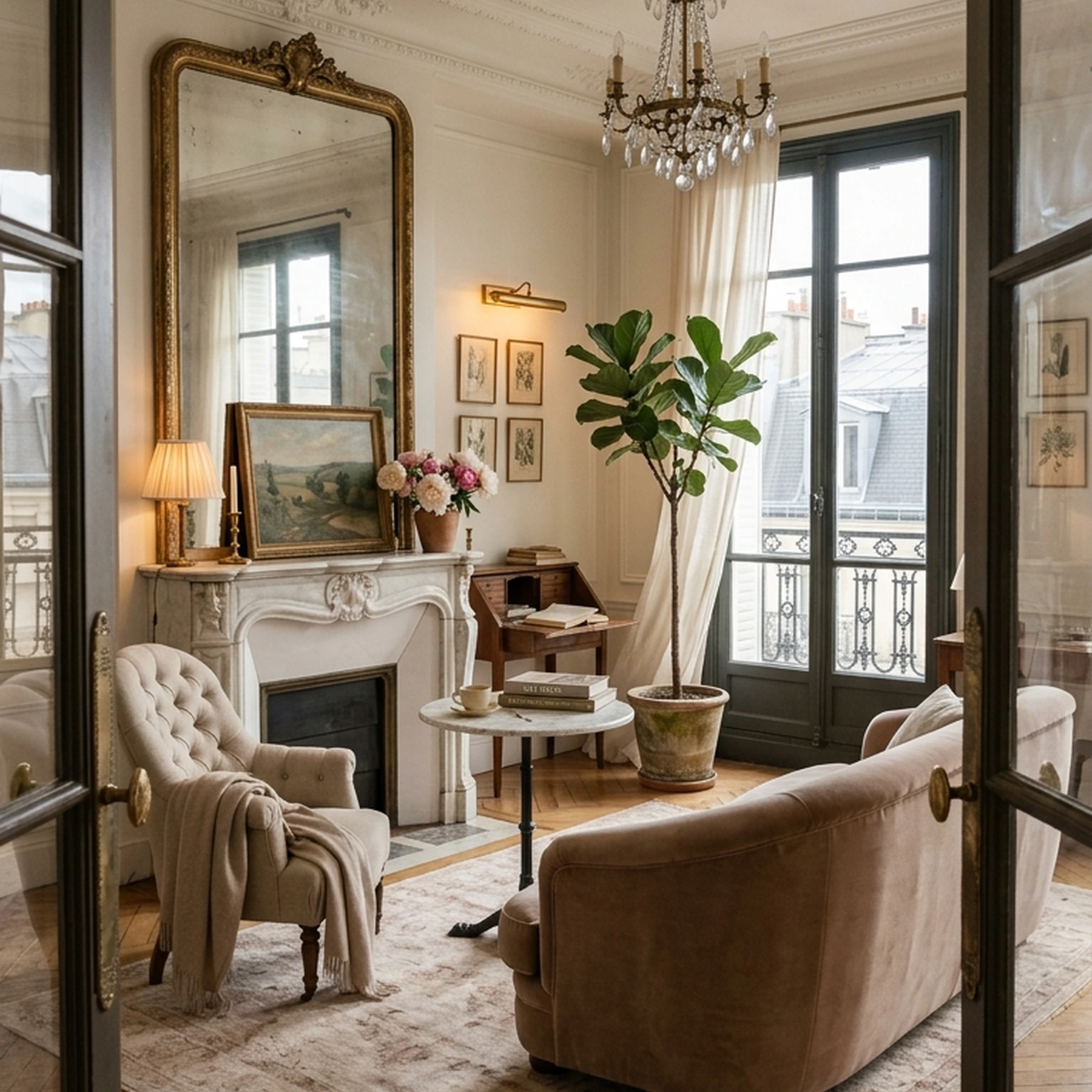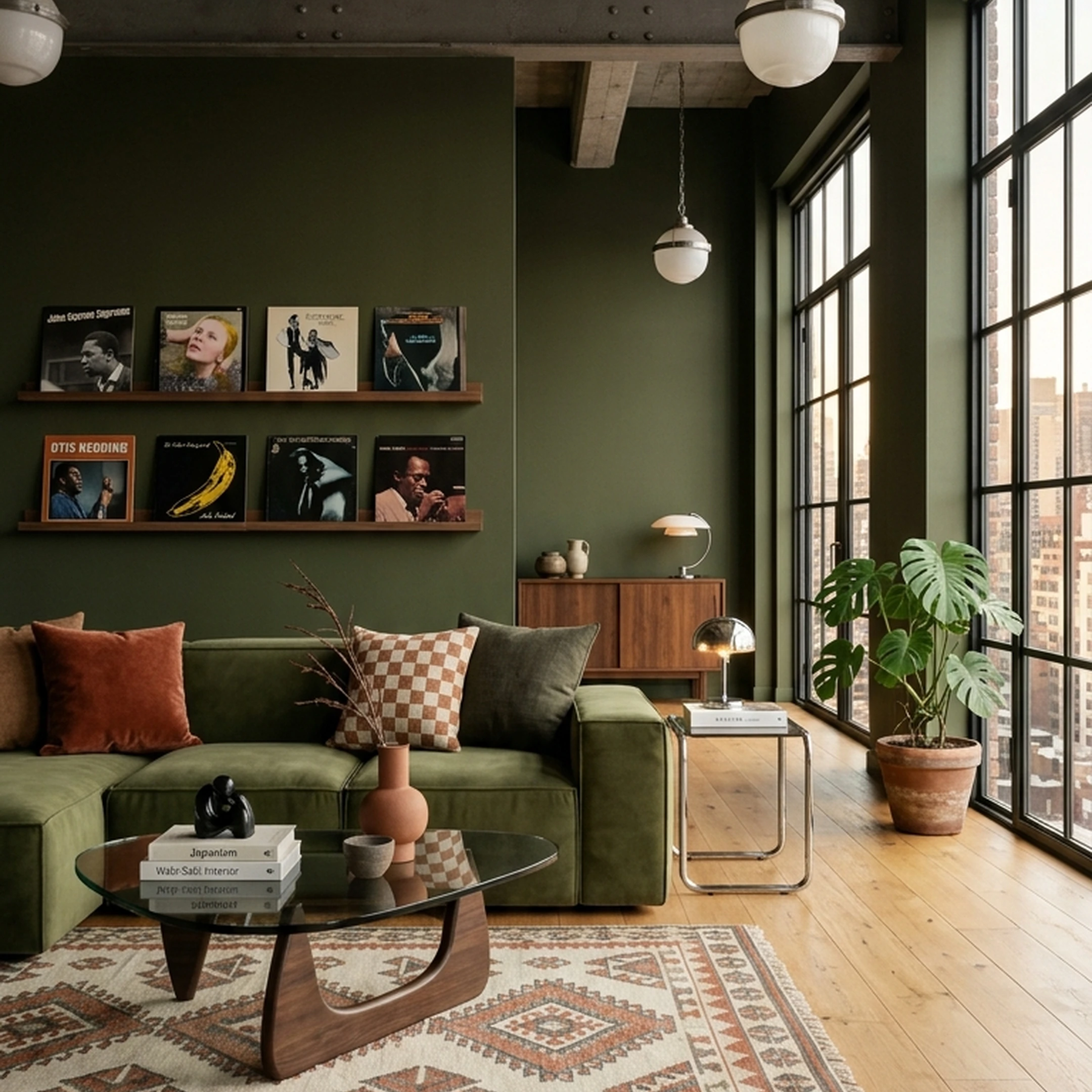

You moved halfway across the country to San Francisco. You brought the pieces worth keeping, a favorite chair, a few boxes of books, the lamp you refuse to replace. But in the new apartment, none of it quite adds up yet. The proportions are different. The light hits differently. The sofa that worked against one wall suddenly feels too big for another. Even with half a home’s worth of things around you, it still feels like starting from scratch.
That’s the strange part about furnishing after a big move. You’re not working with an empty room, exactly. You’re working with a room that has no logic yet. A few familiar pieces are floating in a new space, while everything else has to be chosen around them. What stays? What gets replaced? Which piece sets the scale? And how do you make the whole room feel intentional instead of like it came from somewhere else?
That’s the job the current generation of furnishing tools is trying to solve. Some give you a convincing picture of what the room could look like. Others help turn that direction into real, shoppable pieces. When a move makes your old furniture feel more like raw material than a finished room, that distinction matters.
Key Takeaways
- Shoppability is the dividing line. A render without purchase links is inspiration, not a furnishing plan. The strongest tools in this category connect design output directly to real products you can add to cart.
- Scale is the most common failure point. Designers warn that AI tools often misrepresent scale, making room visualizations unreliable as buildable plans. Floor-plan-grounded tools handle this better than pure photo-redesign tools.
- Most tools are render-only. Testing of AI interior apps found that while visuals are striking, they often ignore finances, product availability, and pricing realities, meaning designs are not executable.
- The high-cost designer alternative. Hiring a traditional interior designer can cost tens of thousands of dollars and take six months. An AI furnishing plan that delivers real furniture recommendations in days changes that math entirely.
- Free tiers vary widely. Planner 5D offers unlimited free projects; REimagineHome gives 5 free designs; RoomGPT offers limited free use; visit the RoomGPT site directly for current free and paid tier details. Knowing the actual free-tier limits saves frustration.
- Room-by-room vs. whole-home. Most tools plan one room at a time. If you are furnishing a whole house, the workflow differences matter as much as the features.
What Separates a Useful AI Furnishing Tool from a Visual Gimmick
Not every tool in this space is worth your time. AI furnishing tools often infer 3D spaces from 2D photos and therefore cannot reliably measure or distinguish key architectural elements, which is why so many renders look compelling but fail when you try to act on them. The tools worth evaluating do at least one of the following well:
Criteria that matter:
- Real product catalog integration, the output references actual SKUs from real retailers, not fictional furniture pieces
- Spatial accuracy, either floor-plan input or explicit dimension awareness, so the proportions reflect your actual room
- Purchase workflow, the path from "I like that sofa" to "that sofa is in my cart" is short and direct
- Style learning, the tool adapts to your taste rather than producing generic midcentury-modern defaults
- Transparent pricing, you can see what items cost before committing, not after
Independent testing of AI design tools found that their reconstruction of 3D spaces from 2D images was clunky, and that scale is where the gap between promise and delivery shows most clearly. The tools ranked at the top of this list earn that position by addressing at least two of the criteria above with verifiable evidence.
The Best AI Furnishing Tools in 2026
1. First Chair
Choose First Chair when you want the design and the furniture decisions solved together.
First Chair turns your room and your taste into a complete concept built from real, shoppable pieces. Just upload a photo of your space or an inspiration image, describe the aesthetic direction you want, and First Chair builds the room around pieces you can actually buy.
That makes First Chair particularly strong when you’re furnishing from scratch. Most room-design tools can give you an image worth saving. The harder part comes afterward: finding the sofa in the render, getting the proportions right, choosing a rug that works with it, and making sure every new purchase still belongs in the same room. First Chair closes that gap by making the furniture part of the design from the beginning.
What sets First Chair apart
- Native e-commerce integration: Furniture is sourced directly across West Elm, CB2, Crate & Barrel, Pottery Barn, Lulu & Georgia, and additional retailers, so you can furnish across brands within one cohesive concept.
- Real, shoppable pieces: The furniture in the concept corresponds to products you can actually buy. You don’t have to recreate the room by searching for lookalikes afterward.
- Member pricing: First Chair shows member pricing alongside standard retail pricing on eligible pieces.
- 100% money-back guarantee: The guarantee is stated on the Architectural Designs partnership page.
- Style matching from your own references: Upload your actual room or an inspiration image, from a saved interior to a favorite cafe, and First Chair translates that direction into a room of real pieces.
- Concrete proof of savings: Homeowner Róisín Gallagher reported saving more than $3,000 on furniture after previously spending $15,000 on pieces that didn’t work in her last move.
Ideal for
- Homeowners and renters furnishing a room from scratch who want a complete concept built from real furniture
- Architectural Designs customers who want to turn a house plan into a furnishing blueprint
- Design-minded people with plenty of saved inspiration who get stuck when it’s time to choose
- Anyone who wants more confidence that the pieces they buy will work together as a room
How to Get Started with First Chair
Join the First Chair private beta. Early access includes $50 in furniture credit toward real pieces from real brands.
2. MeltFlex
MeltFlex does a good job of turning a single photo into a polished visual direction, with real furniture attached to the result instead of leaving you to hunt for lookalikes afterward.
Upload an empty or furnished room, choose from more than 25 design styles, and MeltFlex generates a photorealistic redesign in seconds. It also goes beyond basic room restyling with tools for kitchens, bathrooms, exteriors, gardens, floors, walls, stairs, doors, and windows.
The broader toolkit is useful if you want to experiment with several parts of a space in one place. Its floor plan creator and 2D-to-3D converter also make MeltFlex more practical than a simple photo-rendering experience.
Key Features
- Photo-to-redesign in seconds across 25+ design styles
- Real, shoppable furniture from IKEA, Amazon, and Wayfair
- 2D floor plan to photorealistic 3D conversion
- Virtual staging for empty rooms
- Dedicated tools for kitchens, bathrooms, exteriors, gardens, and architectural surfaces
How it differs from First Chair
If your priority is quickly seeing what a room could become, MeltFlex makes sense. If you want a more edited point of view and help choosing the right pieces across brands, First Chair is the stronger fit.
3. REimagineHome
Choose REimagineHome if your main job is staging, renovating, or presenting a property rather than furnishing one room with a tightly edited point of view. It’s especially useful for real estate professionals who need to process multiple spaces quickly and still want shoppable products attached to the output.
Upload a room photo, describe the result you want, and REimagineHome generates a redesigned space with real purchasable pieces. You can swap furniture, change wall colors, move pieces around, and shop through Amazon or Shopify. Its retailer coverage includes Amazon, West Elm, IKEA, Target, and Wayfair.
Key Features
- Room-photo redesigns with real purchasable pieces
- Step-by-step editing for furniture, wall colors, and placement
- Batch processing for up to 50 listing photos
- Automated compliance checks for real estate workflows
- Shopping through Amazon or Shopify
- Interior, exterior, staging, renovation, and landscaping coverage
How it differs from First Chair
REimagineHome is built broadly around visualization, staging, and real estate workflows. First Chair is more focused on helping someone furnish the home they actually live in, with cohesive concepts sourced across brands like West Elm, CB2, Crate & Barrel, Pottery Barn, and Lulu & Georgia.
4. Planner 5D
With Planner 5D, you can build the room from the floor plan up. It’s strongest for people who care about layout, dimensions, and testing furniture placement in 2D and 3D before making any decorating decisions.
You can draw a floor plan from scratch or upload an existing one and convert it into a 3D project. From there, Planner 5D lets you experiment with furniture, finishes, lighting, shadows, and color across web, iOS, Android, Windows, and macOS.
Key Features
- 2D floor plan creation and floor-plan recognition
- Editable 2D and 3D room visualization
- Adjustable lighting, shadows, colors, furniture, and finishes
- Furnisher and Styler tools for room experimentation
- AI Design Generator on paid plans
- 4K rendering and CAD export on the Professional plan
How it differs from First Chair
Planner 5D is primarily a space-planning and visualization environment. First Chair is built around the decision that comes after the layout: which real pieces should actually go into the room together.
5. RoomGPT
Pick RoomGPT if you want to see your room in a different aesthetic before you commit to anything. It’s fast, simple, and useful for answering an early question like, “Do I actually like this direction in my own space?”
The workflow is deliberately lightweight. Upload one room photo, choose a theme or style, and RoomGPT generates a redesigned version of the space. There’s no floor plan step, measurement input, or more involved setup, which makes it easy to experiment with several looks quickly.
Key Features
- Single-photo room redesign across multiple themes and styles
- Fast output with no floor plan or measurement input
- Shareable concepts for comparing directions or gathering feedback
- Browser-based workflow with no installation required
How it differs from First Chair
RoomGPT helps you decide what a room could look like. First Chair helps you decide what to actually buy.
6. Collov AI
Collov AI is built more for staging and real estate imagery than for helping someone make confident furnishing decisions for the home they actually live in.
Upload an empty or furnished room, choose a room type and design direction, and Collov AI generates photorealistic staged images. From there, you can refine the result with chat-based edits, create virtual tours, generate 360-degree panoramas, or use human-assisted multi-angle staging for more complex projects.
That makes Collov AI especially useful for agents, stagers, property teams, and businesses that need repeatable visual output across multiple spaces.
Key Features
- One-click virtual staging by room type and design direction
- Chat-based editing for refining staged images
- Virtual tour and listing presentation tools
- 360-degree panoramas and 3D tours
- Human-assisted multi-angle staging
- API access for larger workflows
How it differs from First Chair
Collov AI is built around presenting a property. First Chair is built around furnishing one.
7. HomeDesigns AI
Choose HomeDesigns AI if you want to experiment with a new look while keeping the room’s existing architecture intact. Its strongest feature is Structure-Lock, which preserves walls, windows, and the original layout so the redesign stays closer to the space you actually photographed.
Upload one photo and HomeDesigns AI can generate a redesigned interior, exterior, or garden in less than 30 seconds. It also includes more than 160 styles and space types, video walkthroughs, 2D-to-3D floor plan generation, and a Furniture Finder that connects the visual direction to real purchasable pieces.
Key Features
- Structure-Lock to preserve walls, windows, and the existing layout
- More than 160 styles and space types
- One-click video walkthroughs
- 2D-to-3D floor plan generation
- Furniture Finder for real product shopping
- Interior, exterior, and garden redesigns
How it differs from First Chair
HomeDesigns AI is strongest at showing how an existing space could look after a visual redesign. First Chair puts more emphasis on the furnishing decisions that make the room feel finished.
8. Homestyler
Homestyler is a stronger fit for someone who wants to actively build and adjust a room rather than hand over the furnishing decisions. If you like having hands-on control over the floor plan, furniture placement, and final 3D visualization, it is worth a good look.
Start with a 2D floor plan or sketch and Homestyler converts it into an editable 3D model. From there, you can drag furniture and decor into place, test different layouts, adjust the look, and generate photorealistic renders through its cloud rendering system.
Key Features
- One-click conversion from a 2D floor plan or sketch to a 3D house model
- Drag-and-drop furniture and decor placement
- Photorealistic cloud rendering
- Style suggestions inside the design environment
- Team and enterprise collaboration features
How it differs from First Chair
Homestyler gives you a 3D workspace and expects you to do more of the designing yourself. First Chair takes a more directional role, turning your taste and room into a cohesive concept built from real, shoppable pieces.
9. Coohom
Choose Coohom if you want to build out a room in detail and you’re comfortable spending time inside a full 3D design environment. It’s great for layout planning, visualization, and experimenting with a large model library before you make real-world furnishing decisions.
Start with a 2D floor plan, either drawn, uploaded, or selected from a template, then move into a real-time 3D view. From there, you can arrange furniture and decor, generate layouts based on room size and style, create virtual walkthroughs, and render photorealistic views.
Key Features
- 600,000+ 3D furniture and decor models
- 2D floor plan creation with real-time 3D preview
- Photorealistic rendering in approximately 10 seconds
- Layout generation based on room size and style
- Virtual walkthroughs
- Free design templates
How it differs from First Chair
Coohom gives you a large 3D environment and plenty of control, but you’re still doing much of the designing yourself. First Chair takes a more opinionated role, narrowing the room into a cohesive concept built from real, shoppable pieces.
10. Interior AI
Try Interior AI if you want to explore different looks quickly, especially from a reference image or an existing sketch. It is a visualization product for testing how a room, exterior, or concept could look before you decide what to buy.
Upload a photo and Interior AI can restyle the space across multiple interior directions. Its Style Transfer mode is useful when you already have a clear reference, while Sketch2Image turns SketchUp screenshots and hand sketches into more polished visuals. Virtual staging and outdoor design extend the workflow beyond standard room redesigns.
Key Features
- Photo-to-redesign across multiple interior styles
- Style transfer from reference images
- Virtual staging for empty rooms and listings
- Sketch2Image for SketchUp screenshots and hand sketches
- Outdoor design for exteriors and gardens
How it differs from First Chair
Interior AI is strongest at showing you different visual directions. First Chair is stronger when you’re ready to turn that direction into a room made from real, shoppable pieces.
11. Decorilla
With Decorilla, you’re paying for judgment, back-and-forth, and a designer who can respond to unusual constraints or a more involved brief. This is great if you want a real interior designer making the calls with you and you’re comfortable paying more for that level of involvement. It’s the best fit on this list for complex rooms, larger projects, or anyone who simply prefers a human relationship over a faster self-directed furnishing process.
Key Features
- Multiple design concepts from different human designers
- One-on-one collaboration after you select a designer
- 3D visualization and a final shopping list
- Platinum and hourly services for larger or more complex projects
- 10% multi-room discount
How it differs from First Chair
Decorilla is a human-led design service. First Chair is for people who already have taste and want a faster, more direct way to turn that taste into a cohesive room of real, shoppable pieces.
Final Verdict
The tools in this list cover a real spectrum: from quick visual explorers to structured plan-to-purchase services. For someone furnishing an empty room who wants to end up with actual furniture, not just inspiration, the deciding factors are real product integration, spatial accuracy, and transparent pricing.
First Chair is the tool that closes all three gaps. It starts from your style and your actual space, builds a room concept from real, shoppable furniture at exclusive pricing, and delivers a complete furnishing plan you can act on immediately. For homeowners who have experienced the cost of getting this wrong, that reliability is the entire point.
Join First Chair's private beta. Early access includes $50 in furniture credit, already in your account and ready to use on real pieces from real brands.
Frequently Asked Questions About AI Furnishing Tools
How do I use AI to furnish a room from scratch?
The most direct path is to upload a photo of your empty room, describe the style you want, and let the tool generate a furnished concept. For tools with real product integration, like First Chair, the output includes actual purchasable items with prices and retailer links, so you can go from concept to cart in the same session. For floor-plan-first tools like Planner 5D, you draw or upload your room dimensions first, then furnish the 3D model.
Can AI tools generate a floor plan from a photo?
Some can. Planner 5D accepts an uploaded floor plan sketch and converts it to a 3D project. For most photo-based tools, the spatial reasoning is inferred rather than measured, which is why scale accuracy varies. If spatial accuracy matters for your project, a floor-plan-first tool gives more reliable results than a pure photo-redesign tool.
Do AI furnishing tools let you shop for real furniture?
Several do, but the implementation varies. First Chair connects directly to named retailers (West Elm, CB2, Crate & Barrel, Pottery Barn, Lulu & Georgia) with member pricing and a native checkout path. MeltFlex surfaces real products from IKEA, Amazon, and Wayfair within the design output. REimagineHome links to Amazon and Shopify for checkout. Tools like RoomGPT and Planner 5D produce visual outputs without direct product purchase links.
What is the difference between AI room design software and an AI furnishing tool?
AI room design software (Planner 5D, Coohom, Homestyler) typically focuses on spatial planning, floor plans, 3D visualization, and layout experimentation. AI furnishing tools focus on matching you to real, buyable products for a specific room. The distinction matters when you want to actually fill a space: a design tool gives you a blueprint; a furnishing tool gives you a shopping list.
Do AI furnishing tools work for rental apartments where you cannot paint or renovate?
Yes. First Chair works from the existing structure of a room without requiring physical changes. You upload a photo of the space as it stands, select a style, and receive a furnished concept that works within the current walls and finishes.
Are AI room design tools good for small apartments?
Yes, with caveats. Scale accuracy is critical in small spaces, and tools that accept actual room dimensions produce better layouts than those inferring from photos. For small apartments, First Chair accepts photos of the existing space and returns real-product recommendations sized to your room, giving you confidence that the furniture you order will actually fit.
Can I use an AI furnishing tool for a whole house, not just one room?
Most tools in this category plan one room at a time. First Chair's Architectural Designs partnership covers a full house plan, every room, under a single $49.99 furnishing plan tied to a specific AD plan ID, delivered in three days. For multi-room projects on other tools, you would typically run separate sessions per room and reconcile the outputs manually.