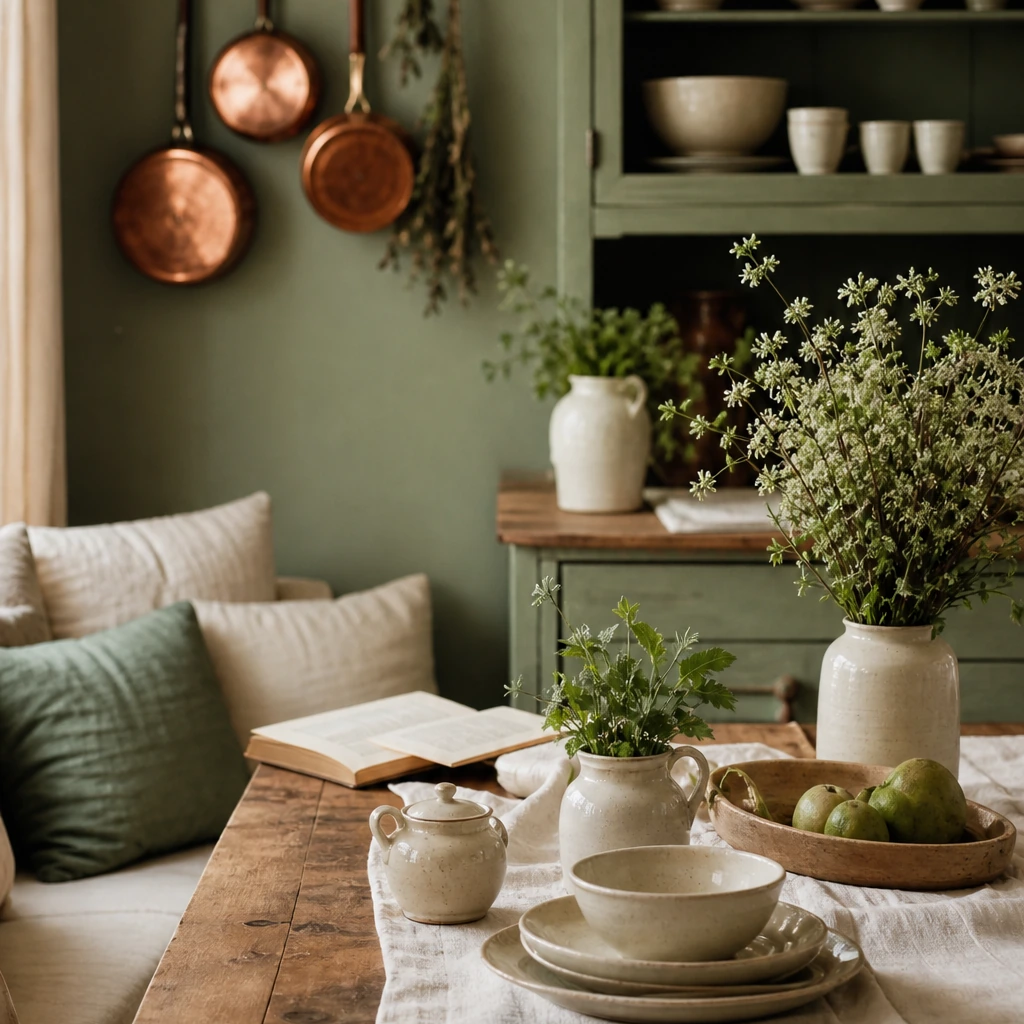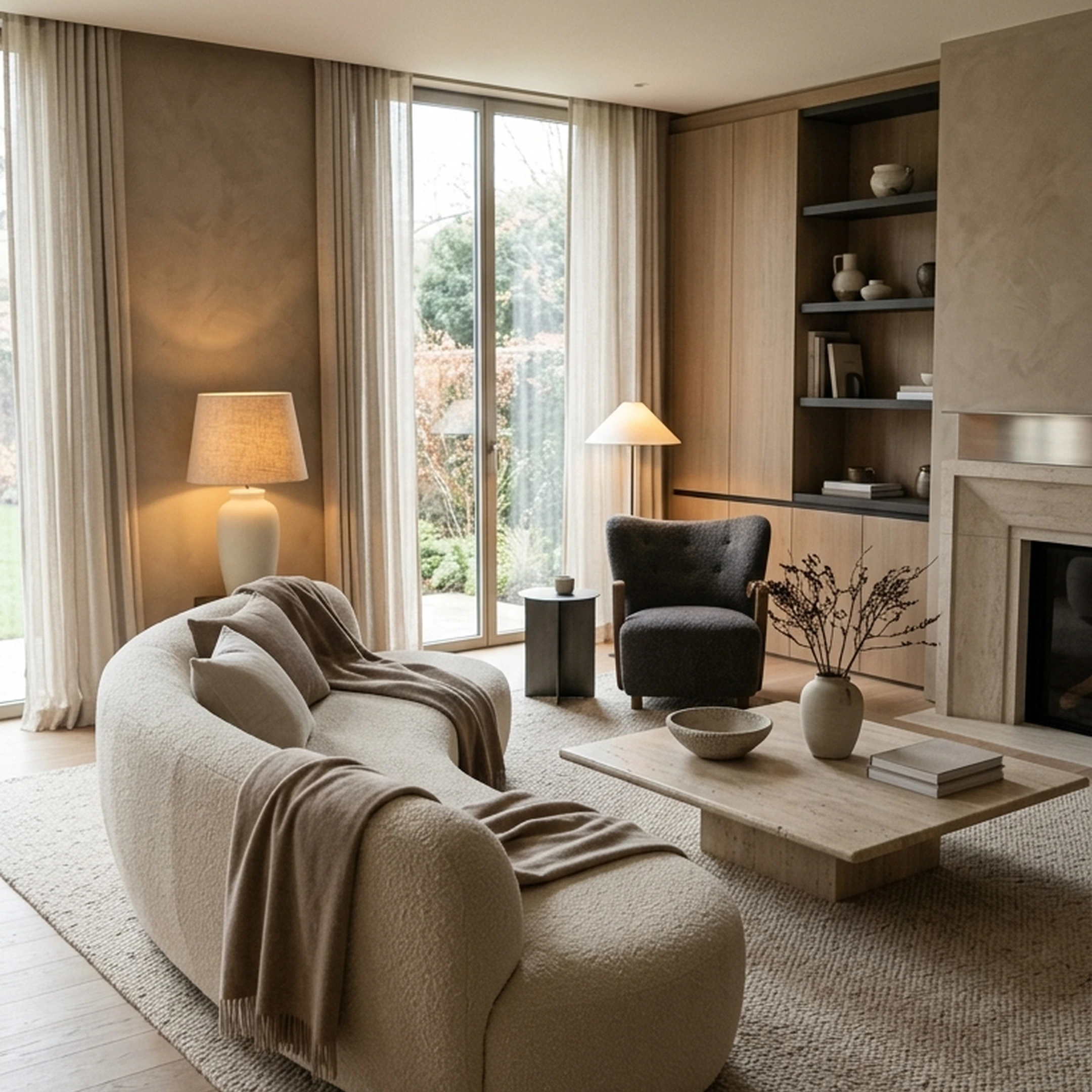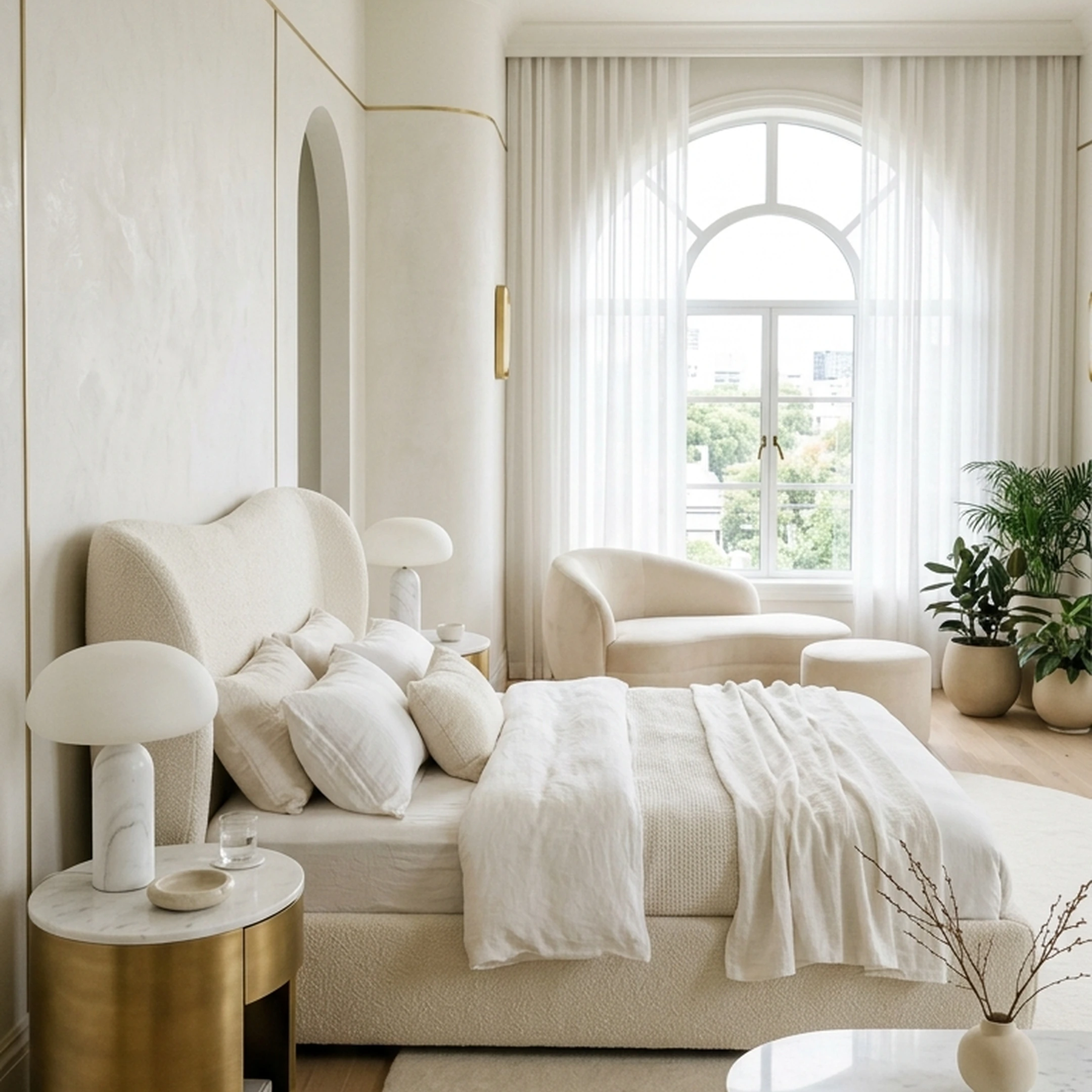
You moved into a one-bedroom in Chicago after starting a new job, and three months later the living room still feels like somewhere you’re staying, not somewhere you live. The sofa came from your old apartment. The rug was a late-night purchase that looked warmer on your phone. You’ve saved enough rooms to know exactly what you like, but every time you open another furniture tab, you end up less sure what actually belongs in this room.
What you need isn’t more inspiration. You need someone to look at the room you already have and tell you what works with it.
That can start with a single photo. Upload your living room or an inspiration image, and First Chair can interpret the colors, proportions, materials, and overall direction to build custom room recommendations around your space and taste. Instead of another fantasy render, you get a cohesive concept made from real, shoppable pieces across brands like West Elm, CB2, Crate & Barrel, Pottery Barn, and Lulu & Georgia.
One photo becomes the starting point for a room that finally feels pulled together.
Key Takeaways
- Upload one photo to receive custom room recommendations preserving your actual dimensions, window placement, and ceiling height
- Technology analyzes room structure through photo analysis, classifies changeable versus structural elements, then generates photorealistic concepts
- Leading services offer 30+ design styles from Scandinavian and Japandi to Industrial and Farmhouse
- Process takes seconds versus weeks for traditional design consultations
- Best photo quality requires landscape orientation, natural daylight, wide-angle corner shots showing 2+ walls, and 1080p+ resolution
- Real estate applications show that staged homes sell better
- Focus on platforms connecting recommendations to shoppable furniture with accurate dimensions
What Photo-Based Room Recommendations Actually Deliver
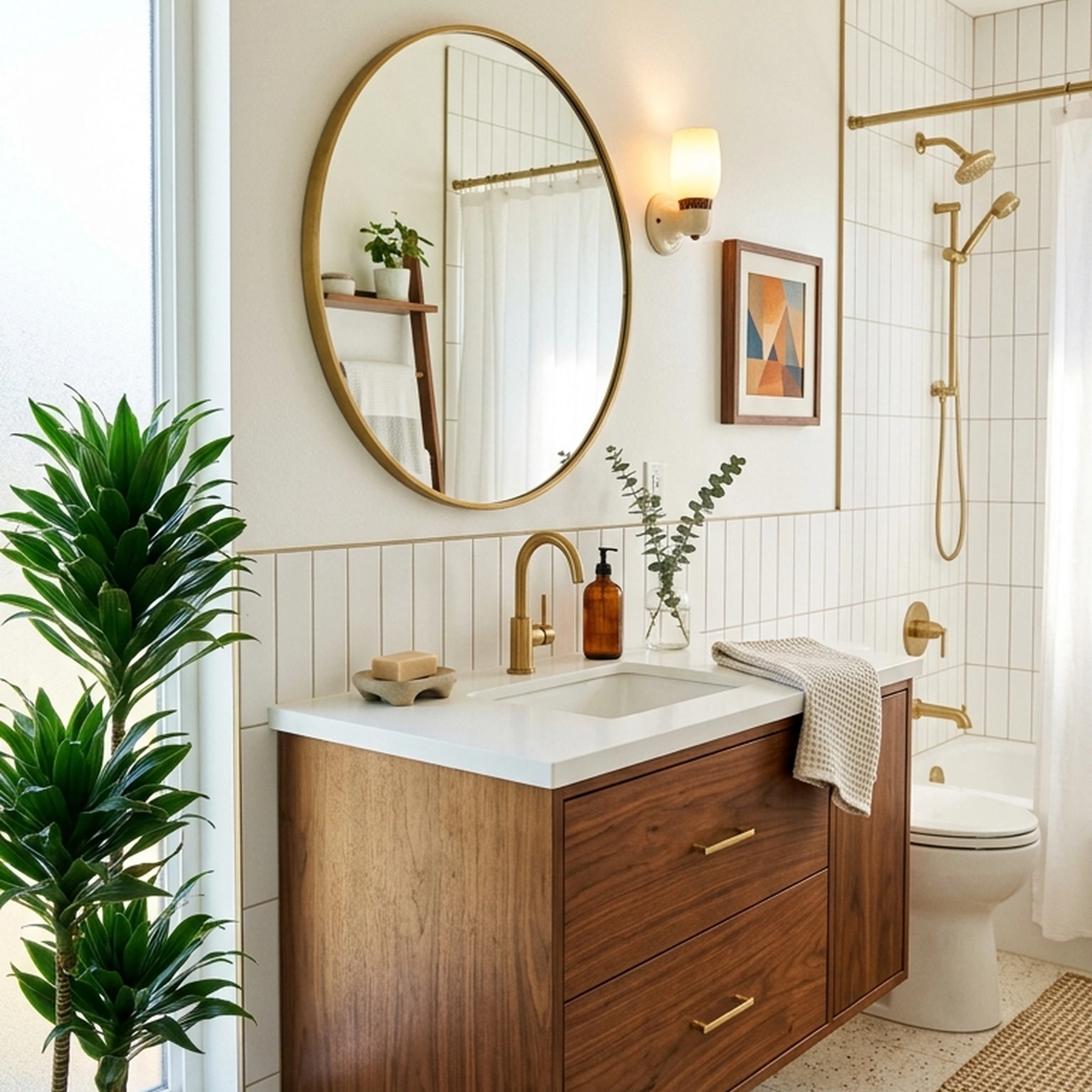
Photo-based room recommendations transform a single image into a fully realized design concept using furniture and decor that exists in real catalogs. The process starts when you upload a photo of your current room or an inspiration image from a hotel, cafe, or Pinterest board.
The technology maps your space's three-dimensional structure from that 2D image, detecting walls, windows, doors, and existing furniture proportions. Within seconds, you receive customized concepts showing new furniture arrangements, color schemes, and decor pieces that maintain your actual room layout.
Unlike fantasy renders showing impossible layouts or invented furniture, these recommendations preserve your ceiling height, floor area, window placement, and doorway positions. The strongest value comes from services connecting these visual concepts to purchasable pieces. You see a deep-seat sofa in performance velvet from Article, a bouclé lounge chair from West Elm, aged brass floor lighting from CB2, and a jute rug from Crate & Barrel, with every piece linked directly to the retailer for immediate purchase.
How the Technology Preserves Your Actual Room
Three distinct technologies work together to analyze your photo and generate accurate recommendations.
Photo Analysis
The first layer examines your uploaded photo to identify the room's three-dimensional structure. It detects walls, ceiling, floor, windows, doors, and existing furniture, then maps perspective lines and estimates spatial depth. This creates an internal understanding of your room's actual proportions rather than inventing a generic space.
The technology can identify room structure from a single 2D image with surprising accuracy. It recognizes architectural features like crown molding, built-in shelving, radiators, and structural columns that constrain furniture placement in real rooms.
Element Classification
The second layer classifies every pixel in your photo, distinguishing structural elements from removable ones. Walls, floors, and windows stay fixed. Furniture, rugs, curtains, and lighting become changeable elements the system can redesign.
This pixel-level classification ensures the generated concept maintains your room's architectural reality. Window placement stays accurate, ceiling height remains consistent, and floor area matches your actual space. You're not seeing an idealized room that won't translate to your apartment. You're seeing your room with different furniture.
Design Generation
The third layer creates photorealistic redesigns based on your aesthetic direction. These models were trained on millions of professionally designed interiors, learning rules of color harmony, furniture scale, lighting placement, and style coherence.
The system understands that track arms save 4 to 6 inches per side compared to rolled arms in tight living rooms. It knows furniture with visible legs keeps more floor visible, making small rooms feel larger. It recognizes that one properly scaled sofa usually works better than multiple smaller chairs fighting for space.
Design Styles Available From a Single Photo
Leading services offer 30+ preset styles covering recognizable aesthetics plus custom description capabilities. Beyond selecting "Modern Minimalist" or "Scandinavian," advanced systems interpret layered style prompts describing exactly what you want.
Common Style Presets
- Scandinavian: Light woods, neutral palettes, clean lines, warm textiles
- Japandi: Scandinavian simplicity meets Japanese minimalism with deeper woods
- Industrial: Exposed brick, metal fixtures, leather, reclaimed wood
- Mid-Century Modern: Walnut tones, tapered legs, curved silhouettes
- Farmhouse: Distressed wood, neutral fabrics, vintage accents
- Bohemian: Layered textiles, warm tones, mixed patterns
- Coastal: Light woods, blues and whites, natural fibers
- Art Deco: Bold geometry, rich materials, dramatic lighting
Custom Style Descriptions
Better services let you describe nuanced preferences the way you actually think about style. Instead of picking "Rustic," you can specify "rustic but elegant with refined silhouettes, raw wood, leather, and linen in clean lines." The technology interprets these layered descriptions into coherent furniture recommendations.
This matters because most people don't fit perfectly into single style categories. You might want Scandinavian furniture with deeper, more comfortable seating than typical minimalist pieces. Or brutalist architecture softened with warm leather, wool throws, and gentler lighting. Photo-based recommendations can capture these subtle directions when you describe what you're seeing in your inspiration images.
What You'll See in Custom Recommendations
Comprehensive room concepts include furniture and decor across every functional category.
Foundational Furniture
- Sofas and sectionals sized to your actual floor plan
- Lounge chairs with accurate scale relative to existing pieces
- Coffee tables that maintain proper clearance distances
- Dining tables fitting your room dimensions
- Storage pieces matching wall lengths
Lighting Layers
- Floor lamps positioned for task and ambient lighting
- Table lamps scaled to furniture proportions
- Pendant fixtures appropriate to ceiling height
- Wall sconces respecting electrical constraints
Finishing Pieces
- Area rugs extending properly under furniture
- Window treatments matching actual window dimensions
- Throw pillows and blankets in coordinating textiles
- Wall art scaled to available wall space
- Planters and greenery appropriate to light conditions
Quality recommendations specify materials, finishes, and dimensions. You see "performance velvet sofa in slate, 84 inches wide" from Interior Define rather than generic "gray couch." You get "aged brass arc floor lamp, 82 inches tall" from Rejuvenation instead of vague "gold lighting."
The best services now connect these visual recommendations to actual furniture you can buy, with direct links to West Elm, CB2, Lulu & Georgia, Pottery Barn, and other retailers showing current availability.
How to Photograph Your Room for Best Results
Photo quality dramatically affects recommendation accuracy. Poor lighting, blurry images, or limited room view produces unreliable concepts that don't reflect your actual space.
Optimal Photo Setup
- Orientation: Landscape format captures more room context than portrait
- Position: Corner angle showing two walls provides depth perception
- Height: Chest or shoulder height mimics natural sightlines
- Lighting: Natural daylight reveals true colors and shadows
- Resolution: 1080p minimum ensures clear detail recognition
- Timing: Midday indirect light works better than harsh morning sun
What to Include
Capture enough context for the technology to understand your room's structure and constraints:
- At least two walls meeting at a corner
- Windows and natural light sources
- Doors and traffic flow paths
- Ceiling height indicators like crown molding
- Existing furniture for scale reference
- Architectural features like radiators or built-ins
Common Photo Mistakes
- Shooting too close to one wall, limiting spatial context
- Using flash that creates unnatural shadows
- Photographing in dim lighting obscuring room details
- Extreme wide-angle distortion making proportions unclear
- Cluttered foreground blocking room structure
- Low resolution that loses architectural details
For inspiration photos from hotels, cafes, or Pinterest, the same principles apply. The system needs clear views of the space's structure to generate accurate recommendations adapted to your room.
What NOT to Expect From Photo-Based Design
Understanding limitations prevents disappointment and helps you use these services effectively.
AI-Generated Furniture Isn't Always Buyable
Most services generate photorealistic furniture that doesn't exist in any catalog. The sofa looks perfect in the render, but you can't purchase it anywhere. Only newer services like those integrating real furniture catalogs solve this problem by showing actual pieces with links to retailers.
Dimensions Are Approximate, Not Architectural
These recommendations provide visualization and inspiration, not construction blueprints. Measurements approximate your space based on photographic analysis, but aren't architect-precise. Always verify furniture dimensions against your measured room before purchasing.
Results Depend on Photo Quality
Blurry images, poor lighting, or limited room views produce unreliable concepts. The technology interprets what it can see in your photo. Missing context leads to recommendations that don't account for constraints like narrow doorways, low ceilings, or awkward layouts.
Real Applications Beyond Home Furnishing
Photo-based room recommendations solve problems across multiple use cases.
Real Estate Staging
Empty listings photograph poorly and sell slowly. Virtual staging transforms vacant rooms into furnished spaces for a fraction of physical staging work. According to the National Association of Realtors, staged homes sell faster, with nearly half of sellers' agents reporting a decrease in the property's time on the market.
With nearly all buyers using the internet during their home search, quality photos are critical for determining whether prospects schedule a showing. Virtual staging delivers these critical visuals in minutes rather than days.
Renovation Planning
Homeowners planning kitchen or bathroom renovations upload current photos and test multiple cabinet colors, countertop materials, and fixture styles in minutes. Arriving at contractor consultations with clear vision saves weeks of decision-making and prevents expensive mid-project changes.
Some homeowners bring generated renders to contractors as briefing documents. The visual reference communicates desired outcomes more effectively than verbal descriptions, reducing misunderstandings about finishes, layouts, or style direction.
Rental Transformations
Renters can't paint walls or renovate, but photo-based recommendations show transformative changes within those constraints. Test furniture arrangements, rugs, curtains, and lighting without touching permanent fixtures. Make confident purchases knowing how pieces look in your actual space before delivery arrives.
Getting Started With Photo-Based Room Design
Most services follow similar workflows designed for speed and simplicity.
Step 1: Upload Your Photo
Start with a clear photo of your current room or an inspiration image showing the aesthetic you want. Services accept photos from your phone, computer, or saved Pinterest pins.
Step 2: Select Room Type
Specify whether you're designing a living room, bedroom, kitchen, bathroom, or other space. This helps the system recommend appropriate furniture categories and proportions.
Step 3: Choose or Describe Your Style
Pick from preset styles like Scandinavian, Industrial, or Mid-Century Modern. Better services let you describe custom aesthetics using natural language or upload additional inspiration photos.
Step 4: Review Generated Concepts
Most services generate multiple variations within seconds. Compare different furniture arrangements, color schemes, and decor approaches to find concepts that resonate.
Step 5: Refine and Iterate
Adjust style parameters, try different room angles, or modify specific elements. Many services allow targeted edits changing just wall color or swapping individual furniture pieces rather than regenerating entire rooms.
Step 6: Connect to Shopping
Services integrating real furniture show direct links to retailers. Review dimensions, materials, and details for each piece. Compare alternatives from different brands fitting similar aesthetics.
For best results when furnishing a small apartment, focus on services that preserve accurate proportions. Small spaces punish oversized furniture mistakes that photo-based recommendations can prevent.
Why First Chair Delivers Rooms You Can Actually Buy
While numerous services generate beautiful room visualizations, First Chair solves the critical gap between inspiration and execution by connecting every recommendation to real, shoppable furniture.
First Chair interprets your uploaded photos and aesthetic direction into custom concepts featuring actual pieces from West Elm, CB2, Crate & Barrel, Pottery Barn, Lulu & Georgia, and brands you haven't discovered yet. Every sofa, chair, rug, and lighting fixture shows accurate dimensions and direct retailer links.
The curation feels like working with a friend who has impeccable taste. Instead of overwhelming you with endless choices, First Chair narrows the field to pieces that work together cohesively.
Frequently Asked Questions
How accurate are room dimensions from a single photo?
Technology can create surprisingly accurate spatial understanding from one 2D image by mapping perspective lines and depth cues. However, these are approximations for visualization purposes, not architectural measurements.
Always verify furniture dimensions against your measured room before purchasing. The recommendations show how pieces will look together and relative scale, but confirm doorway widths, ceiling clearances, and exact floor space with a tape measure.
Can I use inspiration photos instead of my actual room?
Yes, most services accept inspiration images from hotels, cafes, design magazines, or Pinterest. The technology analyzes the style, color palette, furniture types, and overall aesthetic from the inspiration photo, then adapts those elements to room concepts you can recreate.
This works particularly well when you want to recreate a cafe aesthetic but need furniture scaled to residential proportions.
How do custom style descriptions work?
Advanced services let you describe nuanced preferences using natural language rather than picking preset categories. You can specify "Scandinavian with walnut and oak warmth, deeper seats, softer textiles" or "brutalist architecture with deep leather, wool, and gentler lighting."
The technology interprets these layered descriptions into coherent furniture recommendations matching your specific vision rather than generic style templates.
What's the difference between virtual staging and room redesign?
Virtual staging adds furniture to empty rooms, primarily for real estate listings. Room redesign replaces existing furniture in occupied spaces, showing how your current room could look with different pieces.
Both use the same underlying technology but serve different use cases. Virtual staging helps sell properties faster, while redesign helps homeowners visualize changes before purchasing furniture.
Why do some recommendations show furniture I can't buy?
Many services generate photorealistic furniture using models trained on design images, creating pieces that don't exist in any catalog. The sofa looks perfect in the render, but you can't purchase it anywhere.
Only newer services integrating real furniture databases show actual products you can purchase. When evaluating services, check whether recommendations link to retailers with current availability, or whether you're seeing generic AI-generated furniture requiring manual sourcing.