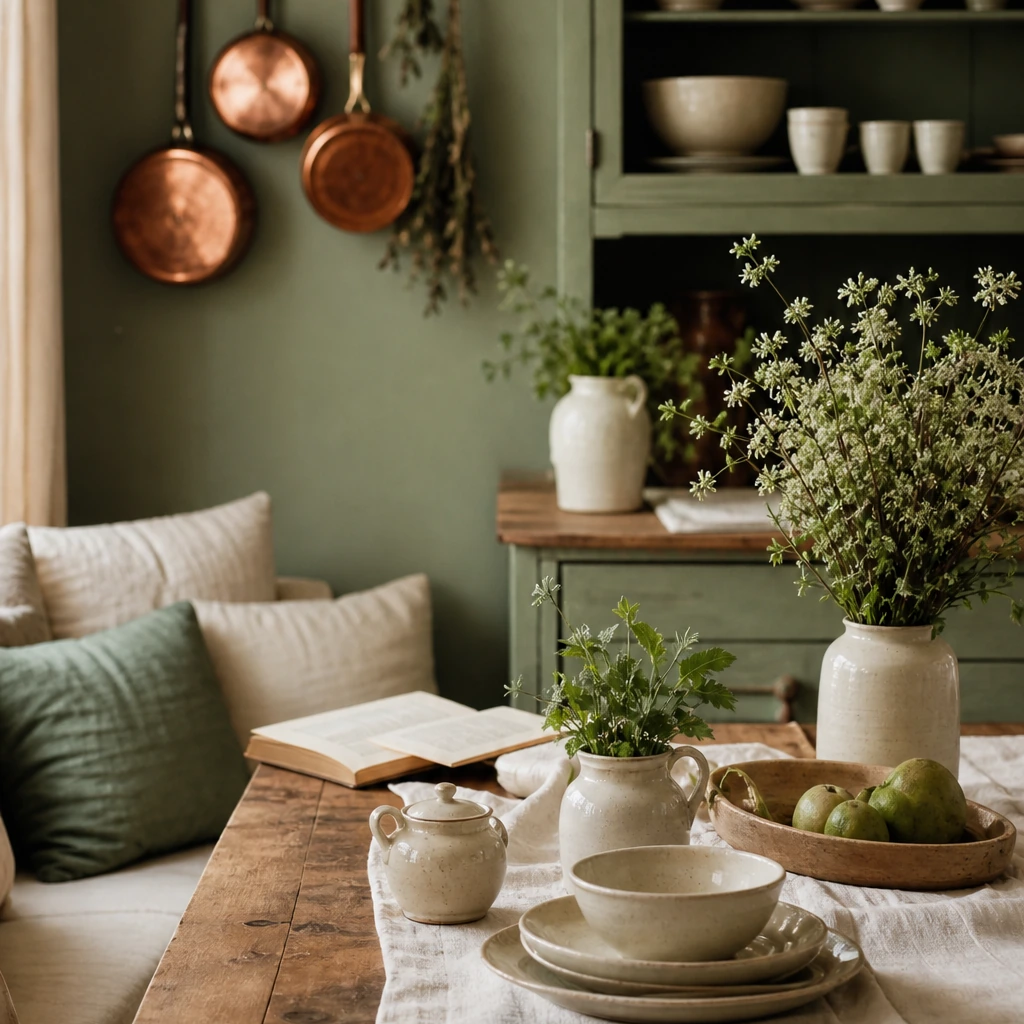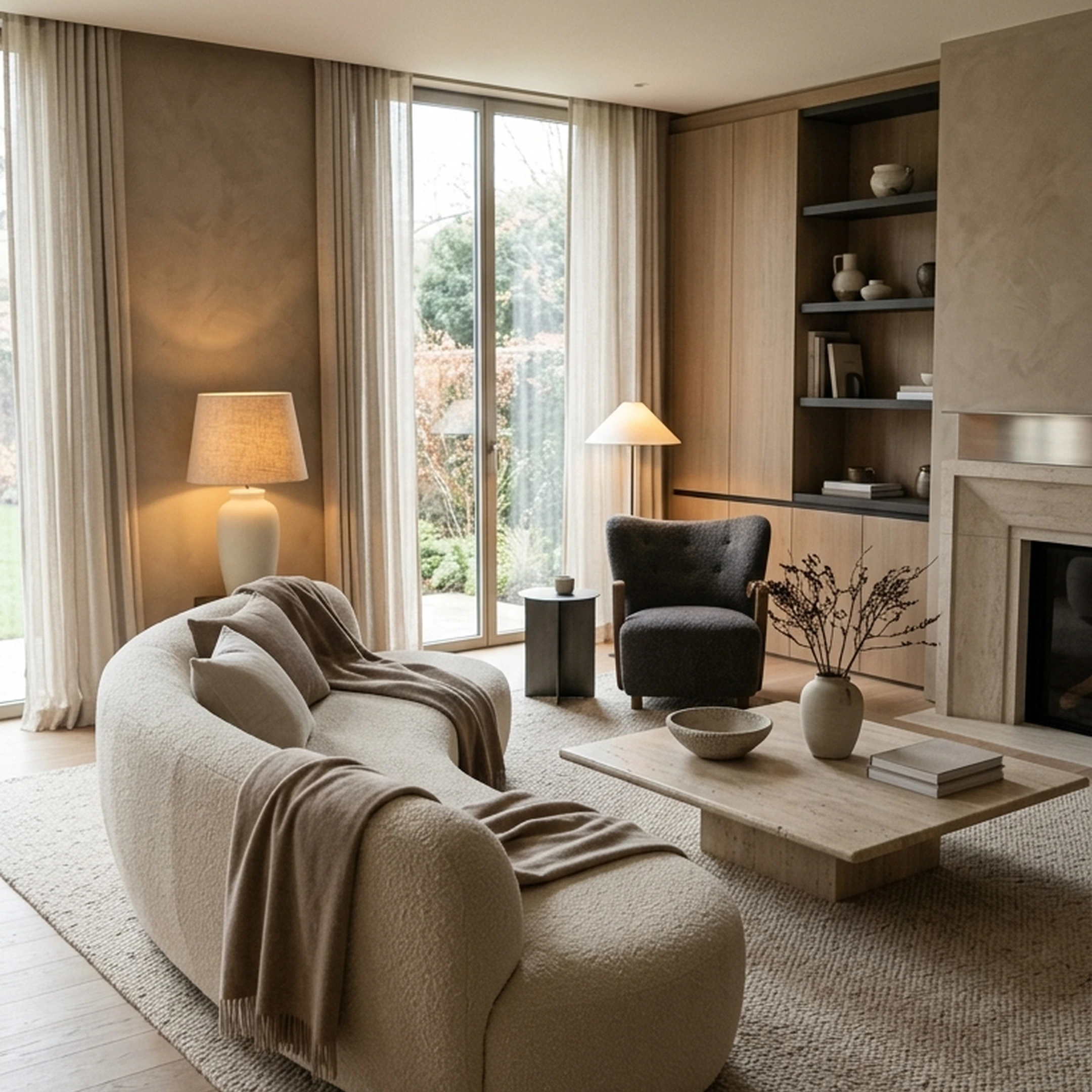
You moved to Chicago with enough furniture for a bedroom and approximately half a living room. The new apartment has tall windows, an awkward radiator, and a layout that makes your old sofa look like it was designed for another planet. Your saved rooms know exactly what you like. They’re less helpful with what fits here.
That’s where free interior design apps are supposed to help. The catch is that they solve very different problems. Some generate a new look from a photo. Some help you work out whether the sofa fits. Some are essentially inspiration engines. And “free” often lasts only until you want another render, a better export, or access to the piece you actually like.
We checked nine popular choices to find out what their free tiers really include, where the limits show up, and which kind of project each one makes sense for.
Key Takeaways
- Free tiers cluster around three different jobs: AI photo redesign, floor planning, and browsing or shopping, and mixing up which job you need is the fastest way to hit a paywall.
- Credit caps, not dollar signs, are the real limit. Free generation limits vary by app, ranging from a handful of uses to a small monthly allowance, before a subscription or additional credits are required.
- Export quality is where "free" usually stops. Watermarks, capped resolution, and one-time render purchases show up across both AI redesign apps and floor planning tools.
- Floor planning tools are more generous with project count. Floorplanner and Homestyler allow multiple or unlimited free projects, while Planner 5D's free plan includes unlimited projects alongside other free features.
- A generated room and a buyable room are two different outputs. First Chair connects its concepts to real, purchasable pieces from its catalog, a step most redesign tools skip.
- Some tools stay free with zero account setup. First Chair's 60-second color quiz and a handful of quick style tools require no card and no sign-up at all.
9 Free Interior Design Apps, Compared

The best free app depends on what you’re actually trying to finish. If you need to test a sofa against an awkward wall, a floor planner makes more sense than a photo generator. If you want to see the room in a completely different direction, the reverse is true. And if the goal is to end with real furniture in your home, a convincing render is only half the job.
1. First Chair
You already know what you like. The harder part is turning a saved room, a half-furnished space, or a vague design direction into something you can actually live with.
With First Chair, you can upload a photo of your room or an inspiration image and build a concept around your space, lighting, layout, and budget. The important part comes after the concept appears: the pieces are tied to real products you can actually buy.
First Chair’s catalog spans 10+ million products across 100+ brands, and each concept gets a human review before it reaches you. So instead of ending with a polished render you have to reverse-engineer yourself, you get a clearer path from inspiration to a finished room.
Key Features
- Real, purchasable pieces: Concepts are built from actual products, not lookalike furniture that only exists in a render.
- 10M+ products across 100+ brands: You’re not locked into a single retailer or one narrow catalog.
- Human-reviewed concepts: Each layout gets a second set of eyes before it reaches you.
- Room-specific direction: Concepts take your room, layout, lighting, style direction, and budget into account.
- Member pricing on eligible pieces: You can see member pricing alongside standard retail pricing where available.
- Easy refinement: Fine-tune the direction and regenerate as the room gets closer to what you want.
What sets First Chair apart
A lot of free interior design apps are strongest at visualization. They can show you a convincing version of what your room could look like, but you may still have to find the sofa, rug, lamp, and coffee table yourself.
First Chair is built around the next step. The concept connects back to real pieces from real brands, with a human review to help catch proportion and fit issues before you start buying.
That makes it especially useful when you already have plenty of inspiration and don’t need another mood board. You need help turning the room in your head into one you can actually furnish.
Ideal for
First Chair works best if you want the next step after a concept to be a purchase, not another search.
It’s especially useful if you’re furnishing a first apartment or home, combining two households, moving into a new build, or sitting on a folder of saved inspiration pieces that still haven’t turned into a cohesive room.
Start your first room concept
First Chair is available now on iPhone and Android; membership is $59.99 for 3 months or $99.99 for 6 months. New members get a limited-time $100 gift.
Homeowners building from an Architectural Designs plan can also get a $49.99 custom furnishing plan delivered in 3 days, with interactive chat for fine-tuning and regeneration.
2. Remodel AI
Use Remodel AI when the job is a fast photo-to-render flip through a specific style, not when the next step is buying anything shown in the result. It turns one uploaded photo of a room, exterior, or garden into a photorealistic redesign in about 10 seconds, across 8 specialized design tools including object removal and virtual staging.
Upload a photo of a beige rental living room, pick a style, and the free tier returns a render in seconds, up to 3 free designs total before it asks for payment. That cap is the free tier's real ceiling: beyond 3 designs, generating more requires the Pro plan at $29 per month, which also includes HD downloads, exports without a watermark, and the ability to generate up to 4 rooms in parallel.
Key Features
- Photorealistic room redesign from a single uploaded photo in about 10 seconds
- 8 design tools: interior redesign, exterior design, virtual staging, floor replacement, wall paint, landscape design, object removal, and furniture swap
- 30+ interior styles, 11 architectural exterior styles, and 10 landscape styles
- Before-and-after comparison view included on the free tier
Pricing
Free: $0, 3 free designs, all styles, standard-quality renders. Pro: $29/month. Premium: $49/month. Ultra: $99/month, which adds a commercial license and API access.
How it differs from First Chair: Remodel AI renders a styled version of your room; First Chair connects the room it generates to real products from that catalog, checked by a person.
3. RoomGPT
Skip RoomGPT if the project needs more than a handful of tries a month, but it can show one room in different themes before a renovation. Users upload a single photo of their room and the tool reimagines it in different styles, without any account setup beyond the upload itself.
The free tier runs on a credits system, offering a small monthly free redesign allowance before additional purchase is required.
Key Features
- Redesign a room from a single uploaded photo
- Preview multiple design themes before renovating
- A small monthly free redesign allowance on the standard credits system
- Additional credits purchasable in packs rather than a fixed monthly plan
Pricing
Free tier: a small monthly redesign allowance. Additional credits are purchasable; specific plan names and prices are not published.
How it differs from First Chair: RoomGPT's output is a themed render of your existing room; First Chair's output includes a way to shop the pieces shown, plus a human check on the result.
4. DecorMatters
Choose DecorMatters when the goal is testing furniture placement, colors, and materials in the room you're already standing in, including through AR, rather than generating a brand-new look from a single prompt. Users upload a photo of a real room and use drag-and-drop tools, AI generation, and AI editing to try new layouts, furniture, paint colors, and decor.
The app is free to download and monetized through in-app purchases for virtual coins and membership plans rather than a single subscription tier.
Key Features
- Upload a photo of your real room and rearrange furniture with drag-and-drop tools
- AI Room Designer generates complete room concepts in seconds
- AI Edit swaps furniture, decor colors, or materials on demand
- Augmented reality preview for placing new pieces in the actual room
- Community library of 21M+ user-submitted designs for browsing ideas
Pricing
Free to download, monetized through virtual coins and membership tiers.
How it differs from First Chair: DecorMatters is built as a furnishing game layered on top of your existing room photo; First Chair builds a full furnishing concept and connects it to a real product catalog with a human review step.
5. Homestyler
Use Homestyler when the goal is mapping an entire home in 3D rather than generating a single polished render. The basic tier is free with unlimited projects and printing, built around uploading or sketching a 2D floor plan that Homestyler AI converts into an editable 3D house model with one click.
The tradeoff shows up at render quality: the free Basic tier includes unlimited 1K rendering, but 4K images need to be purchased individually each time, and the basic plan includes only 3 free roof styles. Paid tiers raise the render resolution ceiling and add monthly AI credits for tools like AI Stager and AI Moodboard.
Key Features
- Convert a sketched or uploaded 2D floor plan into an editable 3D model
- Drag-and-drop furniture placement from a branded 3D furniture library
- Built-in cloud rendering for finished visuals
- 500+ layout templates and a 720-degree virtual tour / VR option
- Unlimited free projects on the Basic tier
Pricing
Basic: free, unlimited 1K rendering. Pro: from R$27/month. Enterprise: custom quote.
How it differs from First Chair: Homestyler is oriented around building and rendering the structure of a home; First Chair is oriented around furnishing a room you already have with pieces you can buy today.
6. Planner 5D
Use Planner 5D when project count matters more than full catalog access. Planner 5D's free plan includes unlimited projects, and the free tier lets you share projects and work across devices.
The catch is in the output. The free plan restricts the furniture catalog to roughly half the full library, and high-quality renders aren't available on the free tier, which pushes toward the Premium plan for photorealistic output.
Key Features
- One active free project, shareable and accessible across supported devices
- AI floor plan recognition from an uploaded sketch or blueprint
- Import support for .obj, .fbx, .blend, and .stl 3D model formats
- 360-degree walkthroughs and panorama views
- Shopping list and mood board tools
Pricing
Free: ₹0, unlimited projects, roughly half the furniture catalog. Premium: ₹425/month. Enterprise: custom quote.
How it differs from First Chair: Planner 5D's free tier is generous on project count but restricts the furniture library and render quality; First Chair's concepts pull from a 10 million-item catalog with real product pricing shown from the start.
7. Floorplanner
Use Floorplanner when the goal is sketching and sharing a floor plan entirely in the browser, and watermarked standard-definition exports are acceptable. Users draw rooms, move walls, and add doors and windows directly in the browser, viewing the result in real-time 3D without installing anything.
The free tier caps out at up to five projects, and those free projects are limited to 3 floors with 3 designs total. Free exports are Standard Definition only, 960x540 pixels, with a Floorplanner watermark stamped on every image. A separate roundup of free interior design websites lists Floorplanner alongside Roomstyler and SketchUp Free as no-cost browser options.
Key Features
- Draw rooms, walls, doors, and windows directly in the browser
- Real-time 3D view alongside the 2D floor plan
- Photorealistic 3D renderings and 8K export resolution on paid tiers
- Interactive VR-ready 3D tours
Pricing
Basic, Plus, and Pro tiers each list $0/month with 0 credits included; additional renders are purchased as credit packs starting at $8.15 for a single credit, up to $163.00 for 100 credits.
How it differs from First Chair: Floorplanner produces a floor plan and a render of a space; First Chair produces a furnished room concept built from products you can actually purchase.
8. IKEA Kreativ
Use IKEA Kreativ when the goal is previewing IKEA catalog pieces in a photographed room; skip it when the project requires sourcing across multiple retailers. IKEA Kreativ is described as a free room-design experience in available reviews and app listings.
The tradeoff is scope: the tool is built specifically around IKEA's own catalog, so the experience is designed for placing IKEA furniture in a photographed room rather than sourcing across multiple retailers. For someone already committed to an IKEA-furnished room, that matches its single-catalog approach; for someone comparing pieces across brands, it's a narrower tool by design.
Key Features
- Photograph your actual room and preview furniture placement before buying
- Built entirely around the IKEA product catalog
- Free room design experience available through the IKEA app
- No published paid tier or subscription
Pricing
Free to download and use, with no separate paid tier identified in available reviews or app listings.
How it differs from First Chair: IKEA Kreativ previews furniture from a single retailer in your room; First Chair pulls from 100+ real brands and shows member pricing alongside retail price.
9. Houzz
Houzz lets you browse photos, save idea books, shop, and use an AR tool for previewing furniture in your space at no cost; a third-party roundup of AI design apps describes Houzz as primarily a shopping and inspiration ecosystem built around a professional directory and real retailer links, rather than a redesign generator. Houzz Pro adds project management features for those who need them.
The tradeoff shows up once a project needs Houzz Pro. Pricing starts at $99/month for the Design plan and $199/month for Pro, both including one seat, with 5 monthly 3D model conversions each. Houzz Pro does offer a free trial, but the trial requires payment information upfront to access the higher-tier plans for 30 days.
Key Features
- Free browsing of design photos, idea books, and product shopping
- AR tool for previewing furniture and fixtures in your space
- Houzz Pro adds 3D floor plans, estimates, invoicing, and CRM tools
- QuickBooks, Gusto, and Google Suite integrations on Houzz Pro
Pricing
Free tier: browsing, idea books, shopping, and AR. Houzz Pro Design: $99/month. Pro: $199/month. Teams: from $399/month.
How it differs from First Chair: Houzz's free tier is built for browsing and shopping inspiration photos; First Chair generates a specific room concept from your own space and connects it to real, buyable pieces with a human check.
How Do You Choose the Right Free Interior Design App for Your Project?
Pick based on the output you actually need: a floor plan, a styled render of your current room, or a furnished room built from products you can buy. Matching the wrong tool to the wrong job is the fastest route to a paywall.
- Floor planning an entire home? Planner 5D and Floorplanner both support multiple free floor-plan projects, though their catalogs and render quality are limited on free tiers.
- Seeing one room in a new style fast? Remodel AI and RoomGPT both work from a single uploaded photo, with a small monthly cap on free generations.
- Testing furniture placement in a room you already have? DecorMatters combines drag-and-drop layout with AR preview.
- Previewing pieces from a single retailer? IKEA Kreativ is built specifically around one retailer's catalog in a photographed room.
- Need a finished, furnished room built from products across multiple brands, with someone checking the result? That's the specific gap First Chair is built to close, with a catalog spanning 10+ million products and a human review on every concept.
Which app is best for interior design for free?
For a furnished room built from real, purchasable pieces rather than a render or a floor plan, First Chair pairs its catalog with a human review step that none of the pure redesign or floor-planning tools on this list include. Floor-planning tools like Planner 5D and Floorplanner allow multiple free projects with limited catalog access and render quality on the free tier. AI redesign tools like Remodel AI and RoomGPT work from a single uploaded photo with a small cap on free monthly generations.
Your eleven tabs eventually narrowed down to one decision: which of these apps would actually get furniture into your apartment, not just a picture of furniture you’d have to go find yourself. That's the real difference between a free interior design app that generates something to look at and one that generates something you can buy. Get started with First Chair to see what a concept looks like built from your own room.
Frequently Asked Questions
Is there a free app that lets you take a picture of a room and remodel it?
Yes. First Chair builds a full furnished concept from an uploaded room photo, connecting the result to real, purchasable pieces reviewed by a person. Tools like Remodel AI, RoomGPT, and DecorMatters also generate a redesigned version of a room from a single uploaded photo, though their free tiers cap how many times you can do this each month, typically around 3 free generations, before additional credits or a subscription are required.
What is the 3-5-7 rule in interior design?
The 3-5-7 rule is a furnishing guideline for grouping decorative objects, like vases, books, or candles, in odd numbers rather than even ones, because odd-numbered groupings tend to read as more visually balanced on a shelf or table. It's typically applied to styling a bookshelf, mantel, or coffee table vignette rather than furnishing an entire room.
Are AI interior design apps really free, and how many designs can you generate before paying?
Most AI interior design apps offer a genuinely free tier, but it's capped rather than unlimited, typically a handful of free generations before a subscription kicks in. Pricing across the category ranges from completely free with limitations to $10-$50 per month for unlimited or high-volume generation with better output quality.
Which free home design apps support AR to visualize furniture in your room?
Houzz and DecorMatters both include augmented reality tools in their free tiers for previewing furniture in your actual space. Houzz's free plan includes an AR tool alongside browsing and shopping, while DecorMatters offers AR preview as part of its room-editing toolkit.
Are there any truly free interior design apps that don't require a credit card or trial?
Yes. First Chair's 60-second color quiz requires no account at all. Desktop software like SketchUp Free and Sweet Home 3D also require no payment method. Full AI redesign apps almost always require at least an email sign-up, even on their free tier.