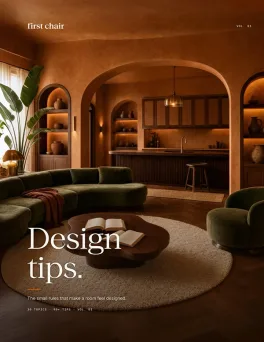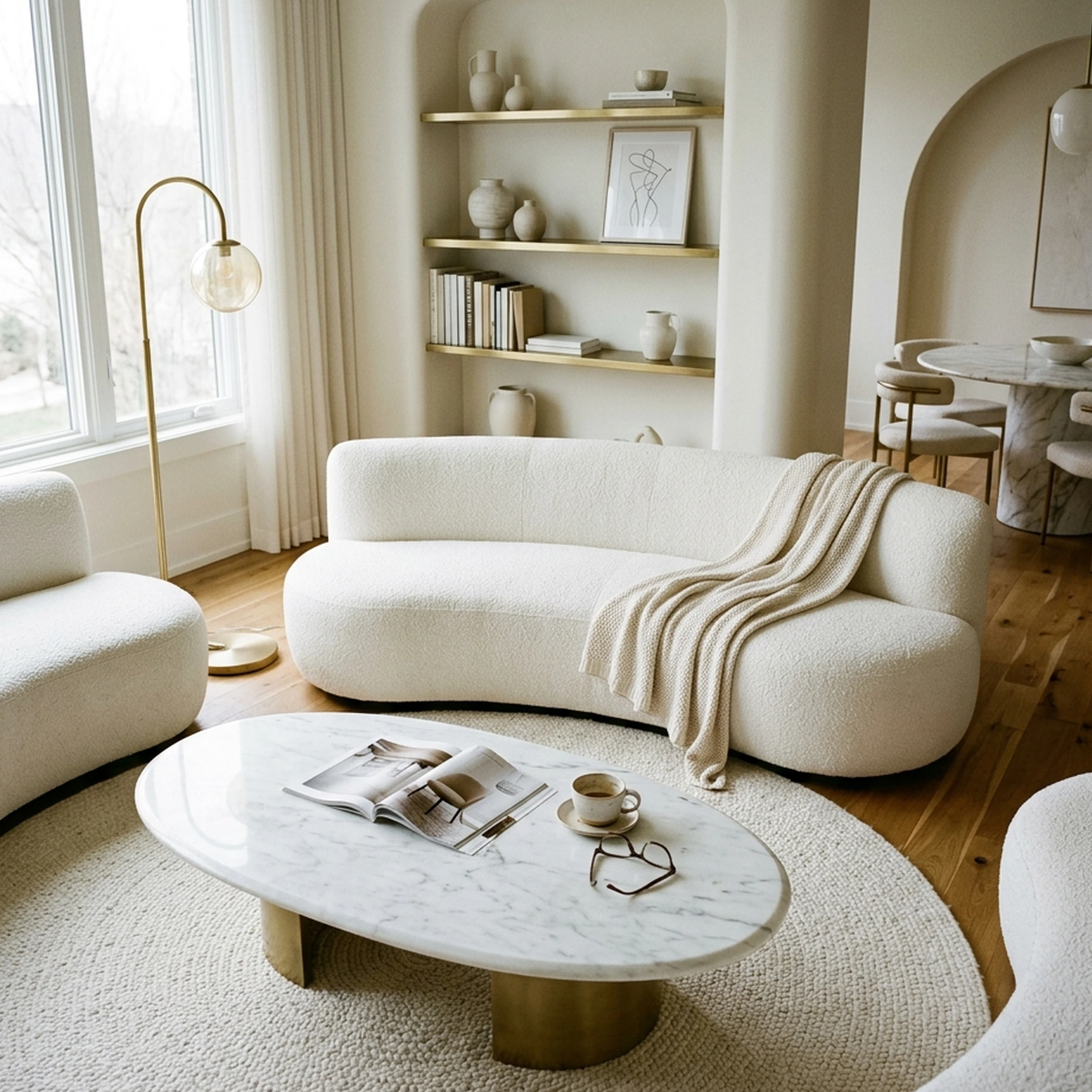
You've just relocated to Austin for a new job, trading your spacious suburban rental for a 520-square-foot apartment near South Congress. The location is perfect, but the floor plan is another story. Your living room doubles as a dining area, your bedroom barely fits a queen-size bed, and the desk you need for working from home has nowhere obvious to go. You've saved plenty of furniture ideas online, but most seem designed for rooms twice the size of yours.
Furnishing a small space takes more than buying smaller versions of everything. A compact sofa can still block a walkway, a storage cabinet might overwhelm an already narrow wall, and a dining table that looks practical online could make the entire room feel crowded. Every piece needs to earn its place, ideally without sacrificing comfort or style.
The best furniture apps for small spaces help you plan around those limitations before spending anything. Some let you test layouts using accurate floor plans, others generate design concepts, and a few help you find real furniture from multiple retailers. This guide compares eight apps worth exploring in 2026, including where each works best and what to consider before buying.
Key Takeaways
- The best furniture apps for small spaces solve different problems. Some focus on accurate room measurements, while others help with furniture selection, layout visualization, or professional design assistance.
- Finding furniture that fits requires more than a floor plan. Accurate dimensions help prevent clearance problems, but access to real, purchasable furniture makes it easier to turn a layout into a finished room.
- Multi-retailer furniture sourcing offers more flexibility. First Chair brings together real furniture from brands including West Elm, CB2, and Article, making it easier to explore cohesive concepts beyond a single retailer's catalog.
- Room-scanning and 3D planning features help reduce costly mistakes. Testing a sofa's dimensions or checking walkway clearance before ordering is especially valuable in a small apartment.
- The right app depends on how much help you want. Self-service planners give you control over layouts, while design-led and full-service offerings provide more assistance with selecting, sourcing, and furnishing a room.
What are the best apps for finding furniture for small spaces? The best apps include First Chair for finding real, shoppable furniture across multiple retailers, Floorplanner and Planner 5D for testing room layouts, Home Planner for room scanning, AI Room Styler for design inspiration, Havenly for professional design guidance, Furnishr for full-service furnishing, and Plan Your Room for simple 2D space planning.
Why a furniture app matters more in a small room
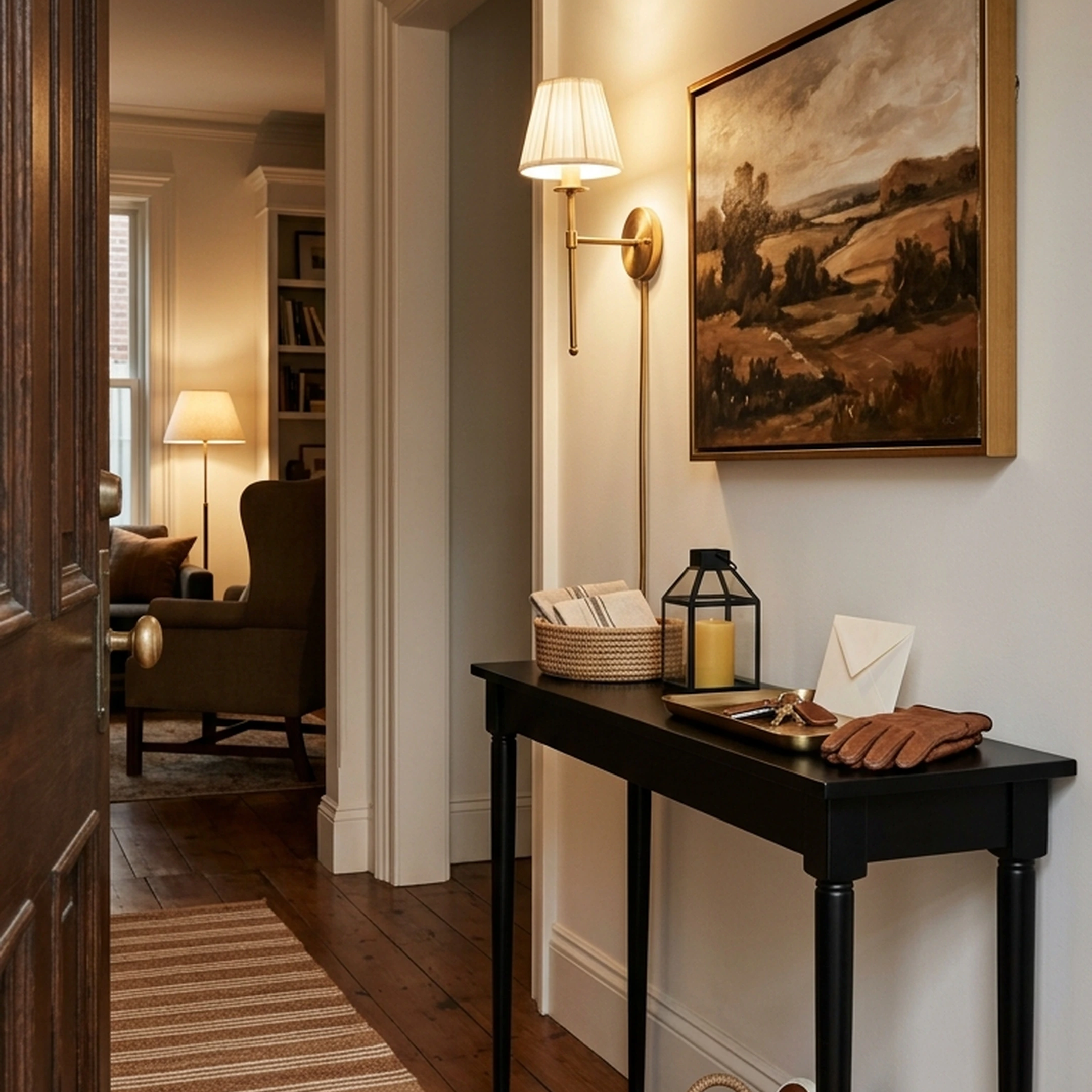
In a large house, a sofa that's four inches too deep is an annoyance. In a 540-square-foot apartment, it's the difference between a walkable room and a room you have to climb over furniture to cross.
Indecision has a cost too. The documented average online shopping cart abandonment rate is around 70%, and furniture purchases come with additional considerations such as delivery fees, return policies, and assembly.
An app that lets you test a layout before you buy can help reduce uncertainty. Better still, finding actual furniture that matches your measurements means you can move from planning to purchasing without starting your search again.
1. First Chair
First Chair helps you turn a small room into a cohesive, furnished space using real products from multiple retailers. Instead of spending hours browsing separate furniture websites, you can explore design concepts featuring pieces you can actually purchase.
For a compact apartment, this means finding a sofa, coffee table, lighting, and storage that work together visually while accounting for the room's proportions. First Chair sources across more than 100 brands, including West Elm, CB2, Crate & Barrel, Pottery Barn, and Article, giving you more variety than a single-retailer shopping experience.
It also shows insider pricing on eligible pieces, making it easier to compare furniture costs as you build your room.
Key features:
- Real, shoppable furniture: Explore room concepts featuring actual products rather than imaginary furniture generated for inspiration.
- Multi-retailer sourcing: Browse furniture from more than 100 brands in one place.
- Cohesive room concepts: See how sofas, tables, lighting, and decor work together before purchasing individual pieces.
- Room-specific furnishing: Explore furniture concepts based on your space, preferences, and design direction.
- Insider pricing: View member pricing on eligible furniture pieces alongside retail pricing.
Why First Chair stands out:
First Chair focuses on the part of furnishing that often takes the most time: finding pieces that look good together and are available to purchase. Floor-planning apps help establish where furniture can go, while First Chair helps translate that plan into a room furnished with real products.
It's particularly relevant when you already know your room dimensions but are still trying to find an apartment-scale sofa, a narrow console, and complementary pieces that feel like they belong together.
2. Floorplanner
Floorplanner is a browser-based planning application for creating accurate 2D and 3D room layouts. It works well for people who want to establish their room dimensions before selecting furniture.
You can draw walls, add windows and doors, and place furniture objects into the layout to test different configurations. For a small apartment, this makes it easier to check whether a sectional blocks a doorway or whether a dining table leaves enough room to walk around.
Its free plan supports up to five projects, with restrictions on designs, floors, and export quality. Credits and subscription plans provide additional functionality.
Key features:
- 2D floor planning: Draw walls and define room dimensions for more accurate layouts.
- 3D visualization: Switch between floor plans and furnished room views.
- Furniture object library: Test different furniture shapes and arrangements.
- Free project allowance: Create up to five projects with restrictions on exports and designs.
- Shareable designs: Export room plans for reference or collaboration.
How it differs from First Chair:
Floorplanner focuses on spatial planning using a digital furniture library. First Chair focuses on creating cohesive room concepts using real, purchasable furniture from multiple retailers. The two address different stages of furnishing a small room.
3. Planner 5D
Planner 5D combines 2D floor planning with 3D interior visualization. It's designed for homeowners, hobbyists, and professionals who want to experiment with layouts, furniture arrangements, finishes, and lighting.
You can define walls, windows, and doors, then furnish the room digitally to see how different arrangements affect the space. Paid tiers support higher-quality rendering and additional design features.
For small apartments, Planner 5D is useful when you're deciding between several layouts or want to see how furniture placement changes the room's appearance.
Key features:
- 2D and 3D room planning: Create measured layouts and explore furnished versions.
- Furniture and decor library: Experiment with different furniture arrangements, textures, and finishes.
- High-resolution rendering: Generate detailed room visualizations on supported paid plans.
- Cross-platform access: Available on web, iOS, Android, Windows, macOS, and visionOS.
- Free planning features: Create projects using a selection of the available catalog.
How it differs from First Chair:
Planner 5D emphasizes designing and visualizing room layouts through digital furniture models. First Chair emphasizes real-product sourcing and cohesive furniture selection, helping you identify pieces to purchase once you've settled on a design direction.
4. Home Planner
Home Planner is designed for people who want to create a room layout using measurements or room-scanning features rather than drawing everything manually.
Its room-scanning functionality can help generate a floor plan from your physical space, giving you a starting point for testing furniture placement. You can then explore arrangements in 2D and 3D.
For a small apartment with awkward corners or narrow walkways, this can save time during the initial planning stage. However, scanned dimensions should still be checked manually before ordering furniture with strict clearance requirements.
Key features:
- Room scanning: Capture room layouts using supported device features.
- 2D and 3D planning: Explore room dimensions and furniture arrangements.
- Furniture catalog: Place furniture models into a digital room.
- Design customization: Experiment with finishes, decor, and layouts.
- Cross-device availability: Supports iPhone, iPad, Android, Mac, and Windows.
How it differs from First Chair:
Home Planner concentrates on capturing and visualizing the physical room. First Chair focuses on sourcing real furniture and building coordinated concepts around the space, making it more relevant during the furniture selection and shopping stages.
5. AI Room Styler
AI Room Styler generates interior design concepts from uploaded room photos or sketches. It's useful when you want to explore how a small room could look with a different furniture arrangement, color palette, or decorating style.
You can upload an image of your space and generate a redesigned version in different styles. Its Reimagine mode preserves major structural elements, while Furnish mode can add furniture to an empty room.
The resulting images work best as visual references. They aren't substitutes for measured floor plans or verified product dimensions.
Key features:
- Photo-based redesign: Generate interior concepts from an uploaded room image.
- Multiple design styles: Explore different aesthetic directions for the same space.
- Reimagine mode: Create visual concepts while retaining major room structures.
- Furnish mode: Visualize furniture arrangements in an empty room.
- Fast concept generation: Produce room design images without manually building a floor plan.
How it differs from First Chair:
AI Room Styler focuses on generating visual inspiration from room photos. First Chair builds room concepts around real, purchasable furniture, helping you move from a preferred aesthetic to specific pieces available from retailers.
This distinction matters because AI room-design platforms can produce attractive concepts that still require separate product sourcing and measurement checks.
6. Havenly
Havenly connects homeowners and renters with interior designers who help develop a room's layout, style, and furniture selections.
After sharing your preferences, budget, and room details, you work with a designer to develop a concept that includes furniture recommendations and a shopping list.
For a small apartment, this can be helpful when you're unsure how to balance storage, seating, and circulation space. A designer can consider the room as a whole rather than treating every furniture purchase separately.
Key features:
- Professional design assistance: Work with a designer who considers your room and style preferences.
- Personalized room concepts: Receive design boards and furniture recommendations.
- Furniture shopping lists: Explore recommended products tied to your design.
- Budget-based planning: Share your spending preferences during the design process.
- Online and in-person offerings: Access remote design assistance or in-person support in eligible markets.
How it differs from First Chair:
Havenly centers its experience on working with a human interior designer through a structured design process. First Chair offers a more self-directed way to explore cohesive room concepts and real furniture from multiple retailers.
The distinction comes down to how involved you want to be in developing your room.
7. Furnishr
Furnishr provides a project-based furnishing experience for people who want help with furniture selection, purchasing, delivery, and assembly.
Instead of sourcing every piece individually, you share your budget, preferences, and project requirements. Furnishr then coordinates the furnishing process.
This approach can be relevant for studio apartments, rental properties, and people relocating to a new city who want to reduce the time spent managing furniture purchases and deliveries.
Key features:
- Full-service furnishing: Get assistance with furniture selection and project execution.
- Budget-based sourcing: Develop furnishing plans around a defined budget.
- Delivery coordination: Arrange furniture delivery as part of the project.
- Assembly support: Receive assistance with setting up selected furniture.
- Project-based service: Furnishing scope and pricing depend on the individual project.
How it differs from First Chair:
Furnishr emphasizes managing the furnishing process, including sourcing, delivery, and assembly. First Chair emphasizes developing cohesive concepts and finding real furniture across retailers, with a Design Concierge offering ordering assistance.
Furnishr is structured around a broader furnishing project, while First Chair gives you more direct involvement in exploring and selecting pieces.
8. Plan Your Room
Plan Your Room is a simple 2D planning application for checking furniture placement and room layouts.
It's useful when your main question is whether a particular piece will fit. You can create a basic floor plan, add doors and windows, and adjust furniture dimensions to see how different arrangements affect the available space.
For small apartments, this kind of straightforward planning can be enough to decide whether a dresser fits beside a closet or whether a sofa leaves sufficient walkway clearance.
Key features:
- 2D room layouts: Create a simple visual representation of your floor plan.
- Adjustable furniture dimensions: Resize furniture objects to approximate actual measurements.
- Furniture rotation and placement: Test different arrangements within the room.
- Door and window positioning: Account for openings when planning furniture placement.
- Simple planning interface: Focus on basic spatial arrangements rather than detailed 3D rendering.
How it differs from First Chair:
Plan Your Room focuses on basic furniture placement and dimension checking. First Chair focuses on sourcing real, coordinated furniture from multiple brands.
Plan Your Room can help establish whether a piece fits, while First Chair helps you find the actual furniture that works with your room and style.
Small-space furniture tips worth knowing before you open any app
No app fixes a bad furniture choice. It just helps you see the mistake before you make it.
A few rules hold regardless of which tool you use.
Track-arm or straight-arm sofas can save several inches compared to rolled-arm designs, which adds up fast in a room where every inch matters.
Furniture with exposed, visible legs, rather than a skirted base, keeps more floor visible. A room where you can see the floor often feels larger than one where furniture blocks it, even at the same square footage.
One properly scaled sofa usually works better than two small chairs fighting for the same corner.
Skip matched five-piece living room sets in a small room. They're often designed for larger spaces, and you may end up with at least one piece that doesn't belong.
The same goes for furniture marketed specifically as "small space" without much consideration for construction quality. A piece that needs to serve multiple purposes, such as a daybed that doubles as seating or a console that works as a desk, should be durable enough for regular use.
If a design app generates furniture that doesn't correspond to anything you can actually order, treat the image as inspiration rather than a shopping list.
How to choose
By budget
Start by deciding whether you need planning software, furniture shopping assistance, or professional design services.
Free planning features from Floorplanner and Planner 5D can help you test a single room's layout before spending money.
For furniture shopping, consider whether an offering helps you compare products from different retailers and understand the total cost of furnishing the room. First Chair includes insider pricing on eligible pieces and offers memberships for people exploring its furniture selection and design experience.
Professional design and full-service furnishing generally involve additional fees based on the level of assistance and project scope.
By how hands-on you want to be
If you enjoy adjusting every wall, furniture placement, and layout detail, a self-service floor planner gives you that control.
If you want help developing a coordinated room using real furniture, look for an experience that connects design concepts with purchasable pieces.
If you'd rather have a designer manage the creative process or a furnishing team coordinate deliveries and assembly, consider a more assisted service.
By whether you're renting
Renters often face different constraints from homeowners.
You may need to work around fixed walls, existing flooring, awkward storage, or a lease that prohibits permanent changes.
Apps that let you explore layouts and furniture concepts before purchasing are useful because they help you make decisions without altering the property.
For a small rental, prioritize pieces that fit your current room but can also work in a future home. A narrow console, modular storage, or an apartment-scale sofa may offer more flexibility than furniture designed around one highly specific layout.
Furnishing the room is the next step
Once you've confirmed the layout and know what will fit, the next challenge is finding real pieces that match your space, budget, and taste.
First Chair helps with that part of the process by bringing together furniture from more than 100 brands, including West Elm, CB2, Crate & Barrel, and Article. Instead of trying to coordinate pieces across dozens of shopping tabs, you can explore complete room concepts featuring real products and insider pricing on eligible pieces.
Whether you're furnishing your first studio or making a small living room feel more complete, the goal is a room that looks considered and works for everyday life.
Start with your room and explore furniture that fits your space.
Frequently Asked Questions
How do you put furniture in a small space without it feeling cramped?
Prioritize furniture that fits the room's proportions and leaves clear walking paths. One properly scaled sofa can work better than several small seating pieces, while furniture with visible legs helps maintain a sense of openness. Multifunctional pieces also reduce the number of separate furniture pieces needed.
Which furniture app is totally free?
Floorplanner and Planner 5D offer free planning features. Floorplanner supports a limited number of free projects, while Planner 5D provides a free tier with access to part of its furniture catalog. The best free option depends on whether you need basic measurements, 2D planning, or 3D visualization.
What app lets you see furniture in your room before buying it?
Apps such as Planner 5D and Home Planner let you visualize furniture models within a digital room. First Chair takes a different approach by presenting cohesive room concepts using real furniture products, helping you identify pieces that can be purchased from actual retailers.
Can an app measure a room and create a floor plan automatically?
Yes. Room-scanning applications such as Home Planner can use supported device features to generate floor plans from a physical space. However, it's still important to verify critical measurements manually before ordering large furniture.
What should I look for in a furniture app for a small apartment?
Prioritize accurate dimensions, furniture scale, walkway clearance, and access to real products. Floor-planning features help establish what fits, while multi-retailer furniture sourcing helps you find pieces that work together visually and are available to purchase.